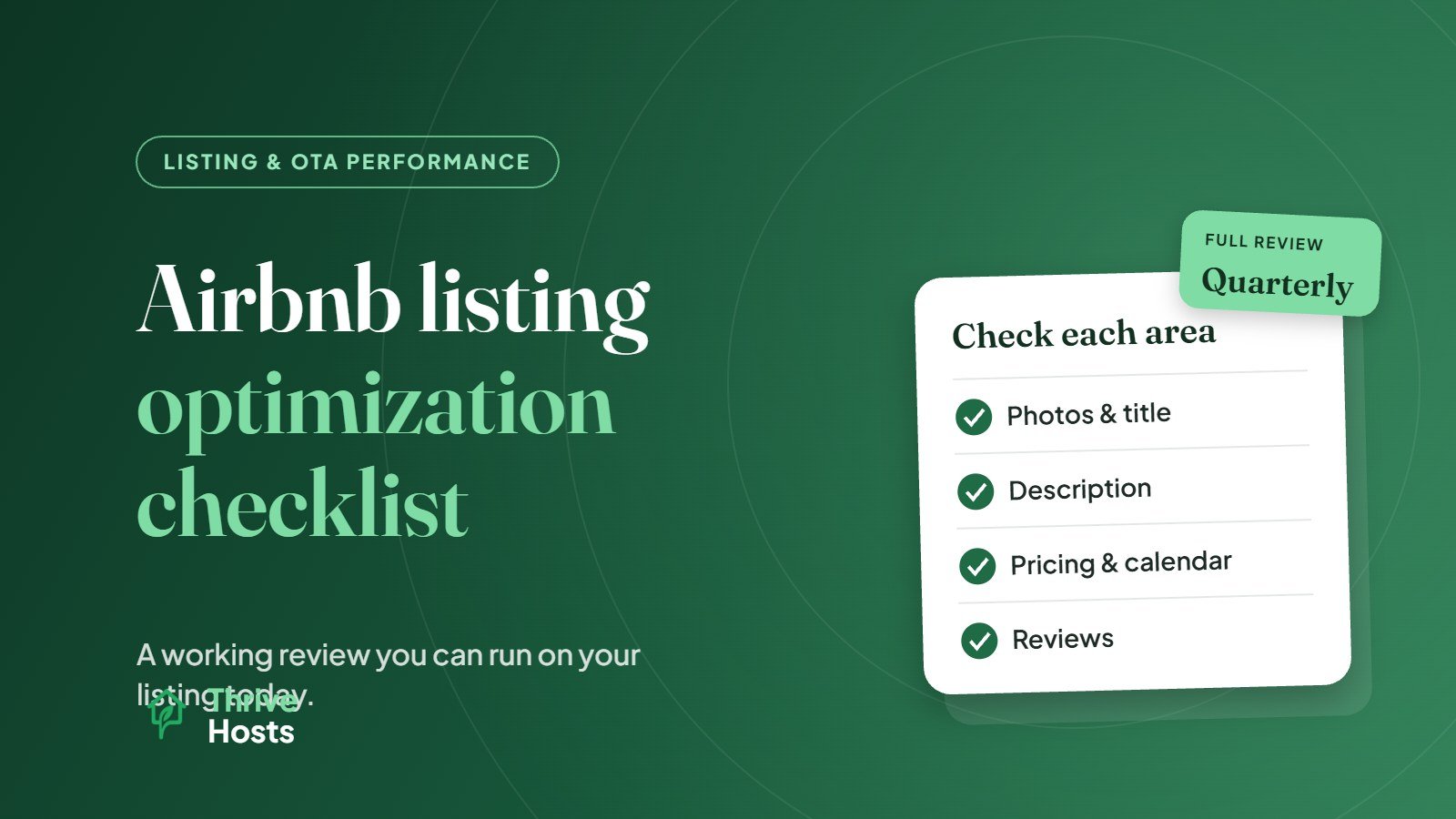
This Airbnb listing optimization checklist is designed for a working review session. Open your listing in one tab, your calendar in another and work through each section. Every item is something you can check or change yourself, and most take only a few minutes. If you want the reasoning behind each stage, our guide on how to optimize an Airbnb listing for more bookings explains it in more depth.
It helps to look at the listing the way a guest would first, from a logged-out browser or the app’s preview, before going into the host settings.
Search result appearance
These items affect how your listing looks in search, before a guest opens it.
- The cover photo shows the strongest space or feature clearly, in good light, and is sharp on a phone screen
- The title adds something specific the photo cannot show, such as location advantage, a standout amenity or who the property suits (title guide)
- The title is not just the property type and town name repeated
- The total price for a typical stay, including cleaning fee, is competitive with similar nearby listings for the same dates
- Ratings are visible and recent reviews are healthy; if not, note it for the reviews section below
Photos
- The first five photos answer the main guest questions: living space, main bedroom, bathroom, kitchen and the key feature (photo order guide)
- Every bedroom and bathroom is shown
- Photos are current and match the property as it is today
- No dark, blurry, cluttered or duplicate shots
- Outdoor spaces, views and parking are shown if they matter to guests
- Photo captions or room assignments are filled in where Airbnb allows it
Description and listing details
- The opening lines explain who the property is ideal for and what the stay is like
- Important practical details are easy to find: stairs, parking, shared areas, noise, bed configuration
- Nothing in the description contradicts the photos, amenities or house rules
- Sleeping arrangements are accurate for every room
- The neighborhood section explains what is nearby and how guests get around
- The guest count matches the beds and space realistically
Amenities
- Every amenity you offer is selected in the amenities list, not just mentioned in the description (amenities guide)
- Commonly filtered amenities are included where you have them, such as Wi-Fi, dedicated workspace, kitchen, washer, free parking, air conditioning, pool or hot tub, and pet-friendly
- Nothing listed is broken, missing or seasonal without saying so
Pricing and calendar settings
- Nightly prices have been reviewed recently, not left unchanged since the last season
- Weekend, holiday and event dates are priced differently from quiet weekdays
- Minimum stays are not blocking most short trips, especially in low season or around booked dates
- The booking window is open far enough ahead for your market
- Weekly or monthly discounts are set if longer stays suit the property
- Cleaning fee is reasonable relative to the nightly rate and typical stay length
- Calendars are synced across every platform you list on
Booking settings and policies
- Instant Book is on, or there is a clear reason it is off
- The cancellation policy suits your market and is not stricter than needed
- Check-in and checkout times are clear and realistic for your turnover window
- House rules are reasonable, specific and written in a welcoming tone
- Safety and property disclosures are complete and accurate
Reviews and responsiveness
- Recent negative or mixed reviews have a calm, professional public response (review response guide)
- Recurring complaints in reviews have been fixed at the property, not just answered
- Enquiries and booking requests are answered quickly, ideally within the hour during the day (response time guide)
Performance check
Finally, look at the numbers rather than just the content.
- Compare views, booking rate and occupancy against last month and the same period last year if available
- Check whether views are healthy but bookings are low, which points to a conversion issue on the listing page (views without bookings)
- Check whether views themselves are low, which points to visibility, price or availability
- Note what you changed today and review the results in two to four weeks
Prefer to have someone work through this checklist with you? See our listing optimization service.
How often to run this checklist
A full run-through every quarter works for most listings, with a lighter monthly check on pricing, calendar and reviews. Run it again any time bookings drop noticeably, after a renovation or new amenity, and before your peak season starts.
The checklist works best when changes are recorded. A simple log of what was changed and when makes it possible to tell which edits actually helped.
Rather have someone run the checklist for you?
Thrive Hosts reviews Airbnb listings remotely and handles the ongoing updates, from photo order and descriptions to pricing and calendar settings. You keep ownership of your listing and account.
Get Your Airbnb Listing Reviewed
Bruce J is the CEO of Thrive Hosts and leads the short-term rental team. He works on the operations and performance side of STR: guest communication, pricing and calendar discipline, turnovers, issue tracking and owner reporting across Airbnb, Vrbo and Booking.com. On the blog he writes practical, no-fluff guides for owners and operators who want their rentals to run more consistently.