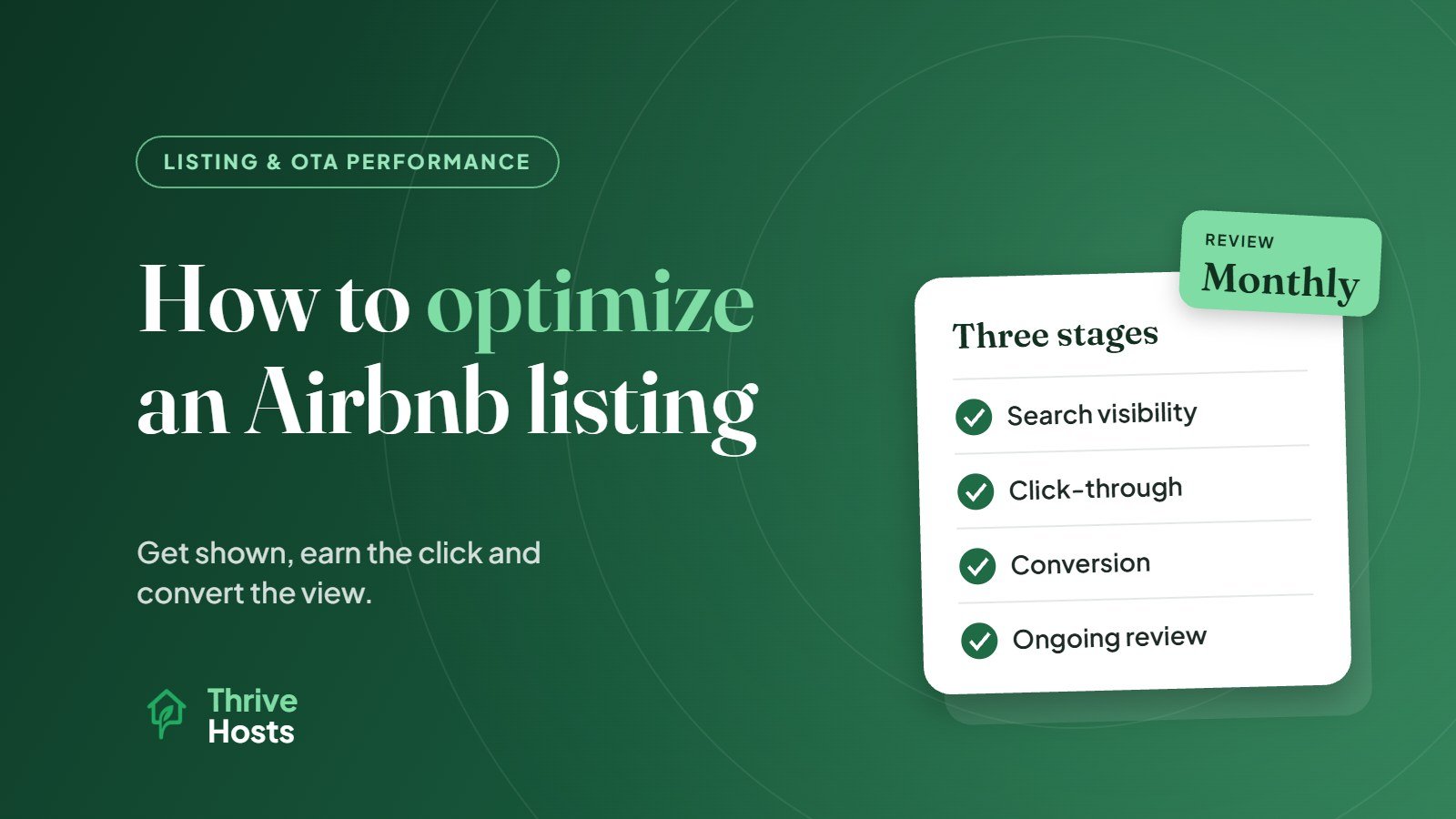
Optimizing an Airbnb listing for more bookings means improving three things in order: whether your listing is shown to the right guests, whether those guests click on it, and whether they book once they land on the page. Most hosts focus on one piece, usually photos or price, and miss the others. A listing with great photos but a confusing calendar, or a fair price but vague details, still leaks bookings.
This guide walks through each stage, what Airbnb itself says matters, and where hosts most often lose guests along the way.
Stage 1: Getting shown in search
Airbnb does not publish a formula, but it does explain the broad factors it uses. According to Airbnb’s own help article on search results, these include listing quality (including content, ratings, reviews and communication), popularity signals such as wishlist saves, messages and bookings, total price compared with similar listings for the same dates, location, availability and flexible stay lengths, hospitality factors like response speed and cancellations, and whether Instant Book is on.
A few practical takeaways follow from that list:
- Keep the calendar open and accurate. Blocked dates and very restrictive minimum stays reduce the number of searches your listing can appear in at all.
- Price in context. Guests compare total price, including cleaning fees, against nearby alternatives for their exact dates.
- Respond quickly and avoid cancellations. These are operational habits, but they feed directly into visibility.
- Consider Instant Book if your house rules and screening approach allow it.
None of these guarantee a position. They do remove the most common reasons a listing is shown less than it could be.
Stage 2: Earning the click
In search results, guests see your cover photo, title, price, rating and a few key details. That is all you have to stand out from the listings around you.
The cover photo should show the strongest feature of the property clearly, usually the main living space, a view or a standout feature like a hot tub, rather than a generic exterior. The title should tell guests something specific that the photo cannot, such as the location advantage or a key amenity. Our guide on writing an Airbnb title that gets more clicks covers that in more depth.
Price also matters at this stage. If your total price sits noticeably above comparable listings without an obvious reason in the photo or title, many guests will scroll past without opening the page.
Stage 3: Converting the view into a booking
Once a guest opens the listing, the question becomes whether they trust it enough to book. This is where a lot of listings quietly underperform. If you are seeing plenty of views but few bookings, that pattern has its own set of causes, covered in our article on why guests view your Airbnb but don’t book.
The main conversion levers are:
Photo order. The first five photos do most of the work. They should answer the questions guests have first: what does the main space look like, where will I sleep, what is the bathroom like and what makes this place different. See how to order Airbnb photos for a practical sequence.
Description clarity. Lead with who the property is ideal for and what the stay feels like, then cover the practical details. Avoid burying important information, like stairs, parking limits or shared spaces, where guests only find it after booking.
Accurate amenities. Guests filter by amenities, so missing ones can hide your listing from relevant searches. Our guide on which Airbnb amenities matter most to guests can help prioritize.
House rules and policies. Rules that are reasonable and clearly explained build confidence. Rules that read as a long list of warnings can put guests off.
Reviews. Guests read recent reviews closely, especially low ones and how you responded to them.
Stage 4: Keeping the listing performing
Optimization is not a one-time task. Seasons change, competitors update their listings and guest expectations shift. A light monthly review of performance, comparing views, booking rate, occupancy and average daily rate against previous months, will show when something is slipping before it shows up as an empty calendar.
Review content after each meaningful change too. If you add a new amenity, renovate a room or change your check-in process, update the photos, description and amenities list straight away.
Common mistakes that cost bookings
The same few issues appear again and again in underperforming listings: a cover photo that does not show the best space, a title that repeats the property type without adding anything, photos ordered by room rather than by guest priority, minimum stays that block most short trips, prices left unchanged for months, and slow responses to enquiries. If your listing is struggling overall, our guide on why an Airbnb listing is not getting bookings is a good diagnostic starting point.
For a scannable version of everything above, use our Airbnb listing optimization checklist.
If you want a second pair of eyes on your listing, our listing optimization service reviews titles, photo order, details and policies across Airbnb, Vrbo and Booking.com.
Optimization is an operational habit
The most reliable way to keep a listing performing is to review it on a schedule, using real booking data, rather than only when bookings slow down. That is often where outside help is most useful, because listing reviews are easy to postpone when the property is already busy.
Want a second pair of eyes on your listing?
Thrive Hosts reviews and manages Airbnb listings remotely, covering photo order, title and description, amenities, pricing and calendar settings, and ongoing performance tracking. You keep control of your listing and account.
Get Your Airbnb Listing Reviewed
Bruce J is the CEO of Thrive Hosts and leads the short-term rental team. He works on the operations and performance side of STR: guest communication, pricing and calendar discipline, turnovers, issue tracking and owner reporting across Airbnb, Vrbo and Booking.com. On the blog he writes practical, no-fluff guides for owners and operators who want their rentals to run more consistently.