Most people who view an Airbnb listing do not book it, and that is normal. Guests open several listings, save a few to a wishlist and compare before deciding. The concern is when your listing gets a healthy number of views but converts noticeably worse than similar properties, or when views stay steady while bookings fall. That usually means something on the listing page is creating doubt, or something in your settings is stopping guests who would otherwise book.
The useful question is not “why aren’t they booking?” in general, but “what did the guest see, or not see, that made them leave?” Here are the most common answers.
To see where guests drop off for your listing, the listing conversion calculator turns impressions, views and bookings into click-through and booking rates.
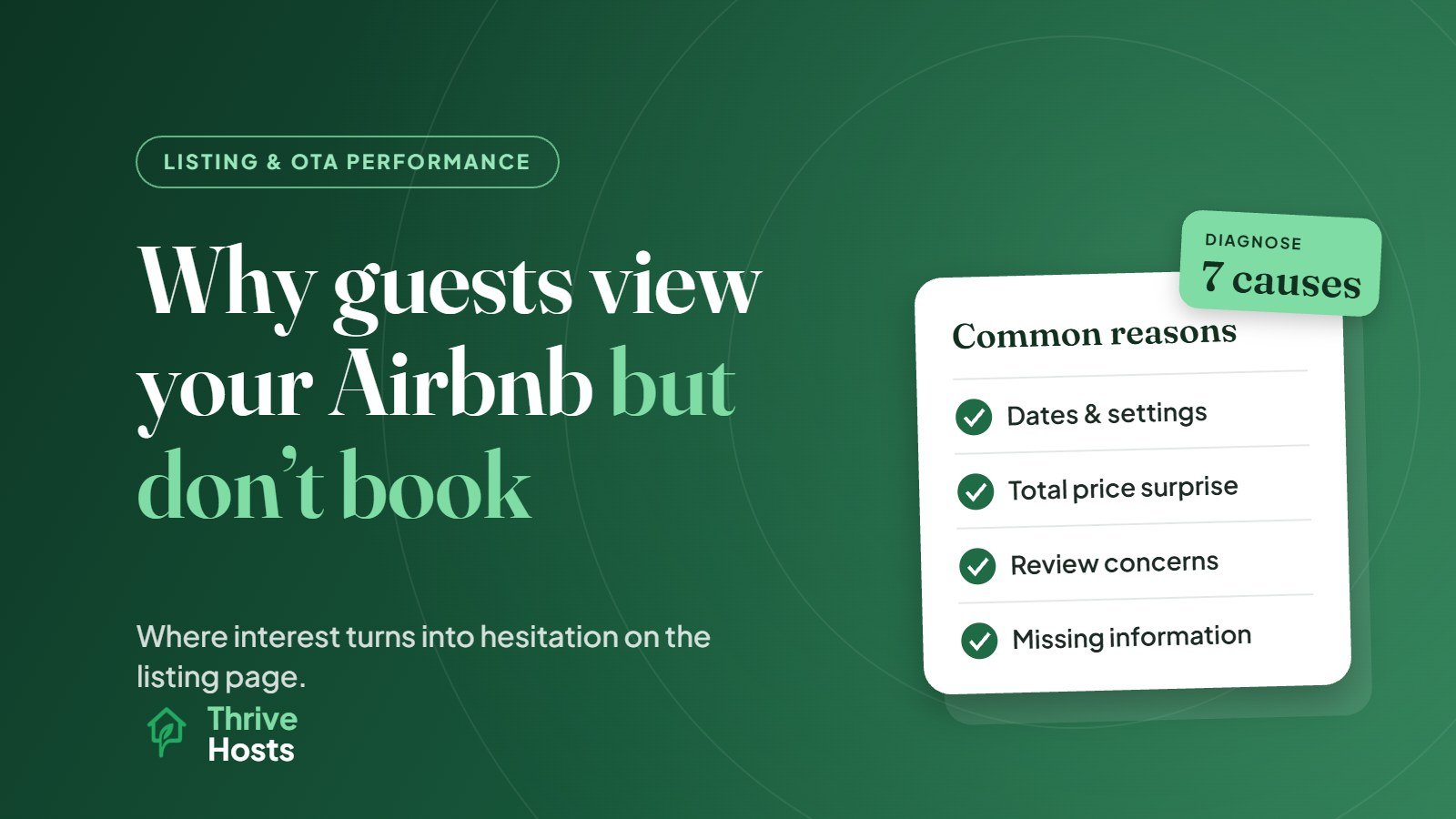
The Dates or Settings Did Not Work for Them
A large share of lost bookings has nothing to do with the property. The guest wanted Friday and Saturday, and you have a three-night minimum. They wanted to check in tomorrow, and you require two days’ notice. They needed a late arrival, and your check-in window ends at 8pm. The guest viewed your listing, discovered the problem when they selected dates, and moved on.
These losses are invisible unless you look for them. If your calendar has short gaps that never fill, or you rarely get last-minute bookings while comparable listings do, your settings are likely turning viewers away.
The Total Price Was Higher Than They Expected
Guests now compare total stay prices. Airbnb has shown the total price including fees (before taxes) by default worldwide since April 2025. A competitive nightly rate combined with a high cleaning fee can produce a total that looks expensive for a short stay. A guest who clicked on what looked like a good option may leave once the full cost sinks in, especially if a similar listing is cheaper for the same dates.
This does not automatically mean your price is too high. It means the price has to be justified by what the guest sees on the page.
The Listing Did Not Match What Search Promised
Guests click on a listing because of the cover photo, title and price shown in search. If the listing page does not deliver on that promise quickly, they leave. A cover photo of a sunny terrace followed by four dim interior shots, or a title promising a sea view that only appears in photo nineteen, creates a sense of mismatch. The first few photos need to confirm the reason the guest clicked.
Something in the Reviews Gave Them Pause
Guests read recent reviews closely, often more closely than the overall rating. Two or three mentions of the same problem, such as a noisy street, a tricky check-in, a dated bathroom or slow replies, can outweigh dozens of positive comments. A listing with very few reviews has a different problem: there is not enough evidence yet, so guests choose the option that feels safer.
Read your last ten reviews as if you were a cautious guest. Is there a pattern you would worry about? Is there a host response showing the issue was fixed?
Key Information Was Missing or Unclear
Uncertainty is a quiet conversion killer. Guests leave when they cannot easily tell whether there is parking, how many stairs there are, how the beds are arranged across bedrooms, whether the kitchen is fully equipped, how check-in works, or whether the location is actually walkable. Some will message to ask. Many will just pick a listing that answers the question for them.
If the same questions keep appearing in your inbox, guests who never message are probably asking them too.
The Property Was Not Right for Their Group
Sometimes the listing is clear and the guest correctly decides it is not for them. A family with toddlers sees a steep staircase. A group of four adults sees one bedroom and a sofa bed. A remote worker sees no desk. That is not necessarily a problem to fix. A listing that clearly states its limitations attracts fewer wrong-fit bookings and fewer disappointed reviews. It only becomes a problem if your listing is consistently attracting views from guests it cannot serve, which may point to a title or photo choice that sets the wrong expectation.
They Asked a Question and Waited
Guests who send an inquiry or booking request are close to booking, and they are usually talking to more than one host. A slow reply gives a competitor time to answer first. If you require booking requests rather than Instant Book, response speed matters even more.
How to Read the Signals in Your Data
Airbnb’s conversion data breaks the journey into stages, including search-to-listing conversion and listing-to-booking conversion, along with views and wishlist additions. A few patterns are worth knowing. High views and wishlist saves but low bookings often points to price, dates or trust: guests like the property but are not convinced enough to commit. Low listing-to-booking conversion alongside many pre-booking questions suggests missing information. A sudden drop after a specific review or settings change points to that change.
Compare against your own history and similar listings rather than an internet benchmark, since conversion varies widely by market, season and property type.
A Simple Self-Check
Open your listing on a phone, logged out, with real dates selected for a typical stay. Look at it next to five comparable listings for the same dates. Note what the others show on the first screen that you do not, where your total price sits, and what a cautious guest would worry about in your reviews. That half-hour usually reveals more than any general advice.
Once you know why viewers are leaving, our guide on improving Airbnb listing conversion without lowering price covers the fixes in order.
Getting a Second Opinion
It is hard to see your own listing the way a guest does. Thrive Hosts reviews listings as part of remote Airbnb co-hosting and operations support, looking at settings, photos, copy, reviews, pricing and response times together.
You keep your listing and accounts. We help find the specific reasons interested guests are not turning into bookings.
Get your Airbnb listing reviewed
We will go through your listing the way a cautious guest would and show you where interest is turning into hesitation.
Get Your Airbnb Listing Reviewed
Bruce J is the CEO of Thrive Hosts and leads the short-term rental team. He works on the operations and performance side of STR: guest communication, pricing and calendar discipline, turnovers, issue tracking and owner reporting across Airbnb, Vrbo and Booking.com. On the blog he writes practical, no-fluff guides for owners and operators who want their rentals to run more consistently.