Almost every small hotel or motel on Booking.com is eventually invited to join Genius. The pitch is more visibility in exchange for a discount, and the right answer depends on how your rooms sell, how many other channels you use and what a 10% discount actually costs you. It is a pricing decision more than a marketing one.
What Genius is, according to Booking.com
Booking.com describes Genius as a marketing programme for eligible partners, with extra visibility through special tagging, ranking boosts and marketing investment. In its partner materials, the programme uses a fixed 10% discount, applied automatically to your least expensive, most popular room type or unit. If those are the same room, only that room gets the discount.
Booking.com publishes average performance figures for participating properties. These are averages, not guarantees, and they say nothing about your property, your location or your season, so treat them as a reason to test rather than a forecast.
Eligibility
To join, the property must be open and bookable on the platform, have at least three guest reviews and have a review score of at least 7.5. Booking.com notes an exception where your area’s average score is below 7.5 and your property scores above that average. You join through Opportunities in the extranet, under the Genius partner programme.
What it really costs
The discount looks small until you compare it with margin. Ten percent comes off the rate, and commission is normally calculated on the price the guest actually books, so check your own agreement. As an illustration, a room sold at 100 with a 10% discount becomes 90, and the commission applies to that lower figure. For a property with low margins, that matters. Run the numbers for your own rates with the Booking.com commission calculator, and compare the net revenue per room night with and without the discount.
The discount also applies to your most popular, cheapest room, which is often the one that sells most. That means the cost lands on the rooms you fill first, even if the extra visibility mostly benefits other rooms. Check how often that room type sells out and whether you could have filled it at full price.
When it tends to make sense
- You have empty rooms most nights and need more exposure, not higher rates.
- Your lowest-priced room type is not the one that already sells out at full price.
- Your net margin per room night is healthy enough to absorb 10%.
- You are actively managing availability, so the discount does not undercut peak-season pricing.
When to be careful
If your property is often full, the programme mainly reduces your revenue per sold room. If you rely on direct bookings with a lower price than OTAs, check the contract and the terms in your market, since parity rules vary by region. Also consider your overall pricing structure across channels, as discussed in our guide to managing multiple OTAs at a small hotel.
Flexibility built into the programme
Booking.com lets active partners suspend Genius discounts for up to 30 days per year, on non-consecutive days if needed, which is useful for peak weekends, local events or holidays when you do not need extra help filling rooms. On suspended days, regular rates are shown. Leaving the programme is also possible, but Booking.com notes that after opting out you cannot rejoin for six months, so do not use it as a quick experiment.
How to test it sensibly
Look at a comparable period before joining and a similar period afterwards: occupancy, average daily rate and revenue per available room. Change little else during the test, and remember to account for seasonality. If you are also working on your listing, our guide to Booking.com listing optimisation covers the content side that works alongside any programme.
Genius checklist
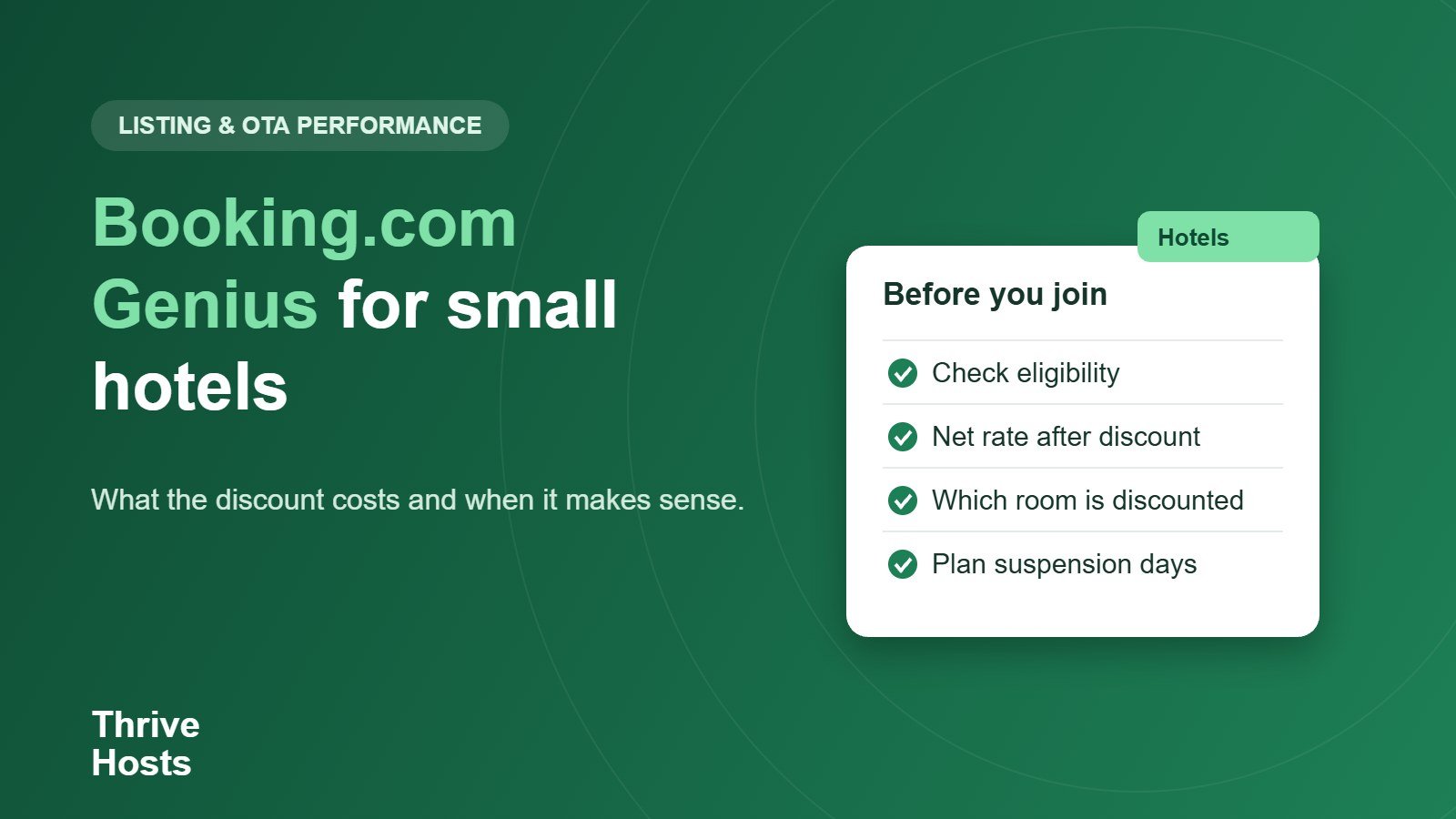
- Confirm you meet the review count and score requirements.
- Calculate net revenue per night with the 10% discount.
- Check which room type receives the discount.
- Plan the 30 suspension days around peak demand.
- Remember the six-month wait if you opt out.
- Compare results over a like-for-like period.
Want an outside view on your OTA settings?
Thrive Hosts supports small hotels and motels with OTA inbox management, availability and rate monitoring and reporting, so programme decisions are made from your own numbers. See how our hotel and motel operations support works. We coordinate remotely and do not provide on-site staff.
Explore hotel operations support
Bruce J is the CEO of Thrive Hosts and leads the short-term rental team. He works on the operations and performance side of STR: guest communication, pricing and calendar discipline, turnovers, issue tracking and owner reporting across Airbnb, Vrbo and Booking.com. On the blog he writes practical, no-fluff guides for owners and operators who want their rentals to run more consistently.