Guest problems do not wait for business hours. A water leak at 1 AM, a heater that stops working on a freezing night or a guest who cannot get through the door at 11 PM all need a response, and if the owner lives in another city or country the response has to be organised remotely. The difference between a stressful night and a ruined review is usually whether you had a plan before the message arrived.
This guide covers how to sort emergencies by seriousness, who needs to be reachable, and how to act when you cannot go to the property yourself.
Separate real emergencies from urgent problems
Not every after-hours message needs a midnight phone call. Having three levels of urgency makes it easier to respond proportionately.
- Safety emergencies: fire, gas smell, carbon monoxide alarm, flooding, injury, a security threat. The guest should contact local emergency services first, and then you.
- Access and utility failures: no way in, no heat in cold weather, no hot water, no electricity or a leak that is contained. These need action tonight.
- Comfort and inconvenience: a noisy appliance, weak Wi-Fi, a missing item, a minor fault. These can usually wait until morning with a clear holding reply.
Writing these definitions into your house manual or welcome message sets expectations for guests too. Our guide on what to do when a guest reports a problem during a stay covers the first reply in more detail.
Make sure someone owns the first response
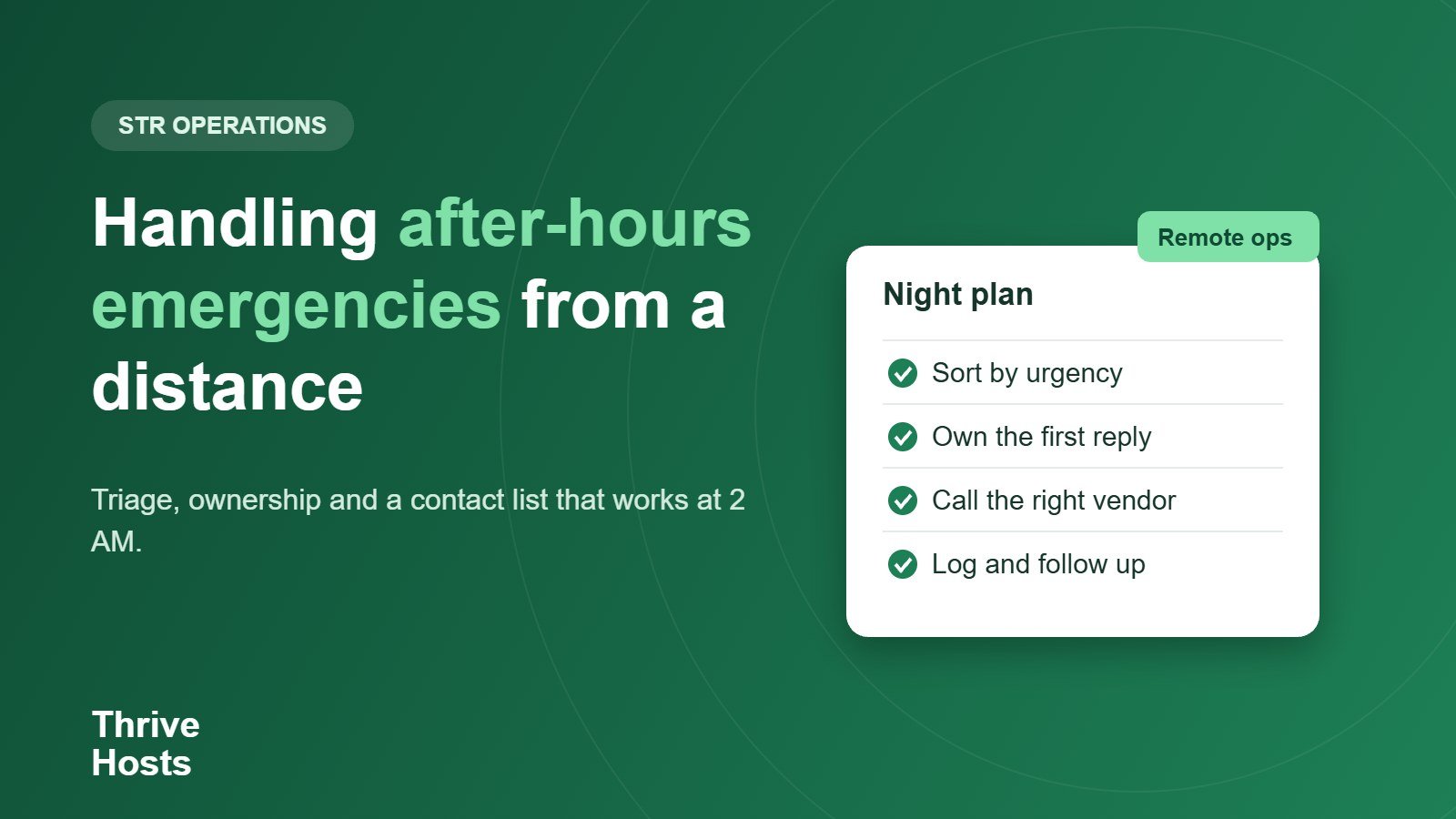
The common failure is not lack of effort but lack of ownership. Messages arrive in the owner’s inbox, the co-host assumes the owner has seen them, and the guest waits. Decide who watches messages overnight, or which hours are covered by whom if you work with someone in a different time zone. A short, clear first reply, such as “I have seen your message and I am arranging help now, I will update you within thirty minutes”, does more than any technical fix.
Build a contact list before you need it
Keep one document with the people you can call: a local plumber, an electrician, a locksmith, a handyman, your cleaner and a neighbour or caretaker who can reach the property. Include phone numbers, any call-out fees you have agreed, availability outside normal hours and the preferred way to pay. Add the property address and local emergency number for each location in a format that is easy to copy into a message. If you do not have an out-of-hours vendor for a trade, find one before the first cold snap, not during it.
Set a spending authority
If an emergency call-out costs a few hundred dollars, nobody should have to wait for the owner to wake up. Agree an amount that the co-host or operations contact can approve immediately for urgent repairs, and say what must be reported afterwards. Our article on handling maintenance issues explains how to set up the vendor side of this.
Keep the guest informed and record what happened
While waiting for a vendor, give the guest practical steps: where the stopcock or fuse box is, how to turn off an appliance and what to do in the meantime. If the problem cannot be fixed that night, offer an alternative, such as a room change if you manage multiple units, or a partial refund or a hotel for the night when the property is unsafe or unusable. Record what was said and done in the booking thread. If the issue affects a review or a claim later, a clear timeline protects you.
Close the loop the next day
After the emergency, follow up with the guest, confirm the repair is complete and check that the cause has been fixed and not only patched. Add the incident to your owner report and update your contact list or house manual if something was missing. A problem that happens once is bad luck, but the same one twice is a process failure.
After-hours readiness checklist
- Define safety, urgent and routine categories and share them with guests.
- Decide who monitors messages and when.
- Keep an up-to-date vendor and neighbour contact list.
- Set a spending limit for urgent repairs.
- Prepare simple guest instructions for common failures.
- Log each incident and review it the next day.
Related reading: Guest locked out.
No one to watch the messages overnight?
Thrive Hosts handles guest messaging and issue follow-up remotely, escalates urgent problems to your approved vendors and keeps you informed with a clear log. Learn how our guest messaging and OTA inbox support works. We coordinate help but do not attend properties in person.
Explore guest messaging support
Bruce J is the CEO of Thrive Hosts and leads the short-term rental team. He works on the operations and performance side of STR: guest communication, pricing and calendar discipline, turnovers, issue tracking and owner reporting across Airbnb, Vrbo and Booking.com. On the blog he writes practical, no-fluff guides for owners and operators who want their rentals to run more consistently.