Few messages are more stressful than “I can’t get in.” A lockout at night, with a tired guest and a host in another time zone, tests your whole setup. The fix is mostly preparation.
Before it happens
- Give clear check-in instructions with a backup route to the same information.
- If you use smart locks, keep a spare method such as a keypad code and a physical key in a secure lockbox, if appropriate.
- Know who can physically get to the property within a reasonable time, and keep their number somewhere you can find it quickly.
- Check that the code is active for the guest’s dates before they arrive.
What to do when a guest is locked out
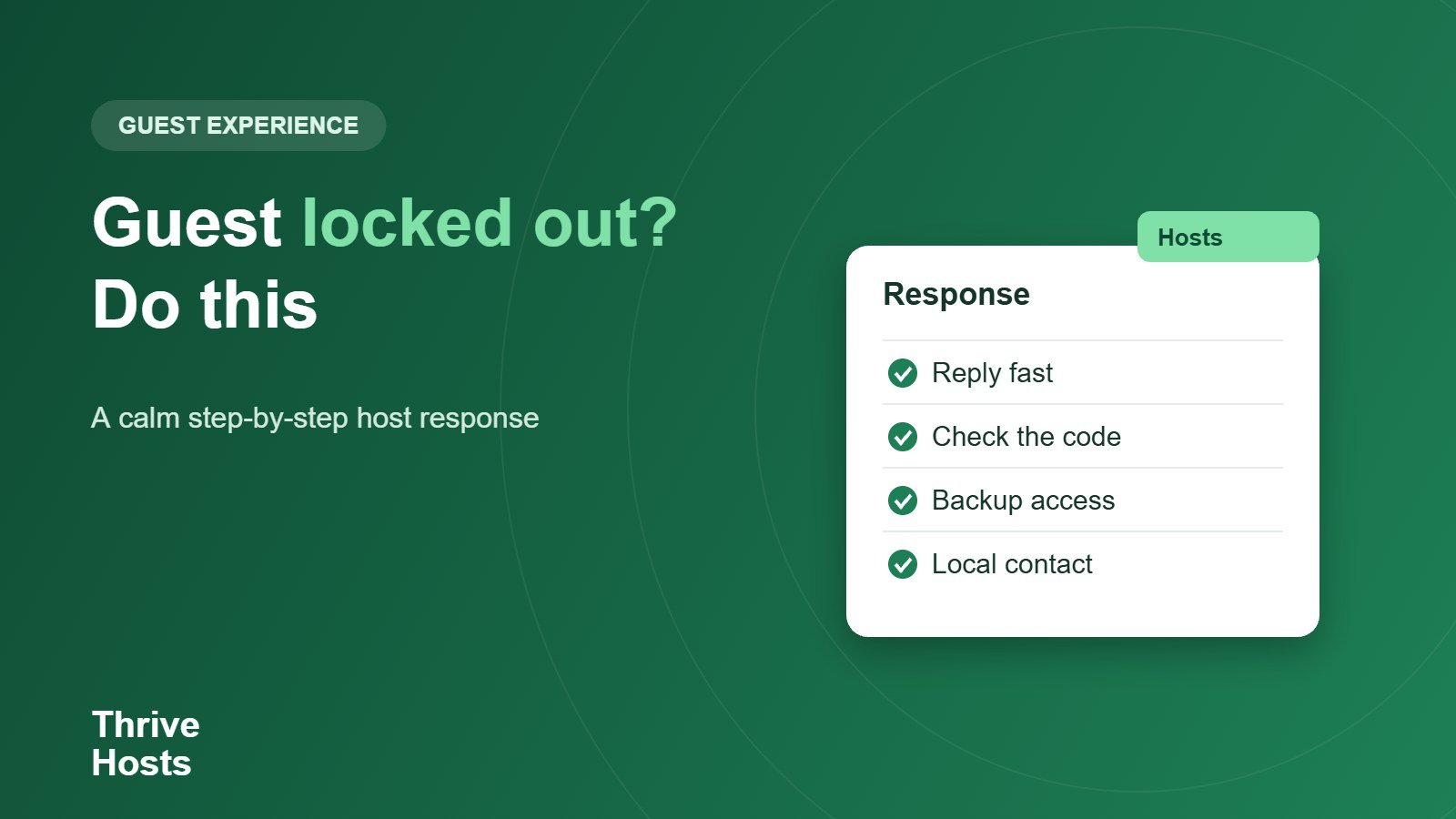
- Reply immediately and calmly; tell the guest you are on it.
- Ask what they see: a blank keypad, a wrong-code message, a dead battery, a stuck door.
- Walk them through the simplest fixes first, such as checking the code and the date, or waking the keypad.
- Try a fresh code if your lock supports it.
- If remote fixes fail, send your local contact and give the guest a realistic time.
- Follow up once they are in and note what failed.
Be honest about timing
Give the guest an actual estimate rather than “soon.” If it will take an hour, say so and suggest somewhere nearby they can wait. Our guide on after-hours guest emergencies covers who to call and how to set expectations.
After the stay
Every lockout is a data point. Replace batteries on a schedule, test codes after updates and review whether your instructions were clear. See smart locks for remote hosts for setup advice, and consider a goodwill gesture if the delay was long, within what the platform allows.
Want lockouts handled before they become reviews?
We coordinate guest messaging and local contacts remotely, so a lockout gets a fast, structured response even outside your hours.
Talk to us about co-hosting
Bruce J is the CEO of Thrive Hosts and leads the short-term rental team. He works on the operations and performance side of STR: guest communication, pricing and calendar discipline, turnovers, issue tracking and owner reporting across Airbnb, Vrbo and Booking.com. On the blog he writes practical, no-fluff guides for owners and operators who want their rentals to run more consistently.