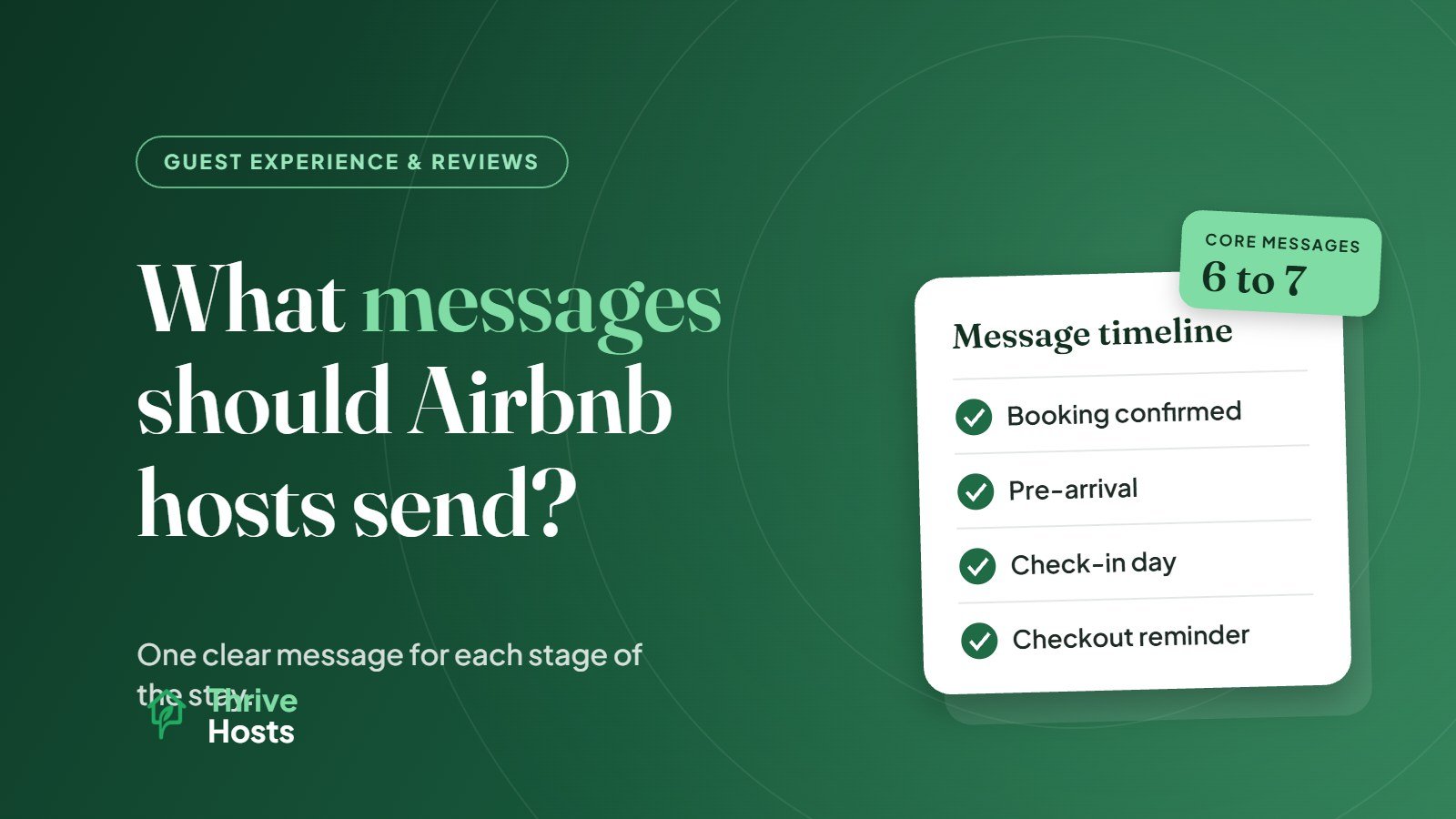
Most Airbnb hosts should send a short, predictable set of messages for every stay: a booking confirmation, a pre-arrival message with key details, a check-in day message with access instructions, a brief check-in follow-up after arrival, a checkout reminder the evening before departure and a thank-you after checkout. Each one has a specific job, and together they answer most guest questions before guests need to ask.
Here is what each message should do, when to send it and what to include.
1. Booking confirmation
When: Shortly after the booking is confirmed.
Purpose: Reassure the guest that they have booked the right place and that you are organized.
Keep it short. Thank them, confirm the dates, mention that detailed arrival information will follow closer to the stay and invite them to ask if they have questions. If there is anything they should know early, such as parking limits, stairs or a required registration step, mention it here so there are no surprises later.
2. Pre-arrival message
When: Usually a few days before check-in, depending on how far guests are travelling.
Purpose: Give guests the practical information they need to plan their arrival.
This is the most important message in the sequence. It typically includes the address and directions, parking, check-in time, how access will work, Wi-Fi, a link to the house manual or guidebook and anything unusual about the property. It is also a good moment to ask about their estimated arrival time. Our Airbnb pre-arrival message examples include wording you can adapt.
3. Check-in day message
When: On the morning of arrival, or a few hours before check-in time.
Purpose: Deliver access details at the moment guests need them.
Include the door code or lockbox details, step-by-step entry instructions and a reminder of where to park. Send this on the day, not days in advance, especially if codes change between guests. Clear, well-timed instructions prevent many arrival problems; see our guide on check-in instructions that reduce guest problems.
4. Post-arrival check-in
When: A few hours after check-in or the next morning.
Purpose: Catch small problems before they become complaints.
A brief message asking whether everything is okay and whether they found what they needed gives guests an easy opening to mention something minor, like a missing towel or a confusing appliance, while you can still fix it. Keep it light; the goal is to be available, not intrusive. If a guest does report an issue, our guide on what to do when a guest reports a problem covers the next steps.
5. Mid-stay message (longer stays only)
When: Optional, for stays of roughly a week or more.
Purpose: Offer any help and arrange mid-stay services if you provide them, such as a linen change or extra supplies.
For short stays, the post-arrival check-in usually covers this. Avoid messaging guests repeatedly during short stays.
6. Checkout reminder
When: The evening before departure.
Purpose: Make checkout smooth and on time.
Confirm the checkout time and list any simple tasks you ask guests to do, such as starting the dishwasher, taking out rubbish or leaving keys in a specific place. Keep the list short and reasonable. A clear checkout message is especially helpful on days with a same-day turnover.
7. Post-stay thank-you
When: After checkout, often the same day.
Purpose: Thank the guest and close the stay on a positive note.
Thank them for staying and, if appropriate, mention that you would appreciate a review. Keep it simple and genuine. If something went wrong during the stay, acknowledge it briefly. Our guide on how to improve Airbnb reviews covers more on reviews.
Messages you send when needed
Beyond the core sequence, you will need messages for enquiries, booking requests, early check-in or late checkout requests, issue updates, maintenance visits and house rule reminders. Having templates ready for these keeps replies consistent and fast.
Automate the timing, not the thinking
Most of these messages can be scheduled through Airbnb’s messaging tools or a property management system. Our guide on automating Airbnb guest messaging explains how. Automation handles the timing well, but someone should still read replies, update templates and step in when a guest’s situation does not fit the script. For the broader approach behind these messages, see our Airbnb guest messaging guide.
Want every guest message handled on time?
Thrive Hosts manages Airbnb guest communication remotely, running a consistent message sequence for every stay and responding to guest questions as they come in. You keep control of your listing and house rules.
See How Airbnb Co-Hosting Works
Bruce J is the CEO of Thrive Hosts and leads the short-term rental team. He works on the operations and performance side of STR: guest communication, pricing and calendar discipline, turnovers, issue tracking and owner reporting across Airbnb, Vrbo and Booking.com. On the blog he writes practical, no-fluff guides for owners and operators who want their rentals to run more consistently.