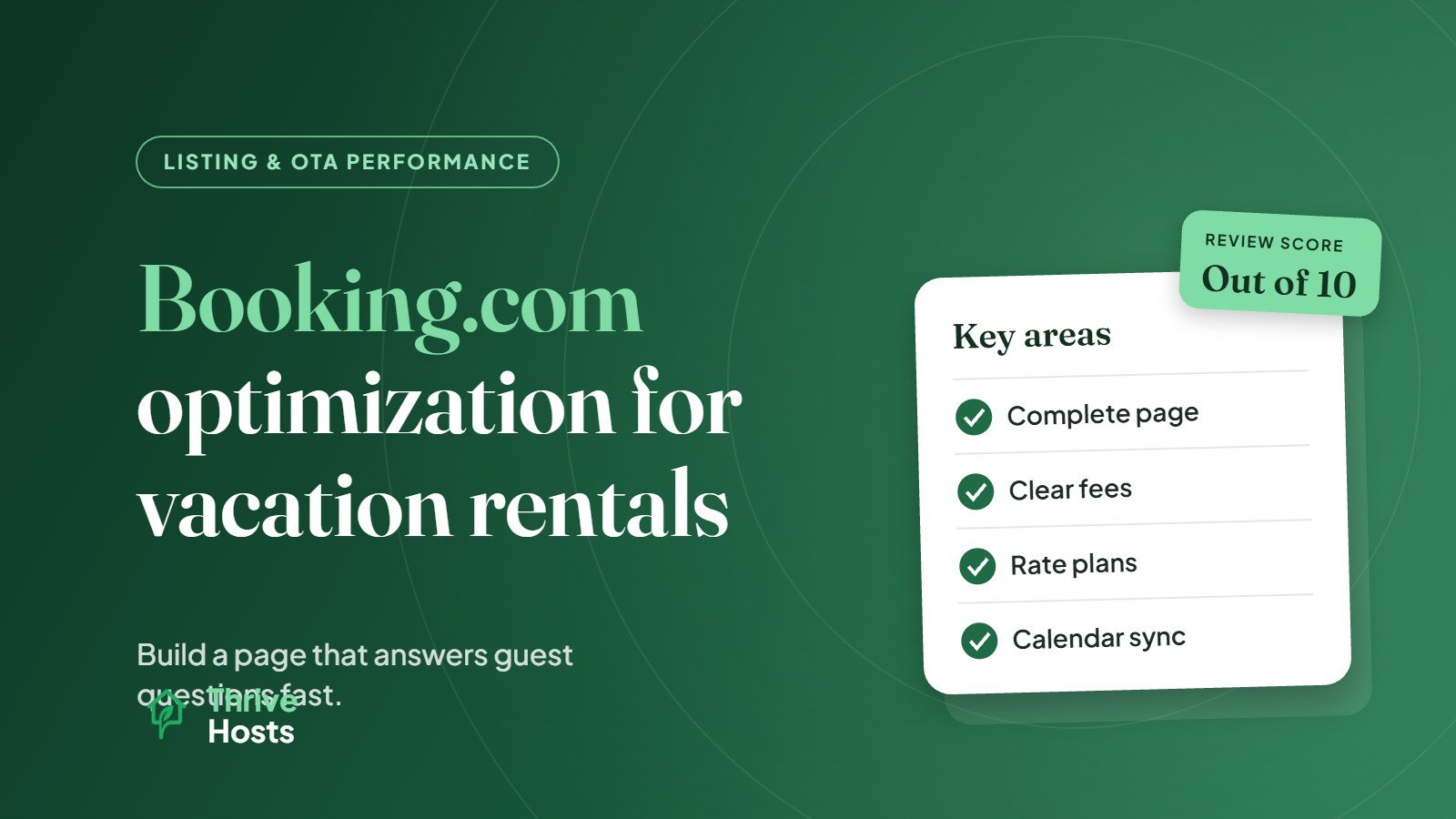
Optimizing a vacation rental on Booking.com means building a complete, accurate property page in the Extranet, setting rates and policies that work for Booking.com’s guests, keeping availability tightly synced, and using the platform’s own tools, such as the property page score and visibility programmes, where they make sense. Many short-term rental owners add Booking.com as an extra channel and simply copy their Airbnb listing across. That usually leaves bookings on the table, because the platform, its guests and its settings work differently.
How Booking.com differs for vacation rentals
Booking.com grew up as a hotel platform, and that still shapes how it works. Property pages are built from structured fields rather than long free-form descriptions. Guests tend to filter heavily and compare quickly. Many are travelling for short city stays, business or multi-stop trips, and they expect hotel-like clarity on check-in, fees and cancellation terms.
For vacation rental owners, that means your Booking.com page should answer practical questions fast and leave as little as possible to interpretation.
Complete every section of the property page
Booking.com relies on structured data, so missing fields can hurt both how you appear in filtered searches and how confident guests feel. Go through the Extranet property page section by section and fill in everything that applies: room and unit types, bed configuration, unit size, facilities, accessibility features, parking, kitchen details, house rules and policies.
Booking.com provides a property page score in the Extranet that highlights missing or weak content. Booking.com’s own partner guidance on tools for boosting visibility suggests using this score to find where your page can be improved. It is a useful starting point, especially when you first list, though a high score on its own does not replace good photos and accurate pricing.
Photos for Booking.com guests
Booking.com guests often compare several properties side by side in a short session. Lead with the clearest shot of the main living space or the standout feature, then make sure every bedroom, bathroom and the kitchen are shown. Tag photos to the correct room or unit type where the Extranet allows it, so guests looking at a particular unit see the right images. If you have already worked out a strong photo sequence for Airbnb, the same thinking applies; our guide on Airbnb photo order covers the principles.
Be precise about fees, policies and check-in
Surprises after booking cause cancellations and low review scores on any platform, but Booking.com guests are especially sensitive to unclear charges. Make sure cleaning fees, security deposits, tourist taxes and any extra charges are set up correctly in the Extranet rather than mentioned only in text. Check-in and checkout times, key collection or self check-in arrangements, and quiet hours should all be clear before booking.
Cancellation policy deserves a deliberate choice. Booking.com offers a range of options, and more flexible policies can make your property more attractive in search filters, but they also carry more cancellation risk. Choose based on your market and booking window rather than defaulting to the strictest option.
Pricing and rate plans
Booking.com supports multiple rate plans, such as a flexible rate and a non-refundable rate at a lower price. Offering both gives price-sensitive guests a reason to commit and flexible guests a reason to choose you. Keep length-of-stay restrictions sensible; very high minimum stays limit how often your property can appear for typical Booking.com searches.
Remember that Booking.com charges a commission on each booking, so check that your rates on this channel cover your costs and fit alongside your pricing on other platforms.
Visibility programmes: use them deliberately
Booking.com offers several optional programmes that can affect visibility, including the Genius loyalty programme, the Preferred Partner Programme for eligible properties and a short-term Visibility Booster. Each involves a tradeoff, usually a discount or higher commission in return for more exposure. They can be worth testing in quiet periods or when a new listing needs early bookings, but review the cost against the results rather than enrolling in everything by default.
Reviews and guest communication
Booking.com shows a review score out of 10, broken into categories such as cleanliness, comfort, location and value. Look at the category scores, not just the overall number, because they point to specific operational fixes. Respond to messages promptly through the Extranet or the Pulse app, and reply to reviews professionally where it adds context.
For hotels, guesthouses and rentals that sell on several channels, our listing optimization service keeps Booking.com, Airbnb and Vrbo content accurate and consistent.
Small hotels and motels should also check the settings in our list of common Booking.com Extranet mistakes.
Keep calendars and content in sync
Adding Booking.com means more calendars to keep aligned. Double bookings between channels are one of the most damaging mistakes on Booking.com, so use a reliable sync method or a channel manager, and understand how double bookings happen. Our guide on managing multiple booking channels from one system covers the setup. If you also list on Vrbo, the platform-specific advice in our Vrbo listing optimization guide may be useful too.
Adding Booking.com, or not getting much from it?
Thrive Hosts manages Booking.com, Airbnb and Vrbo listings remotely, including property page setup, rates and restrictions, calendar sync, guest messaging and review responses. You keep control of your accounts.
Explore OTA Listing Support
Bruce J is the CEO of Thrive Hosts and leads the short-term rental team. He works on the operations and performance side of STR: guest communication, pricing and calendar discipline, turnovers, issue tracking and owner reporting across Airbnb, Vrbo and Booking.com. On the blog he writes practical, no-fluff guides for owners and operators who want their rentals to run more consistently.