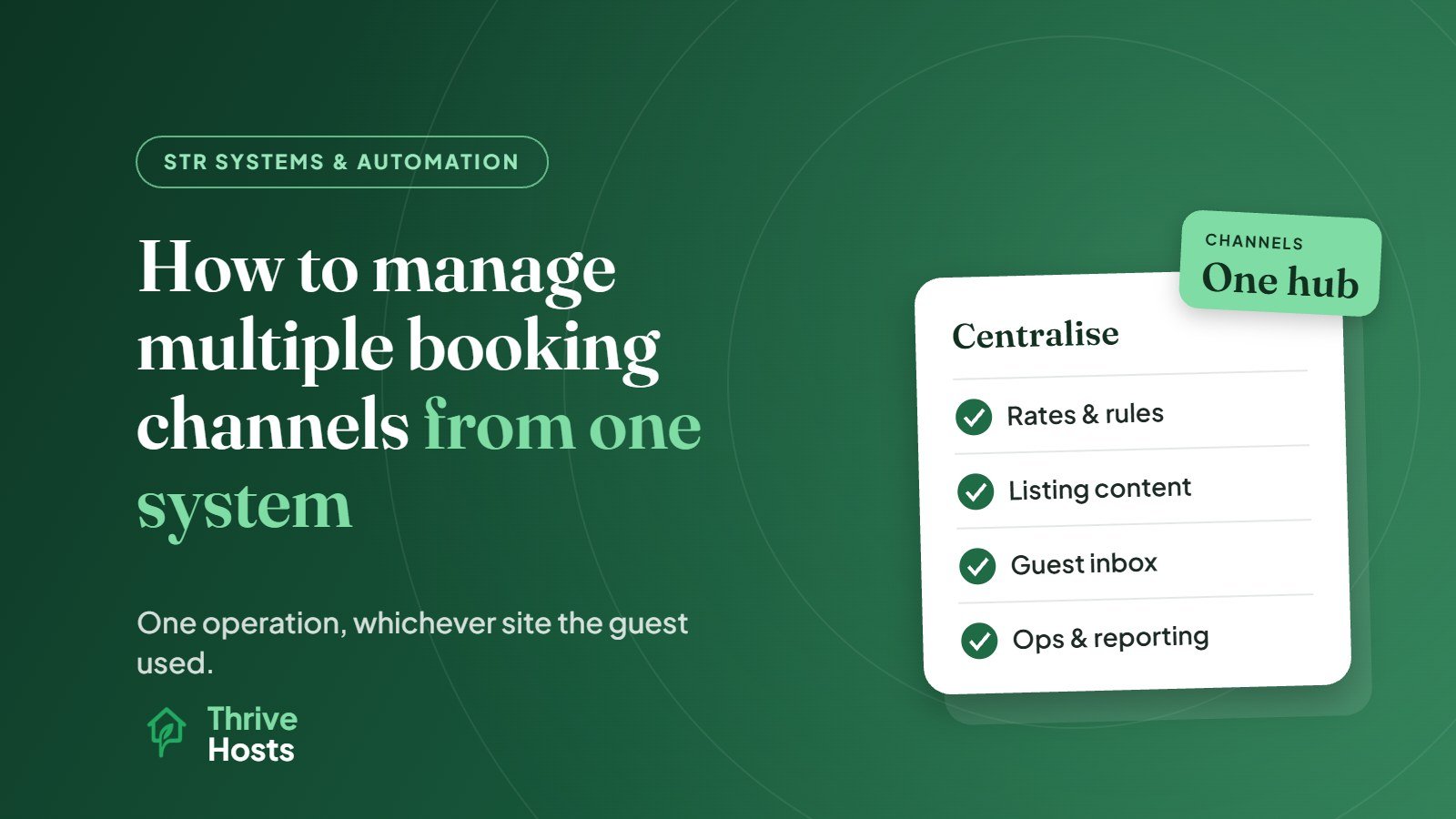
Managing multiple booking channels from one system means running Airbnb, Vrbo, Booking.com and any direct bookings through a single platform, usually a PMS with built-in channel management, so that availability, rates, listing content, guest messages, tasks and reporting are handled in one place. The goal is not just avoiding double bookings. It is running one operation, whichever site the guest booked through.
Without that, each channel becomes its own small business: its own calendar, inbox, pricing, policies and reports. That multiplies the work and the chance of mistakes every time you add a platform.
What “One System” Should Cover
Calendar sync is the starting point, and our guide on avoiding double bookings across Airbnb and Vrbo covers it in detail. A properly centralised setup goes further.
Rates and pricing rules
Set your pricing once and push it to every channel. Many hosts add channel-specific adjustments to account for different commission and fee structures, so a booking earns a similar net amount wherever it comes from. A dynamic pricing tool connected to your central system can handle this automatically, as covered in dynamic pricing for short-term rentals explained.
Listing content
Descriptions, photos, amenities and house rules should be consistent across platforms. Some systems push content to channels directly; others require updating each platform separately. Either way, keep a master version so changes are made once and checked everywhere. Inconsistencies, such as a hot tub on one listing but not another, create guest confusion and accuracy complaints.
Policies and booking rules
Minimum stays, advance notice, check-in times, cancellation policies and pet rules should be deliberate per channel. Each platform has its own policy options, so they will not always be identical, but differences should be choices rather than accidents.
Guest communication
A unified inbox brings messages from every platform into one place, with the same templates and scheduled messages applied to each booking. Guests get the same arrival information and the same quality of response, regardless of channel. Our guide on how to automate Airbnb guest messaging covers the template side.
Operations
Cleaning tasks, access codes and issue tracking should be triggered by the reservation, not the channel. Your cleaner should not need to know whether a guest came from Airbnb or Booking.com. They just need a reliable schedule.
Payments and reporting
Channels pay out differently and at different times. A central system that records each reservation’s gross amount, fees and payout makes it possible to see revenue, occupancy and average daily rate across the whole portfolio, and to compare channels fairly.
Understand How Each Channel Differs
Centralising does not mean treating every platform the same. Each has different guests, fees, payment flows, cancellation options and review systems. Vrbo leans toward families and groups booking whole homes, and it weights cancellations and acceptance rates heavily in its standards, as covered in how to optimize a Vrbo listing. Booking.com handles payments and guest communication in its own way. Airbnb has its own review categories and host metrics.
Your central system should let you keep one operation while respecting those differences: different policies where needed, consistent standards everywhere else.
Use Channel Data to Make Decisions
Once every booking runs through one system, you can see what each channel actually contributes. Look at bookings, revenue, average daily rate, lead time, length of stay, cancellations and review scores by channel. Some hosts find one platform brings longer, more profitable stays; another fills last-minute gaps; another generates more guest issues. That data helps you decide where to focus effort, how to set channel-specific pricing, and whether a channel is worth keeping.
Common Pitfalls
- Editing on individual channels after centralising, which breaks sync and creates mismatches.
- Mapping errors, where a listing on one platform is linked to the wrong property in your system.
- Assuming everything syncs. Check which fields each channel connection supports, because some content or settings may still need updating on the platform itself.
- Inconsistent fees that make one channel look much more expensive to guests.
- Adding channels too quickly. Each new platform needs setup, testing and monitoring.
A Practical Rollout
- Choose your central system and connect your main channel first.
- Map each listing carefully and confirm availability, rates and rules come through correctly.
- Add the next channel and test bookings, blocks and cancellations.
- Move messaging templates and cleaning tasks into the central system.
- Set up reporting by channel.
- Review monthly and adjust pricing, policies and focus.
If you are still choosing tools, our overview of the short-term rental tech stack explains how the pieces fit together.
For hotels and motels selling rooms rather than whole homes, see how small hotels can manage multiple OTAs.
Getting Multi-Channel Operations Run for You
Thrive Hosts runs multi-channel operations as part of remote short-term rental operations support: channel setup and mapping, pricing across platforms, consistent listing content, a single guest inbox, cleaning coordination with your approved local team and reporting by channel.
You keep ownership of every listing and account. We run them as one operation.
Related reading: Using a unified inbox.
Explore STR operations support
We will review how your channels are connected and managed today, and show you where centralising would reduce work and risk.
Explore STR Operations Support
Bruce J is the CEO of Thrive Hosts and leads the short-term rental team. He works on the operations and performance side of STR: guest communication, pricing and calendar discipline, turnovers, issue tracking and owner reporting across Airbnb, Vrbo and Booking.com. On the blog he writes practical, no-fluff guides for owners and operators who want their rentals to run more consistently.