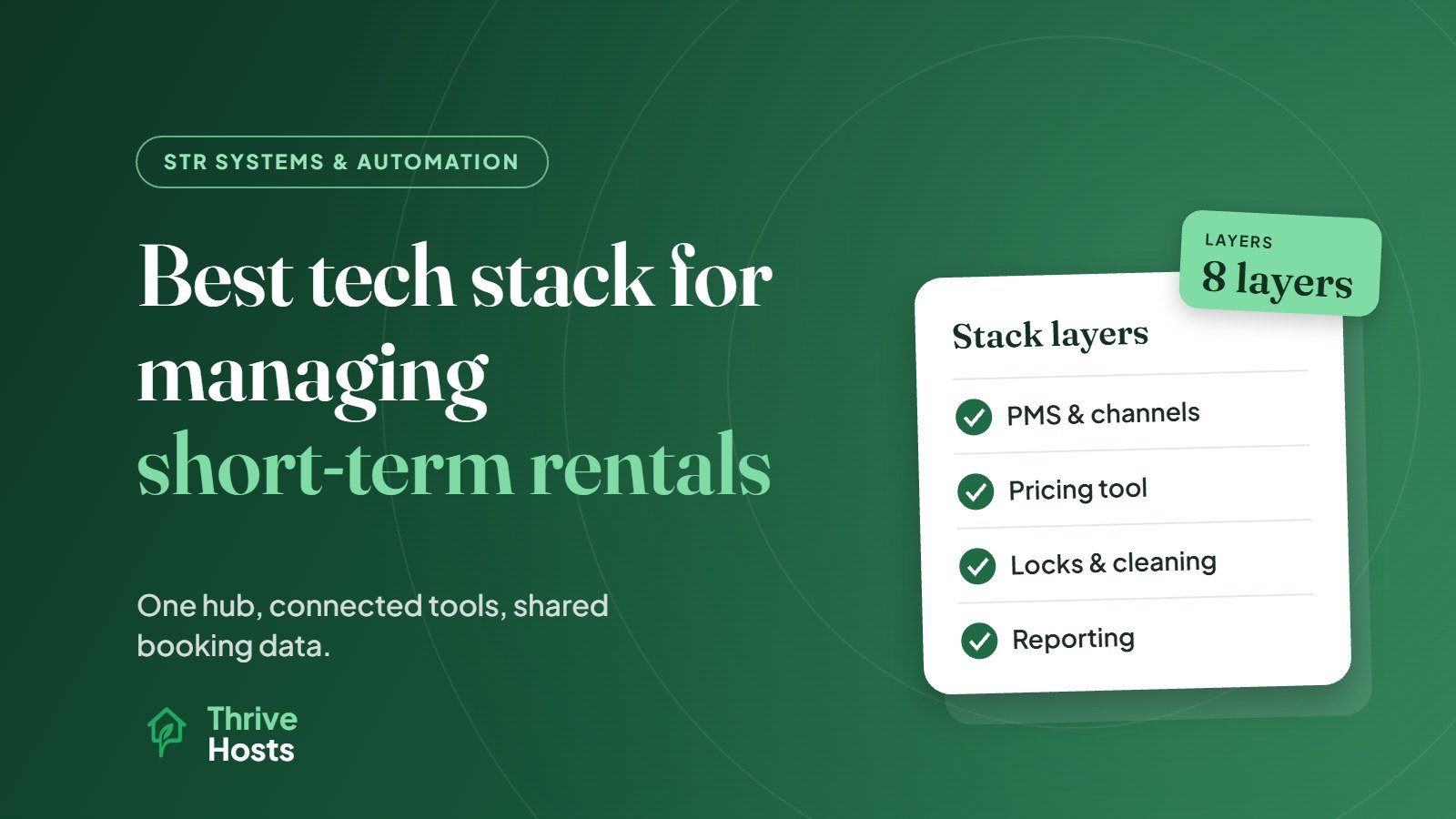
The best tech stack for managing short-term rentals is not a list of the most popular apps. It is a small set of tools that share the same booking data, with one system at the centre. For most hosts that centre is a property management system with built-in channel management, connected to a pricing tool, smart locks, a cleaning and task tool, and reporting. Everything else is optional and depends on your size, channels and how remotely you operate.
A good stack means a booking on any platform automatically updates every calendar, creates the cleaning job, generates the door code, triggers the right messages and lands in your revenue report, without anyone retyping it.
The Layers of an STR Tech Stack
It helps to think in layers, each with a clear job.
1. Booking channels
Airbnb, Vrbo, Booking.com and, for some hosts, a direct booking website. These are where guests find and book you. They are not really part of your stack, but every other layer has to connect to them.
2. The hub: PMS and channel manager
This is the core. The channel manager keeps availability, rates and rules aligned across platforms. The PMS holds every reservation and runs operations: unified inbox, task creation, payments and reports. In most modern STR software the two come together. If the distinction is unclear, see PMS vs channel manager.
Choose this layer first, because it determines which other tools you can integrate easily.
3. Pricing
A dynamic pricing tool that sets nightly rates by demand and pushes them through the hub to every channel. Some PMS platforms include their own; many hosts use a specialist tool. See dynamic pricing for short-term rentals explained.
4. Guest communication
Automated messages, saved replies and a unified inbox usually live in the PMS. Some hosts add a digital guidebook for house manuals and local recommendations.
5. Access
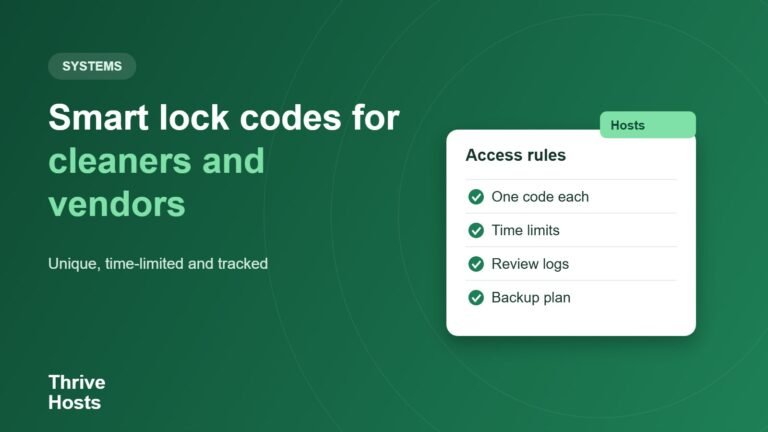
Smart locks that generate a unique code for each reservation, ideally connected to the hub so codes are created and sent automatically. See how smart locks help remote Airbnb hosts.
6. Cleaning and maintenance
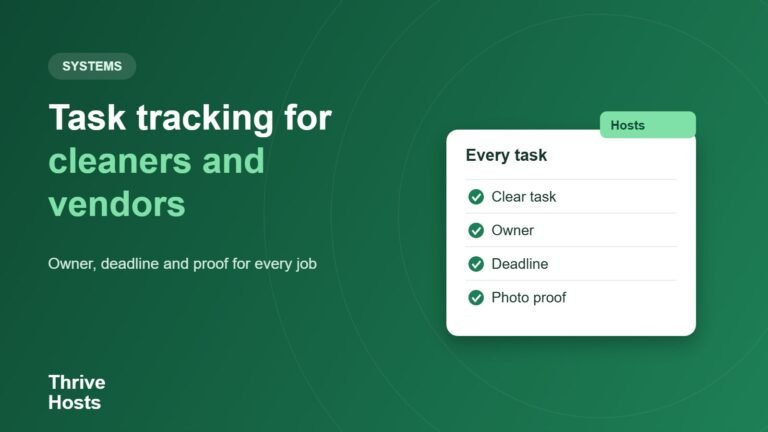
A turnover or task management tool, either inside the PMS or a dedicated cleaning app, that creates cleaning jobs from bookings, shares checklists with your cleaner, collects completion photos and logs maintenance issues.
7. Monitoring
Optional devices such as noise monitors, leak sensors and smart thermostats that alert you to problems early. Check platform rules before installing anything; Airbnb, for example, does not allow indoor security cameras and requires certain devices to be disclosed.
8. Finance and reporting
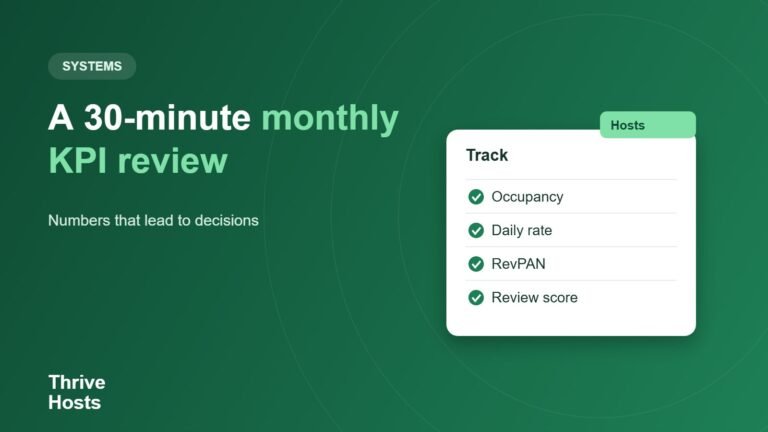
Accounting software, owner statements and performance reporting covering occupancy, average daily rate and revenue. Many PMS platforms export directly to accounting tools.
How the Pieces Should Connect
The most important design rule is that data flows from the hub outward. A booking enters the PMS from a channel. The PMS then blocks the dates elsewhere, creates the cleaning task, requests a door code from the lock, schedules the guest messages and records the revenue. When the booking changes, every connected tool updates from the same source.
Problems start when tools are added that do not connect to the hub. A cleaning app fed by a separate calendar link, a lock managed in its own app, or a spreadsheet for owner reports all create places where information can fall out of sync. Before adding any tool, ask how it gets booking data and whether it updates automatically when a reservation changes.
Stacks by Stage
One property, one or two channels
Airbnb’s own tools plus a smart lock may be enough. If you add Vrbo or Booking.com, a lightweight PMS with channel management is usually worth it. Keep it simple.
Two to ten properties
A PMS with built-in channel management becomes the centre, with a dynamic pricing tool, smart locks connected through the PMS, and cleaning tasks generated automatically. Reporting starts to matter because you can no longer hold every property’s performance in your head.
Larger portfolios
More specialised tools for cleaning operations, guest verification, revenue management, accounting and owner portals, all integrated with the PMS. At this stage, system administration is a job in its own right.
Mistakes to Avoid When Building a Stack
- Buying tools before choosing the hub. You may end up with apps that do not integrate.
- Duplicating functions. Two tools sending guest messages, or two calendars feeding the cleaner, cause confusion.
- Relying on iCal links between tools when API integrations exist.
- Ignoring setup and maintenance. Every tool needs configuring and checking.
- Over-buying. Five tools for one property usually create more work than they save.
For the order in which to automate each area, see best ways to automate STR operations.
Getting the Stack Built and Run
Thrive Hosts helps owners choose, connect and operate their STR systems as part of remote short-term rental operations support: PMS and channel setup, pricing tool configuration, smart lock integration, cleaning workflows with your approved local team, messaging and owner reporting.
You keep ownership of every account and subscription. We make sure the tools work together and someone is watching when they do not.
Explore STR systems support
We will map your current tools, show you where data is not flowing between them, and suggest the simplest stack for your portfolio.
Explore STR Operations Support
Bruce J is the CEO of Thrive Hosts and leads the short-term rental team. He works on the operations and performance side of STR: guest communication, pricing and calendar discipline, turnovers, issue tracking and owner reporting across Airbnb, Vrbo and Booking.com. On the blog he writes practical, no-fluff guides for owners and operators who want their rentals to run more consistently.