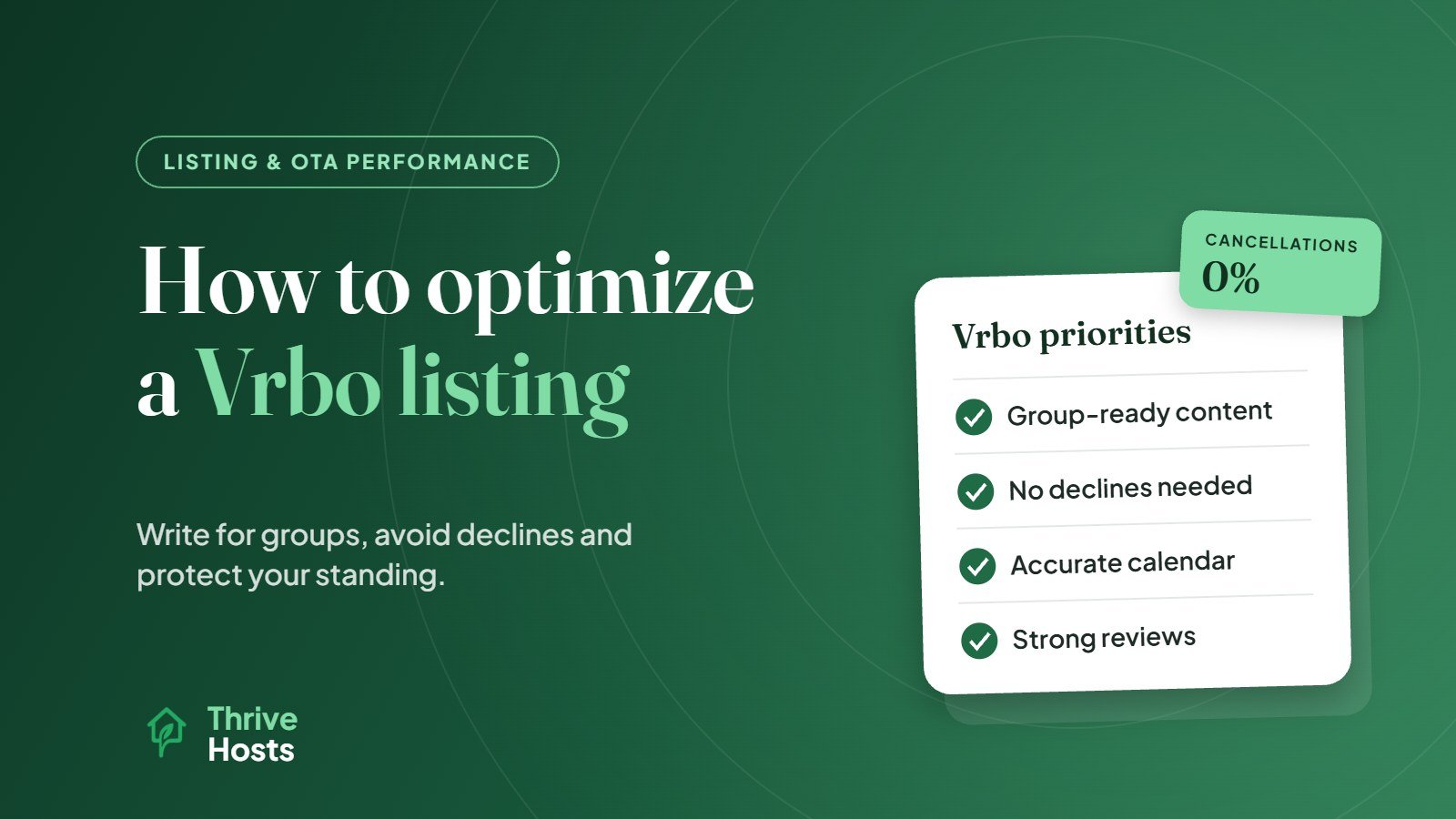
Optimizing a Vrbo listing comes down to three things: presenting the property clearly for the families and groups who typically book on Vrbo, setting it up so you never need to decline or cancel a booking, and meeting the performance standards Vrbo uses to decide how prominently listings appear. Many hosts copy their Airbnb listing over and stop there. That gets the listing live, but it misses how Vrbo guests choose and how Vrbo measures hosts.
Understand Who Books on Vrbo
Vrbo focuses on whole vacation homes, and its audience leans toward families, multi-generational trips and groups planning further ahead. That changes what guests look for first. They want to know how many people can sleep comfortably and in what arrangement, how many bathrooms there are, whether there is space to eat together, and what the outdoor space and surroundings offer.
A listing written for a couple’s weekend on Airbnb often undersells a home to a Vrbo family. Before editing anything, think about who books your property on Vrbo now, and who you would like to attract.
Know How Vrbo Measures Your Listing
Vrbo has been explicit that performance affects visibility. In its partner update on elevating quality and visibility, Vrbo describes Performance Milestones that grade listings on acceptance rate, cancellation rate, review rating and review count, with higher tiers bringing more visibility and badges.
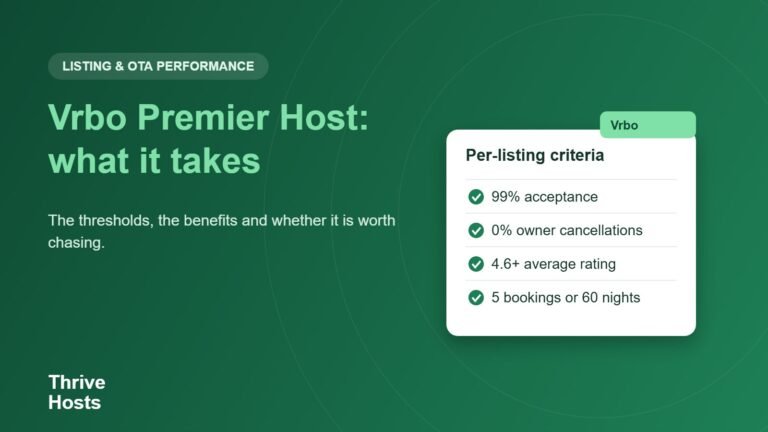
Premier Host has also moved to the listing level. According to the same update, from 2026 a listing needs at least 5 bookings or 60 booked nights, 5 or more guest reviews, a review score of 4.6 or higher, an accepted booking rate of 99% or higher, and a 0% partner-initiated cancellation rate. Vrbo also highlights an Offer Strength Score in its coaching tools, intended to show how your listing compares with similar properties.
The practical takeaway is that Vrbo rewards reliability. Declining bookings and cancelling on guests are expensive here, so the way you set up your listing matters as much as how it looks.
Set Up the Listing So You Never Have to Decline
Because acceptance rate counts, every booking rule you have should be built into the listing rather than enforced by declining. If you do not accept one-night stays, set the minimum stay. If you only want Saturday check-ins in peak season, set changeover days. If you need two days to prepare, set the advance notice. If certain dates are not available, block them.
Instant Book is worth serious consideration for the same reason. Guests can confirm immediately, and you avoid a backlog of requests that need a fast yes or no. If you do keep requests, respond quickly and only decline when there is no rule you could have set to prevent it.
Keep Your Calendar Accurate Across Channels
The fastest way to break a 0% cancellation rate is a double booking. If you list the same property on Airbnb, Booking.com or your own site, make sure availability updates reliably across every channel. Basic iCal links sync periodically rather than instantly, which leaves room for overlaps, particularly for popular dates. Many hosts with several channels use a channel manager or property management system for this reason. Either way, check your Vrbo calendar against your other channels regularly, and block dates immediately when you make a direct booking.
Write for Families and Groups
Headline and description
Lead with what makes the home right for a group trip: the number of bedrooms, a standout outdoor space, walking distance to the beach or slopes, or a feature like a games room. Use the description to answer the questions groups ask, including how bedrooms are arranged, which rooms are on which floor, parking capacity and what is nearby for children and adults.
Sleeping arrangements
Be precise about every bed in every room. “Sleeps 10” means little if four of those spaces are on sofa beds in the living room. Accurate bedding details prevent awkward arrivals and disappointing reviews.
Photos
Start with the image that sells the group experience, often the exterior, pool, deck or main living area, followed by the kitchen and dining space, then each bedroom. Show bathrooms, outdoor seating and anything that helps a group picture the trip.
Make the Price Easy to Understand
Vrbo guests compare total trip costs across several homes. Check how your nightly rates, cleaning fee and any other fees combine for your most common stay lengths, and make sure your cancellation policy and payment terms are clear. A competitive nightly rate with an unexpectedly high total can lose bookings at the last step.
Protect Your Reviews
With review score and count both feeding Vrbo’s standards, operations matter. Clean, accurate, well-stocked homes and quick answers to guest questions produce the reviews that keep a listing in good standing. Respond to reviews professionally, and fix recurring issues before they become a pattern. Our short-term rental operations checklist covers the recurring work behind consistent reviews.
Keep Vrbo Consistent With Your Other Listings
If you also list on Airbnb, keep house rules, amenities, photos and fees aligned across both. Guests sometimes compare the same property on different sites, and inconsistencies create doubt. Many of the principles in our guides on ordering Airbnb photos and which amenities guests value apply equally on Vrbo.
Getting Multi-Channel Support
Running Vrbo alongside Airbnb and Booking.com adds work: more calendars, more messages, more settings to keep aligned. Thrive Hosts provides remote short-term rental operations support across Airbnb, Vrbo and Booking.com, including listing optimization, pricing and calendar management, guest communication, cleaner coordination and owner reporting.
You keep control of every listing and account. We keep them consistent, accurate and actively managed.
Explore STR operations support
See how we can manage your Vrbo listing alongside Airbnb and other channels, while you keep your accounts and the decisions.
Explore STR Operations Support
Bruce J is the CEO of Thrive Hosts and leads the short-term rental team. He works on the operations and performance side of STR: guest communication, pricing and calendar discipline, turnovers, issue tracking and owner reporting across Airbnb, Vrbo and Booking.com. On the blog he writes practical, no-fluff guides for owners and operators who want their rentals to run more consistently.