A short-term rental rarely goes wrong because of one big mistake. It slips through small things nobody owned: a cleaner who was not told about a same-day check-in, a smart lock running on a dying battery, a weekend that was blocked for a family visit and never released, a guest question that sat unanswered for six hours. A checklist is less about remembering everything and more about deciding who checks what, and how often.
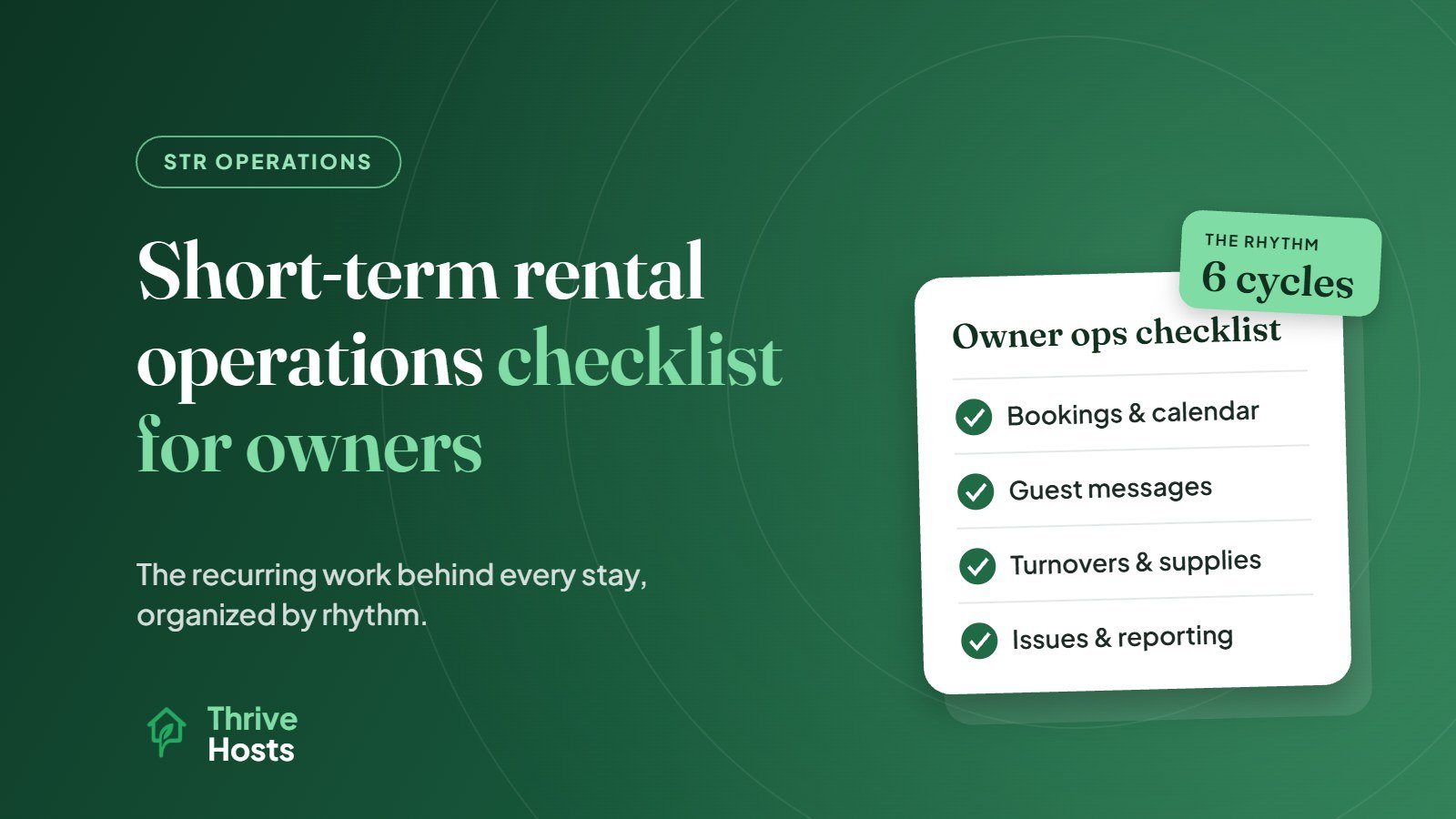
Below is the operating checklist we would give an owner running one or a handful of properties. It is organized by rhythm rather than by topic, because that is how the work actually arrives. If you are still setting up a property you cannot visit often, our guide to managing a short-term rental remotely covers the setup side. This checklist covers the recurring work once the listing is live.
For a version matched to your own setup, the STR operations checklist builder groups tasks into daily, per-booking, weekly and monthly routines.
Every New Booking
The work starts the moment a reservation is confirmed, not on arrival day.
- Confirm the dates, guest count and any special requests match what the property can handle.
- Check the turnover window before and after the stay, and tell your cleaner about same-day turnovers straight away.
- Note anything unusual: pets, early check-in requests, long stays, local events or a first-time guest with no reviews.
- Make sure scheduled messages for confirmation, check-in details and house rules will send at the right times for this stay.
- If you list on more than one platform, confirm the dates are blocked everywhere.
That last point deserves more attention than it usually gets. Calendar sync through iCal links happens periodically rather than instantly, so a booking on one channel can briefly leave the same dates open on another. A double booking is one of the most expensive operational mistakes a small host can make.
Before Each Arrival
In the 24 to 48 hours before check-in, the goal is to confirm that nothing between the cleaner and the guest has gone wrong. The turnover should be marked complete, ideally with photos from your cleaner. Access needs to work: a fresh door code generated, the lock tested, or the lockbox code changed if you still use one. Check-in instructions should have gone out and be easy to read on a phone, including parking and Wi-Fi.
Two items get missed more than any others. The first is a maintenance issue reported by the previous guest that is still open. Either it gets fixed before arrival or, if it affects the stay, the guest hears about it before they arrive rather than discovering it. The second is consumables. Toilet paper, coffee, dish soap, bin bags and spare linen run out quietly until a guest mentions it in a review.
During the Stay
Most stays need very little from you. The checklist here is about responsiveness, not hovering. Answer guest messages quickly and consistently, including the ones that arrive late in the evening, and know in advance who handles an urgent problem such as a lockout, a leak, no hot water or a noise complaint from a neighbor. If the honest answer is that you will figure it out when it happens, that is the gap to fix first.
Keep a short list of approved local vendors with notes on who actually answers after hours: plumber, electrician, locksmith and a general handyperson. Log every issue that comes up, even small ones. A loose shower handle that one guest mentions in passing is a review problem waiting for the next guest.
After Checkout
- Your cleaner confirms the turnover and reports damage, missing items and maintenance needs.
- Damage is documented with photos. On Airbnb, a reimbursement request has to be filed in the Resolution Center within 14 days of the responsible guest’s checkout, so do not let it wait.
- Write the guest review. Airbnb gives both sides 14 days from checkout, and reviews publish when both are submitted or the window closes.
- Read the guest’s review when it arrives and note anything operational about cleanliness, check-in or accuracy.
- Update your issue log and close anything that has been fixed.
Weekly
Once a week, look forward rather than back. Review the next 30 to 60 days of the calendar for open gaps, orphan nights between bookings and minimum-stay rules that may be blocking short stays. Check whether pricing still fits what is happening around you: how fast dates are booking, local events, and what comparable listings are doing. Confirm that the cleaning schedule for the coming week matches the calendar exactly, check supply levels before they run out, and chase any issue that has been open for more than a few days.
Monthly
The monthly review is where you catch drift. Compare revenue, occupancy and average daily rate with what you expected and, if you have the history, with the same month last year. Read the month’s reviews together rather than one by one, because patterns tell you more than any single comment. Check that photos, the amenities list, house rules and check-in details are still accurate. Reconcile cleaner and vendor invoices against completed jobs, and book preventive maintenance: HVAC filters, smoke and carbon monoxide alarm tests, lock batteries and deep cleans.
Seasonally or Quarterly
- Rework pricing, minimum stays and discounts for the season ahead instead of reacting week to week.
- Check local regulations, permits, taxes and registration requirements for changes.
- Confirm your insurance still reflects how the property is used.
- Review platform policy changes that affect your listing, such as Airbnb’s house rules update.
- Ask whether your current setup still works, especially if you have added a property.
Who Owns Each Line?
A checklist only works when every line has an owner, and this is where most owners find the real problem. The cleaner owns the turnover but not the restock order. Nobody owns the weekly calendar review, so it happens whenever the owner remembers. Guest messages are answered quickly during the working day and slowly at night.
Go through the list above and put a name next to each item: you, your cleaner, a local handyperson, a co-host or an operations partner. Anything without a name is a risk. Anything with your name on it that you are not doing consistently is a sign it may be time to hand it off.
Not sure which of these are slipping at your property? An operations review looks at listings, guest messages, calendar setup and cleaner workflows, then sets out priorities.
When the Checklist Keeps Slipping
If this list feels manageable, run it yourself. If several lines keep slipping every month, the issue is usually capacity rather than knowledge. Thrive Hosts provides short-term rental operations support for owners who want this recurring work handled consistently: guest communication, pricing and calendar oversight, cleaner and turnover coordination with your approved local team, issue tracking and owner reporting.
You keep control of your property, listing and accounts. We take on the recurring work so the checklist no longer depends on you remembering it.
Book an operations review
We will walk through your current setup, see which parts of this checklist are covered and show you where the gaps are. You keep your accounts and the decisions.
Book an Operations Review
Bruce J is the CEO of Thrive Hosts and leads the short-term rental team. He works on the operations and performance side of STR: guest communication, pricing and calendar discipline, turnovers, issue tracking and owner reporting across Airbnb, Vrbo and Booking.com. On the blog he writes practical, no-fluff guides for owners and operators who want their rentals to run more consistently.