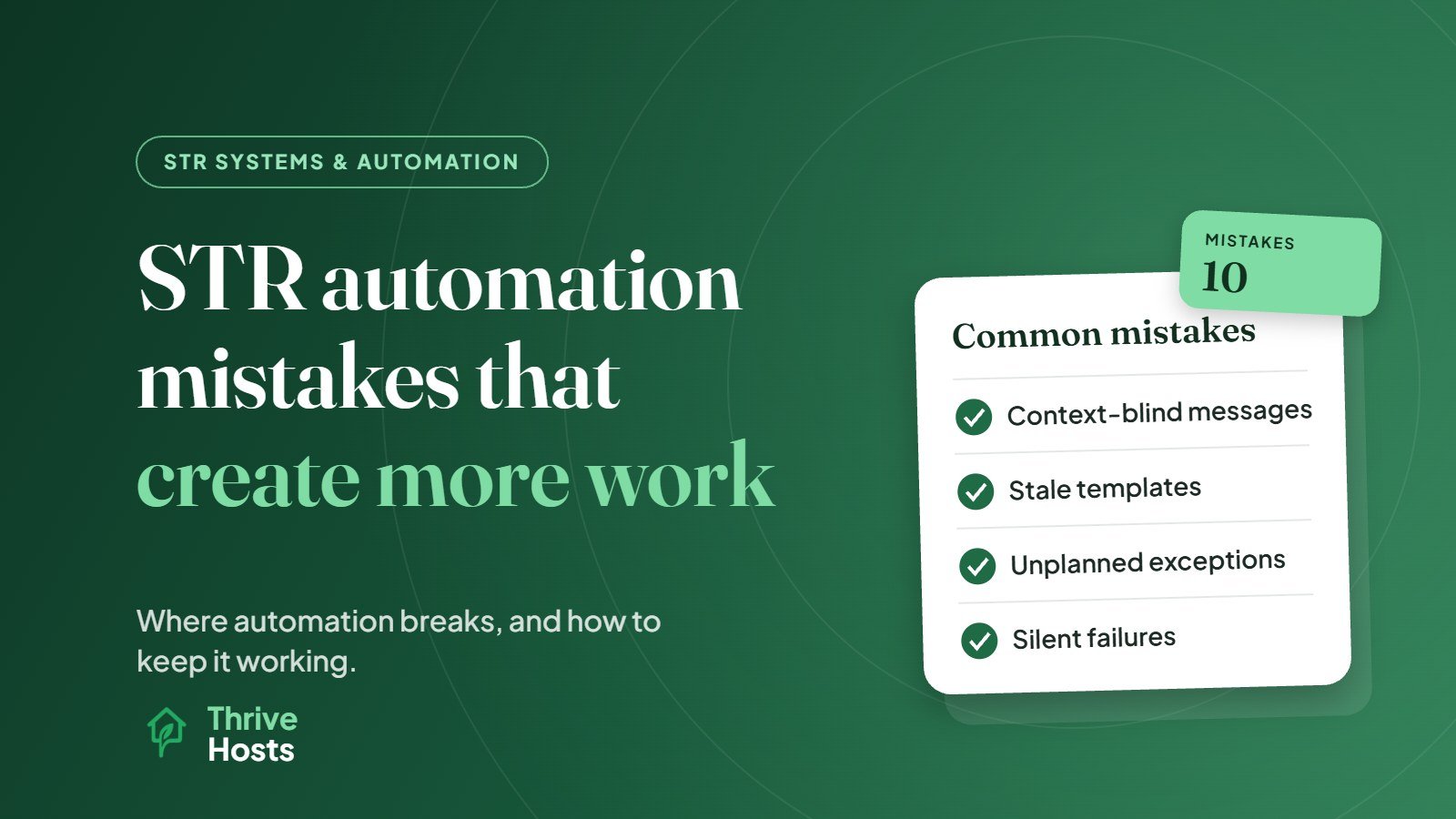
Automation is supposed to save time in a short-term rental. Badly designed automation does the opposite: it sends the wrong message to the wrong guest, misses the bookings that do not fit the normal pattern, fails without anyone noticing, and leaves a person cleaning up afterwards. The common thread in most automation mistakes is the same. The system was set up for the typical booking and nobody planned for the exceptions, or nobody was assigned to check that it kept working.
Here are the mistakes that most often create more work than they save, and how to avoid them.
1. Automating a Process That Was Already Broken
If your cleaning schedule, check-in process or house rules are unclear, automating them just delivers confusion faster and more consistently. A vague check-in message that used to go out manually now goes out vaguely to every guest.
Fix: get the process right manually first. Write it down, test it, then automate it.
2. Messages That Ignore Context
Automated messages assume every stay is normal. So the guest who complained all weekend receives “We hope you loved your stay!” The guest who extended by two nights gets a checkout reminder on the wrong day. A same-day booking gets no check-in details because the scheduled trigger had already passed.
Each of these creates a follow-up conversation, and sometimes an annoyed guest.
Fix: review the scheduled messages for every reservation that is not routine: changed dates, extensions, same-day bookings, open complaints. Turn on any setting that sends messages for last-minute bookings, and skip or edit messages that no longer fit.
3. Over-Messaging Guests
Some hosts automate so many messages that guests stop reading them. A booking confirmation, a welcome, a reminder, a pre-arrival guide, an arrival message, a first-night check, a mid-stay check, a checkout reminder, a thank you and a review request can add up to ten messages for a two-night stay. Important information gets lost among the rest.
Fix: keep the core sequence short and make each message earn its place. Combine where you can.
4. Stale Information in Templates
Templates do not know when something changes at the property. A new Wi-Fi password, a different lockbox, new parking rules or a changed bin day can make a perfectly written template wrong, and the guest follows it confidently. This creates arrival problems, messages and sometimes poor reviews.
Fix: keep a list of every template, and update all of them whenever something changes at the property. Review them on a schedule anyway.
5. Not Planning for Exceptions in Operations
Cleaning tasks created automatically from bookings work well until a booking changes. A date change that does not update the cleaner’s schedule, a cancellation that leaves a cleaning job booked, or an early check-in that the cleaner never hears about all cause problems that someone has to fix manually, often at short notice.
Fix: test how your system handles changes, cancellations, extensions and same-day turnovers before you rely on it. Make sure your cleaner is notified of changes, not just new bookings.
6. Disconnected or Duplicated Tools
When tools are added one at a time, they often overlap. Two systems send guest messages. The cleaning app and the PMS both create tasks. A lock generates codes in its own app while the PMS sends a different code. Each duplicate creates confusion and extra checking.
Fix: make one system the hub for booking data and connect other tools to it. Remove anything that duplicates a function. Our overview of the short-term rental tech stack covers how the pieces should fit.
7. Silent Failures
The most dangerous automation failures are the quiet ones. A calendar connection drops. A lock goes offline. A scheduled message stops sending after a template is deleted. Nobody notices until a guest cannot get in or a double booking appears.
Fix: turn on every available alert, and do a short weekly check: are calendars aligned, are locks online, did messages send, do upcoming bookings have cleaning tasks? See our guide on avoiding double bookings for the calendar side.
8. Pricing Automation Without Guardrails
A dynamic pricing tool with a minimum price set too low, or aggressive last-minute discounts, can fill the calendar with low-value one-night stays that create more turnovers than they are worth. Without a review, nobody notices until the monthly numbers look disappointing.
Fix: set sensible floors and rules, and review pricing results regularly. See how often to change Airbnb prices.
9. Automating Decisions That Need Judgment
Automatic approvals for special requests, auto-written guest reviews, automated responses to complaints and automatic refunds all save a moment and risk a much bigger problem. A positive auto-review of a guest who broke the house rules, or a template reply to an upset guest, creates exactly the work automation was meant to avoid.
Fix: keep a person on anything involving judgment, money or emotion. Our guide on what to automate and what should stay human sets out where to draw the line.
10. No Clear Owner
Automation without an owner slowly drifts. Nobody updates templates, nobody checks the integrations, nobody notices when a rule stops making sense.
Fix: assign responsibility for the system as a whole, including a regular review, and document what is automated so anyone helping knows what runs where.
Automation Works Best With Oversight
The goal is not less automation. It is automation designed for real bookings, including the messy ones, with a person watching the results. If you are setting up from scratch, best ways to automate STR operations covers what to automate first.
Thrive Hosts helps owners build and maintain sensible STR automation as part of remote short-term rental operations support: messaging, calendar and pricing tools, cleaning workflows with your approved local team, integrations and regular checks, plus the human handling of exceptions.
You keep ownership of your tools and accounts. We make sure automation reduces your workload rather than adding to it.
Get your automation reviewed
We will review your current automations, identify where they create extra work or guest risk, and show you what to fix first.
Explore STR Operations Support
Bruce J is the CEO of Thrive Hosts and leads the short-term rental team. He works on the operations and performance side of STR: guest communication, pricing and calendar discipline, turnovers, issue tracking and owner reporting across Airbnb, Vrbo and Booking.com. On the blog he writes practical, no-fluff guides for owners and operators who want their rentals to run more consistently.