Automate the work that is predictable, repeatable and low-risk if it goes slightly wrong. Keep a person on anything that involves judgment, money, emotion, safety or an exception to the normal process. In practice that means automating things like scheduled messages, calendar sync, door codes and cleaning task creation, while keeping complaints, refunds, damage, special requests and urgent problems firmly human.
The most useful category sits in between: work where automation prepares something and a person approves it. That is where many hosts get the best of both.
A Simple Test for Any Task
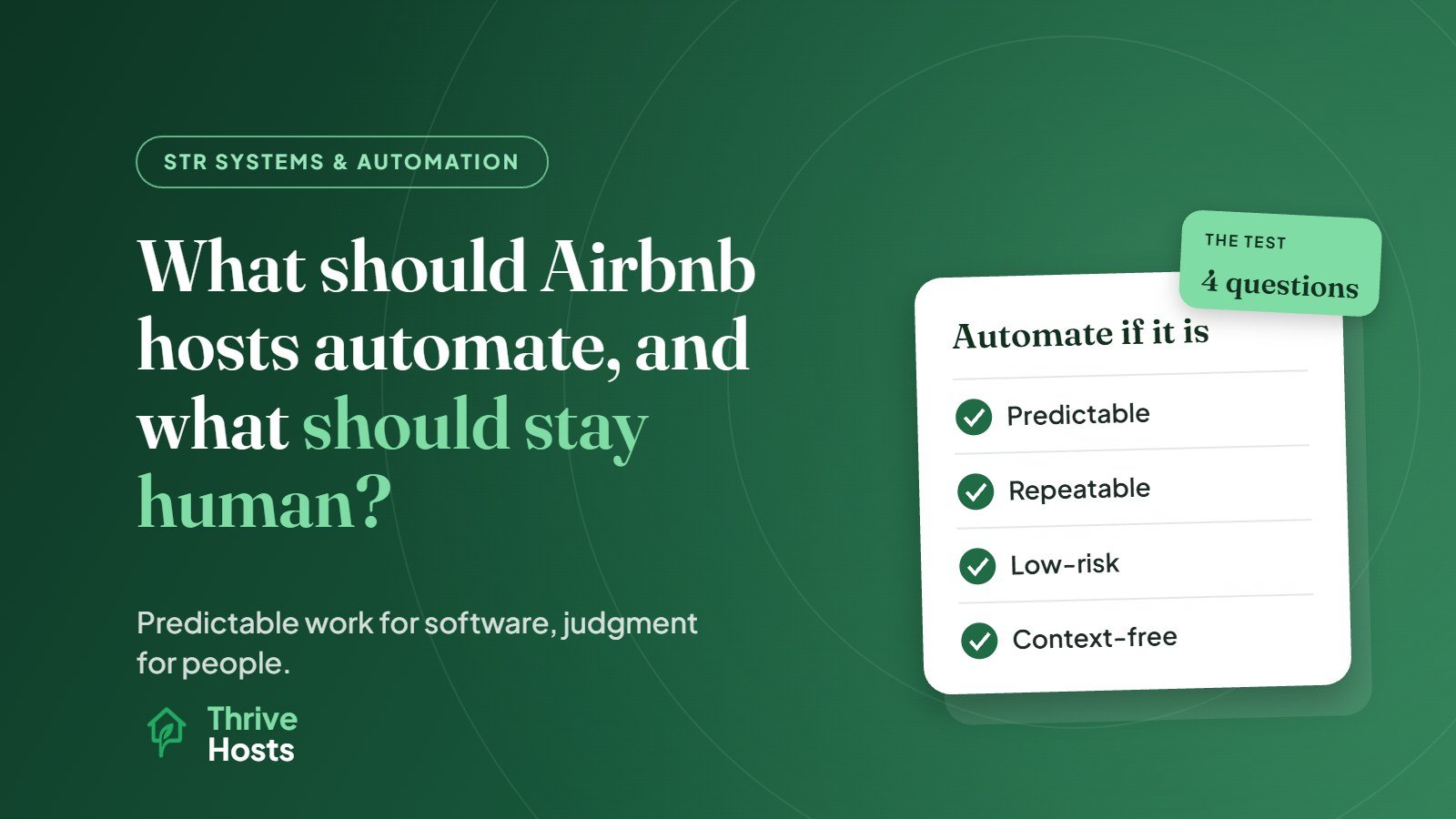
Before automating something, ask four questions:
- Does it happen the same way almost every time? Check-in instructions do. A guest’s complaint about noise does not.
- What happens if it goes wrong? A slightly mistimed welcome message is harmless. An automated refund or a wrong door code is not.
- Does it need context the system does not have? A pricing tool does not know your neighbor is renovating next month. A person does.
- Would the guest notice or care that it was automated? Nobody minds an automated Wi-Fi password. Everyone minds an automated reply to “the heating is not working and we have a baby.”
If the task is consistent, low-risk and needs no extra context, automate it. If any of the answers point the other way, keep a person involved.
What Usually Works Well Automated
- Routine guest messages: booking confirmation, pre-arrival details, checkout reminders and post-stay thanks. Our step-by-step guide on how to automate Airbnb guest messaging covers the setup.
- Calendar sync: keeping availability aligned across Airbnb, Vrbo and Booking.com through a channel manager or PMS.
- Daily price adjustments: a dynamic pricing tool updating rates within rules you set.
- Access codes: smart locks generating a unique code for each reservation and expiring it after checkout.
- Cleaning task creation: each booking automatically creating a cleaning job for your cleaner, with the right date and time window.
- Basic reporting: occupancy, revenue and booking data pulled into a regular summary.
These all share the same profile: high volume, clear rules, and mistakes that are easy to spot and fix.
What Should Stay Human
- Complaints and problems during a stay. Guests need to feel heard by a person, and the fix usually involves judgment and coordination with a local vendor.
- Refunds, discounts and compensation. These involve money and fairness, and the right answer depends on the situation.
- Damage and claims. Documenting damage, talking to the guest and filing a claim need care and timing.
- Special requests and exceptions. Early check-in, late checkout, extra guests, pets, events. The answer depends on the calendar, the cleaner’s schedule and the guest.
- Safety and emergencies. Lockouts at night, leaks, gas smells, threatening behaviour. These need a person immediately.
- Review responses. A thoughtful public reply to a critical review should never be a template. See our guide on responding to a negative Airbnb review.
- Pricing strategy. The tool adjusts daily prices; a person sets the floor, the rules and the event overrides.
The Middle Ground: Automate the Draft, Approve the Action
Some work benefits from automation preparing it and a person deciding. Examples include:
- Suggested replies for guest questions, edited and sent by a person.
- Pricing recommendations that are reviewed weekly rather than applied blindly, especially for events and peak dates.
- Guest reviews drafted from a template, then personalised and checked before posting.
- Maintenance alerts from smart devices, such as a leak sensor or noise monitor, that notify a person who then decides what to do.
- Cleaning reports submitted through an app, which a person reviews before the next arrival.
This approach keeps the efficiency of automation without letting it make decisions it is not equipped for.
Signs the Balance Is Wrong
You have probably automated too much if guests receive messages that do not fit their situation, such as a “hope you enjoyed your stay” message after a stay that went badly, if problems are getting slow or generic responses, or if nobody notices when an integration stops working. You have probably automated too little if you are typing the same check-in instructions every few days, manually updating calendars across platforms, or creating cleaning schedules by hand.
Someone Still Has to Own the System
Automation reduces repetitive work, but it creates a new job: making sure the automation is still right. Templates go out of date, integrations fail silently, and pricing rules drift away from the market. Whoever runs the property needs to review these regularly, and to be the person guests reach when something falls outside the script.
Getting the Balance Right
Thrive Hosts helps owners set up sensible automation and covers the human side as part of remote short-term rental operations support. We configure messaging, pricing tools, calendar sync and cleaning workflows, then handle the conversations, exceptions and decisions that should never be left to software.
You keep ownership of your accounts and tools. We make sure the automated parts run correctly and the human parts get a real person.
Explore STR systems support
We will look at what you have automated today, what is still manual, and where the balance between the two may be creating risk or wasted time.
Explore STR Operations Support
Bruce J is the CEO of Thrive Hosts and leads the short-term rental team. He works on the operations and performance side of STR: guest communication, pricing and calendar discipline, turnovers, issue tracking and owner reporting across Airbnb, Vrbo and Booking.com. On the blog he writes practical, no-fluff guides for owners and operators who want their rentals to run more consistently.