Owners who work with a co-host or manager often receive a report that is either a bare payout statement or a long spreadsheet nobody reads. Neither helps with the questions an owner actually has: Is the property performing, what went wrong, and what needs a decision from me? A good report answers those three in a few minutes.
Below is a practical structure that works for a single property and scales to a small portfolio.
Start with a short summary
Open with five or six lines in plain language. Say how the month went compared with the previous month and the same month last year if you have it, highlight anything unusual, and list the decisions you need from the owner. Some owners will read only this section, so it should stand alone.
Core performance numbers
Keep the numbers focused. Occupancy, average daily rate (ADR), total revenue and revenue per available night (RevPAR) show the main story. Occupancy shows how often the property was booked, ADR shows the average price per booked night and RevPAR combines both, which is why it often explains why a high-occupancy month still disappointed. Our guides on occupancy versus ADR and ADR for short-term rentals explain how to read them together, and the RevPAR calculator can check your own figures.
Add booking-level context where it matters: lead time, average length of stay, cancellations and the split across Airbnb, Vrbo, Booking.com and direct bookings. If a channel is dropping, that belongs on the first page.
Money in and money out
Show gross booking revenue, platform fees, cleaning fees collected, cleaning and laundry costs, supplies, repairs and any management or co-hosting fee. A simple table with the month and the year to date is enough. If the owner expects a payout, say when and how much, and note anything held back for upcoming expenses. The STR profitability calculator can help you check whether the figures add up and where the break-even point sits.
Issues and what was done about them
This is the section that builds trust. List the guest complaints, maintenance problems, damage reports, cleaner issues and calendar errors from the month, with a line on how each was handled and whether it is closed. If the same problem appeared more than once, say so. Owners do not mind problems nearly as much as they mind not knowing about them.
Reviews and guest feedback
Include the new reviews, the average rating for the month and any recurring comments, good or bad. A single bullet such as “two guests mentioned weak Wi-Fi in the evening” is more useful than a general statement that guests were happy. If you responded to reviews, note which ones.
Upcoming risks and decisions
Look ahead. Gap nights in the next 30 to 60 days, big local events, an upcoming price change, maintenance work that is due, a platform policy change or a cleaning contract renewal all belong here. Frame the owner decisions clearly: what the options are, what you recommend and when you need an answer.
Keep the format consistent
A report is only useful if it arrives on time and looks the same each month. Agree the date, the format and the channel in advance, and send it whether the month was good or bad. For multi-property owners, add a one-page summary that compares properties side by side. If you are working with a co-host, include reporting in your agreement, as covered in what to include in an Airbnb co-host agreement.
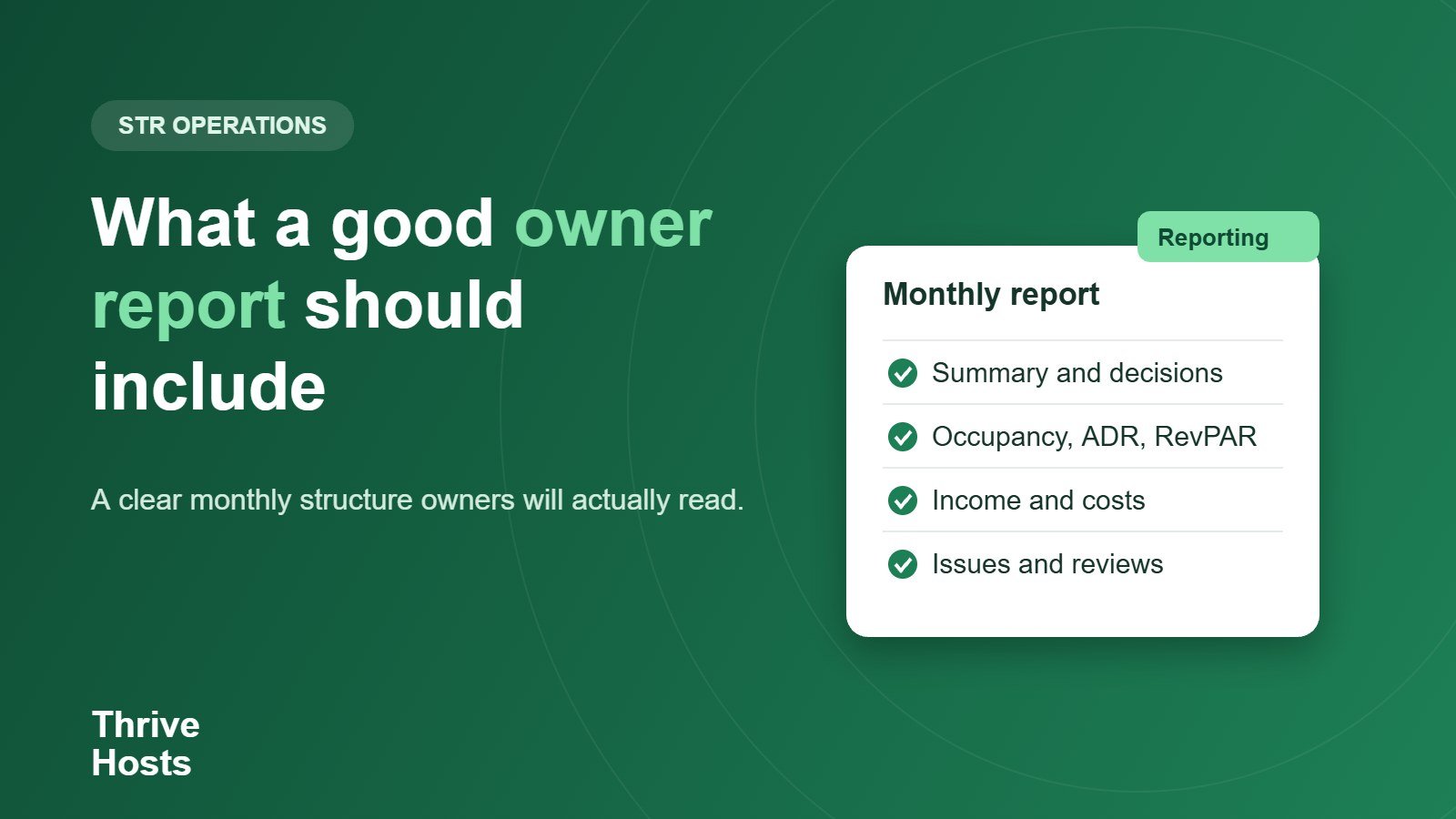
Monthly report outline
- Summary and decisions needed.
- Occupancy, ADR, RevPAR and revenue.
- Booking sources, lead time and cancellations.
- Income, costs and payout.
- Issues handled and still open.
- Reviews and guest feedback.
- Next 60 days: risks, events and recommendations.
Related reading: A 30-minute monthly KPI review.
Want clear monthly reporting without chasing for it?
Thrive Hosts provides owner reporting as part of its remote operations support, covering performance, issues handled, reviews and the decisions that need your input. See how our Airbnb co-hosting service works for owners who want visibility without the daily admin.
Explore Airbnb co-hosting
Bruce J is the CEO of Thrive Hosts and leads the short-term rental team. He works on the operations and performance side of STR: guest communication, pricing and calendar discipline, turnovers, issue tracking and owner reporting across Airbnb, Vrbo and Booking.com. On the blog he writes practical, no-fluff guides for owners and operators who want their rentals to run more consistently.