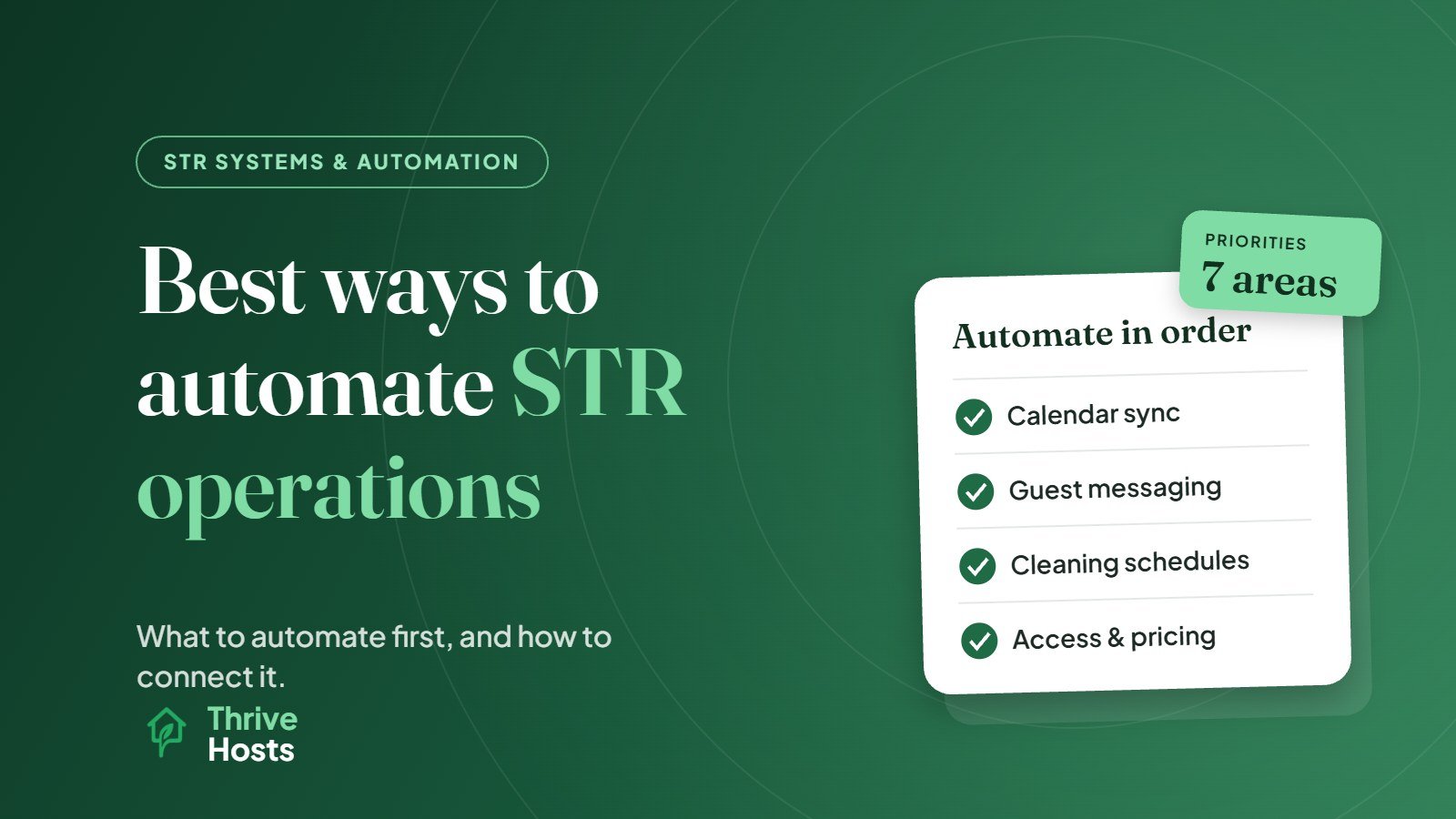
The best way to automate short-term rental operations is in a sensible order, starting with the tasks that create the most risk or repetition: calendar sync, guest messaging, cleaning scheduling and property access. Pricing, issue tracking and reporting come next. Build everything around one central system, usually a property management system, so tools share the same booking data instead of each needing to be updated by hand.
Automating in the wrong order, or adding disconnected tools one at a time, often creates more work than it saves. Here is how to approach it.
Start With One Source of Truth
Every automation in a short-term rental is triggered by a booking. A reservation creates a check-in date, a cleaning job, a door code, a series of messages and an entry in your revenue report. If those details live in several places that do not talk to each other, every change, such as a date change, a cancellation or an extra night, has to be updated manually in each one.
That is why most hosts managing more than one channel or property eventually centralise in a PMS, which pulls bookings from every platform and passes them to connected tools. If you are unclear on how a PMS differs from a channel manager, start with our guide to PMS vs channel manager.
1. Calendar and Channel Sync
If you list on more than one platform, this comes first, because the cost of getting it wrong is a double booking. Connect your channels through a channel manager or PMS so availability updates automatically across Airbnb, Vrbo, Booking.com and any direct booking site. Our article on whether Airbnb hosts need a channel manager covers when iCal links are enough and when they are not.
2. Guest Messaging
Routine messages are the easiest automation win. Booking confirmations, pre-arrival details, check-in instructions, checkout reminders and post-stay thanks can all be scheduled, either in Airbnb or across channels through a PMS. The setup is covered in how to automate Airbnb guest messaging.
Keep the replies to problems, complaints and requests human. Automation should reduce the number of questions, not answer the difficult ones.
3. Cleaning and Turnover Scheduling
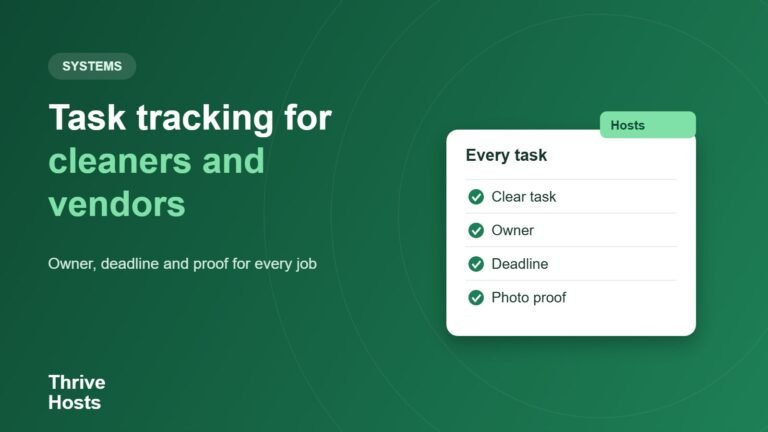
Manually telling cleaners about every booking is one of the most error-prone parts of running a rental. Automating it means each booking creates a cleaning job with the correct date and time window, assigned to your cleaner, and updated automatically if the booking changes. Many PMS platforms do this, and dedicated cleaning management apps add checklists, photo reports and issue reporting from the cleaner.
The benefit is not just time saved. It removes the risk that a cleaner never hears about a same-day turnover.
4. Property Access
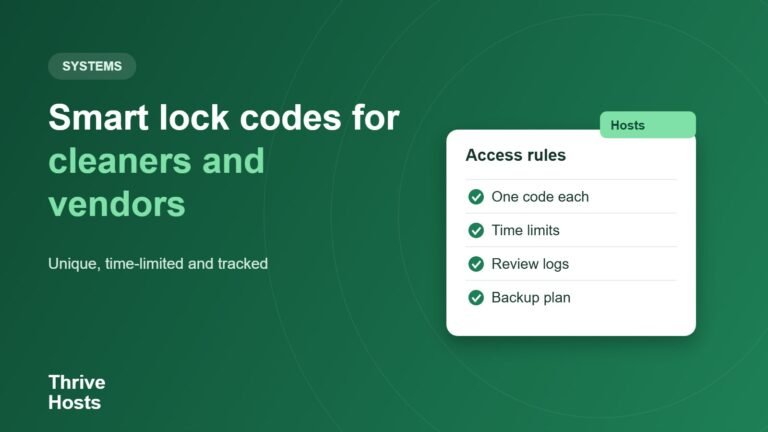
Smart locks that generate a unique code for each reservation, active only from check-in to checkout, remove key handovers and lockbox codes that never change. When connected to your PMS, codes are created and sent automatically. This is especially valuable for remote owners and late arrivals.
5. Pricing
Dynamic pricing tools adjust nightly rates daily based on demand, within rules you set, and push prices to every channel through your PMS or channel manager. This is a strong automation once the basics are in place, but it still needs regular human review of the floor price, minimum stays and event dates. See dynamic pricing for short-term rentals explained.
6. Issue and Maintenance Tracking
Issues reported by guests or cleaners should go into one log with an owner, a status and a date, not stay buried in message threads. Some PMS and cleaning apps create maintenance tasks directly from cleaner reports. Smart devices, such as leak sensors, noise monitors and thermostats, can send alerts so problems are spotted before the next guest arrives.
The automation here is the capture and the alert. The decision about what to fix and who to send still needs a person.
7. Reporting
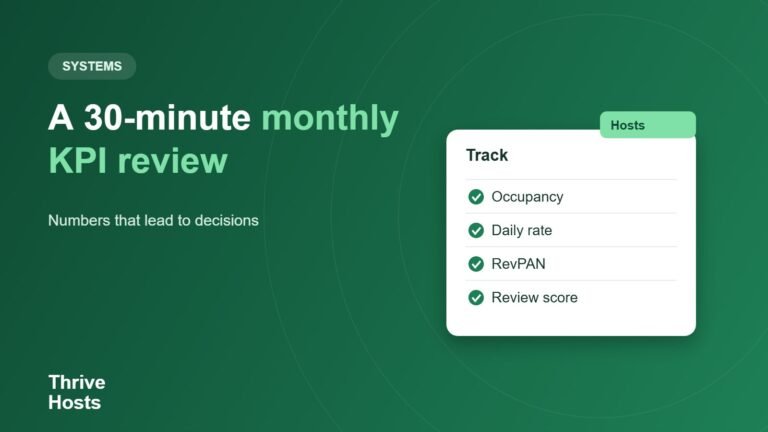
Finally, automate the numbers. Monthly reports showing occupancy, average daily rate, revenue, upcoming bookings and open issues save time and make it easier to spot trends. If you are not sure which metrics matter, our explainer on ADR in short-term rentals is a good place to start.
How to Avoid Automation Creating More Work
- Add one automation at a time and check it on real bookings before adding the next.
- Prefer connected tools that integrate with your central system over standalone apps that need their own data.
- Document what runs where, so anyone helping you knows which messages, codes and tasks are automatic.
- Review regularly. Templates, codes, rules and integrations go out of date quietly.
- Keep a human in the loop for anything involving money, safety, exceptions or upset guests. Our guide on what to automate and what should stay human covers where to draw that line.
Getting Your Automation Set Up and Maintained
Thrive Hosts helps owners design, set up and run STR systems as part of remote short-term rental operations support, including channel connections, messaging, cleaning workflows with your approved local team, smart lock integrations, pricing tools and owner reporting.
You keep ownership of your accounts and software. We make sure everything is connected, maintained and backed by a person when something falls outside the routine.
Explore STR systems support
We will map your current tools and manual work and show you which automations would save the most time with the least risk.
Explore STR Operations Support
Bruce J is the CEO of Thrive Hosts and leads the short-term rental team. He works on the operations and performance side of STR: guest communication, pricing and calendar discipline, turnovers, issue tracking and owner reporting across Airbnb, Vrbo and Booking.com. On the blog he writes practical, no-fluff guides for owners and operators who want their rentals to run more consistently.