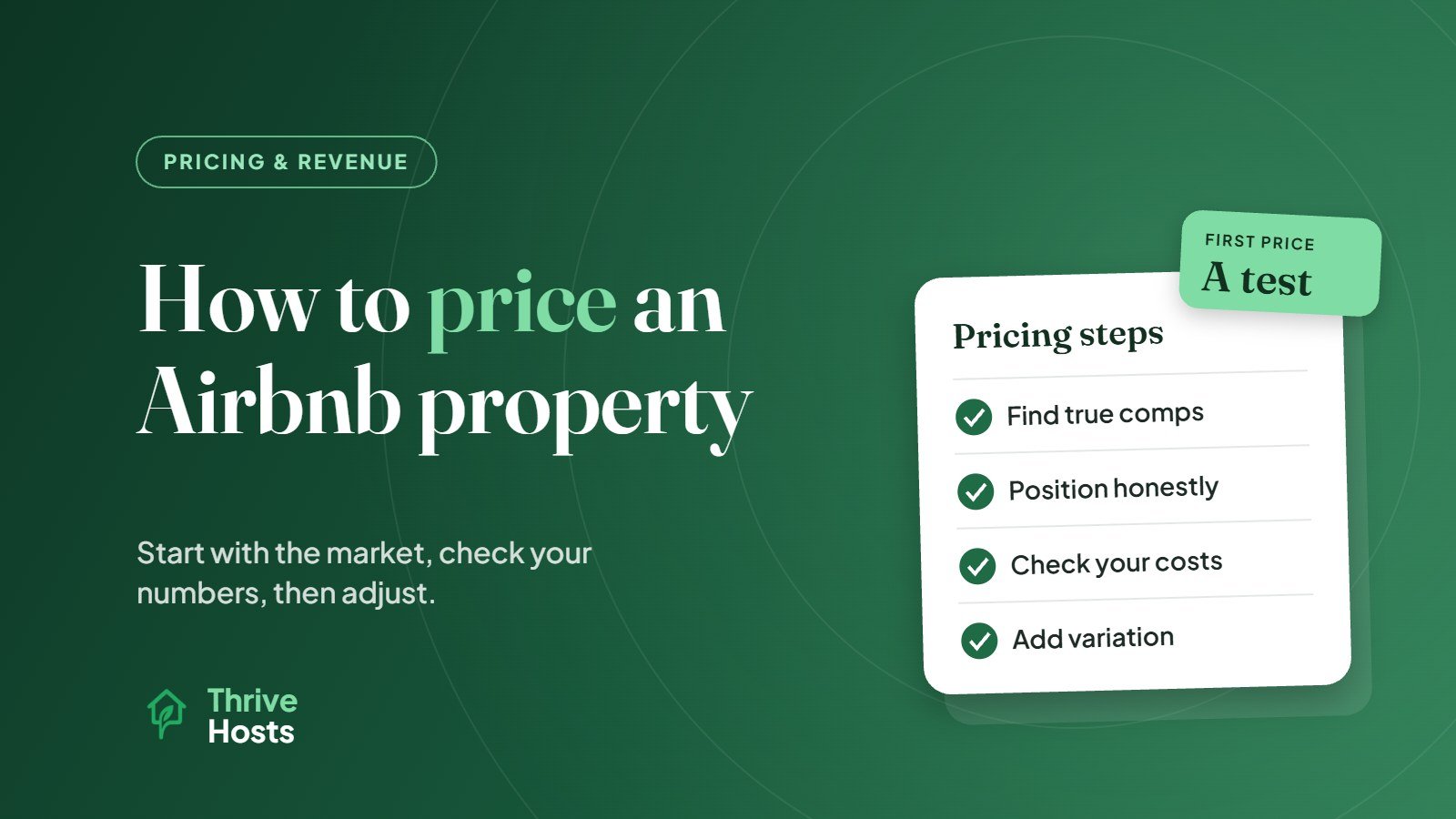
To price an Airbnb property, start with what comparable listings nearby actually charge and achieve for the same dates, set a base nightly rate that reflects your property’s position against them, check that rate against your costs and minimum acceptable income, and then adjust for weekends, seasons, events and booking lead time. Your first price is a starting hypothesis. Booking data over the following weeks tells you whether it is right.
Many new hosts either copy the cheapest nearby listing or set a price based on what they need to earn. Neither works well on its own. The goal is a price that the market will accept and that still makes the property worthwhile for you.
Before setting rates, it helps to know your floor. The minimum nightly rate calculator finds the lowest average rate that covers your costs, and the STR profitability calculator shows the full monthly picture.
Step 1: Find genuinely comparable listings
Look for listings that a guest would realistically consider instead of yours. That means similar location, similar size and guest count, a similar bedroom and bathroom setup, and comparable standout features. A two-bedroom apartment with parking in the center is not a fair comparison for a two-bedroom without parking on the edge of town.
Search Airbnb as a guest for a few different date ranges: a weekday in low season, a weekend in low season, a weekday in peak season and a weekend in peak season. Note the nightly price and the total price including fees for each comparable listing. Airbnb also lets hosts compare their price against similar listings on a map in the pricing settings, which is a useful extra reference.
Pay attention to which comparable listings are already booked for upcoming dates and which are still available. Prices on listings that are sitting empty are less informative than prices that guests are actually paying.
Step 2: Position your property honestly
Once you have a range, decide where your property sits within it. Better photos, stronger reviews, standout amenities or a superior location justify sitting toward the top. A brand-new listing with no reviews usually needs to start lower to earn its first bookings, which is part of why Airbnb offers a new listing promotion.
Be objective here. Owners naturally rate their own property highly, but guests compare on what they can see in the listing.
Step 3: Check your numbers
Before settling on a base rate, work out your costs per night and per stay. Fixed costs include mortgage or rent, utilities, internet, insurance and software subscriptions. Per-stay costs include cleaning, laundry, consumables and platform fees. Your average nightly rate needs to cover both across a realistic level of occupancy, not a best-case one.
If the market rate does not cover your costs at a realistic occupancy, that is important information. It may mean adjusting your cost base, your property setup or your expectations, rather than simply setting a higher price that guests will not pay.
Step 4: Set your fees and total price
Guests increasingly compare total price rather than nightly rate. A low nightly rate with a high cleaning fee can look expensive for short stays. Consider whether your cleaning fee is reasonable relative to your typical stay length, and whether a short-stay cleaning fee or a slightly higher nightly rate with a lower fee would present better. Also remember that your payout is reduced by Airbnb’s service fee, so check what you actually receive.
Step 5: Build in variation
A single flat rate all year almost always leaves money on the table. At minimum, set:
- Weekend pricing for Friday and Saturday nights if your market sees higher weekend demand
- Seasonal pricing that reflects peak, shoulder and low periods in your area
- Event pricing for local events, holidays and school breaks that drive demand
- Length-of-stay discounts, such as weekly or monthly discounts, if longer stays suit the property
Airbnb’s own pricing tools include base price, weekend price, custom nightly prices, Smart Pricing and several discount types. Some hosts use these directly; others use a third-party dynamic pricing tool. Our guide to dynamic pricing for short-term rentals explains how automated pricing works if you are considering it.
Step 6: Watch what happens and adjust
The first few weeks after setting prices tell you a lot. If dates far in the future are booking very quickly, your prices may be too low. If nearby listings are filling the same dates and yours are not, you may be too high, or there may be a listing issue rather than a pricing one.
Track your occupancy and average daily rate together rather than looking at either alone. Our article on ADR for short-term rentals explains how to read it. For guidance on how frequently to revisit your rates, see how often to change Airbnb prices.
Setting a price is not the same as managing pricing
Getting a sensible initial price is the first step. Keeping it right through the year, across seasons, events and changing competition, is ongoing work. Our guide to Airbnb pricing strategy for hosts covers that longer-term approach.
Want a second opinion on your pricing?
Thrive Hosts provides remote pricing and calendar management for STR owners, reviewing comparable listings, setting seasonal and event pricing and monitoring performance over time. You keep the final say on your rates.
Explore Pricing & Revenue Support
Bruce J is the CEO of Thrive Hosts and leads the short-term rental team. He works on the operations and performance side of STR: guest communication, pricing and calendar discipline, turnovers, issue tracking and owner reporting across Airbnb, Vrbo and Booking.com. On the blog he writes practical, no-fluff guides for owners and operators who want their rentals to run more consistently.