When an owner hires a co-host, the first practical question is access. Airbnb lets the listing owner choose what a co-host can see and do, and the choice matters more than most owners realise. Too little access and the co-host cannot answer a guest or move a date. Too much and a person you barely know can change prices, accept trips and see the earnings dashboard.
This guide explains the three access levels as Airbnb describes them in its Help Center, what each one blocks, and how to match the level to the work being delegated.
The three access levels
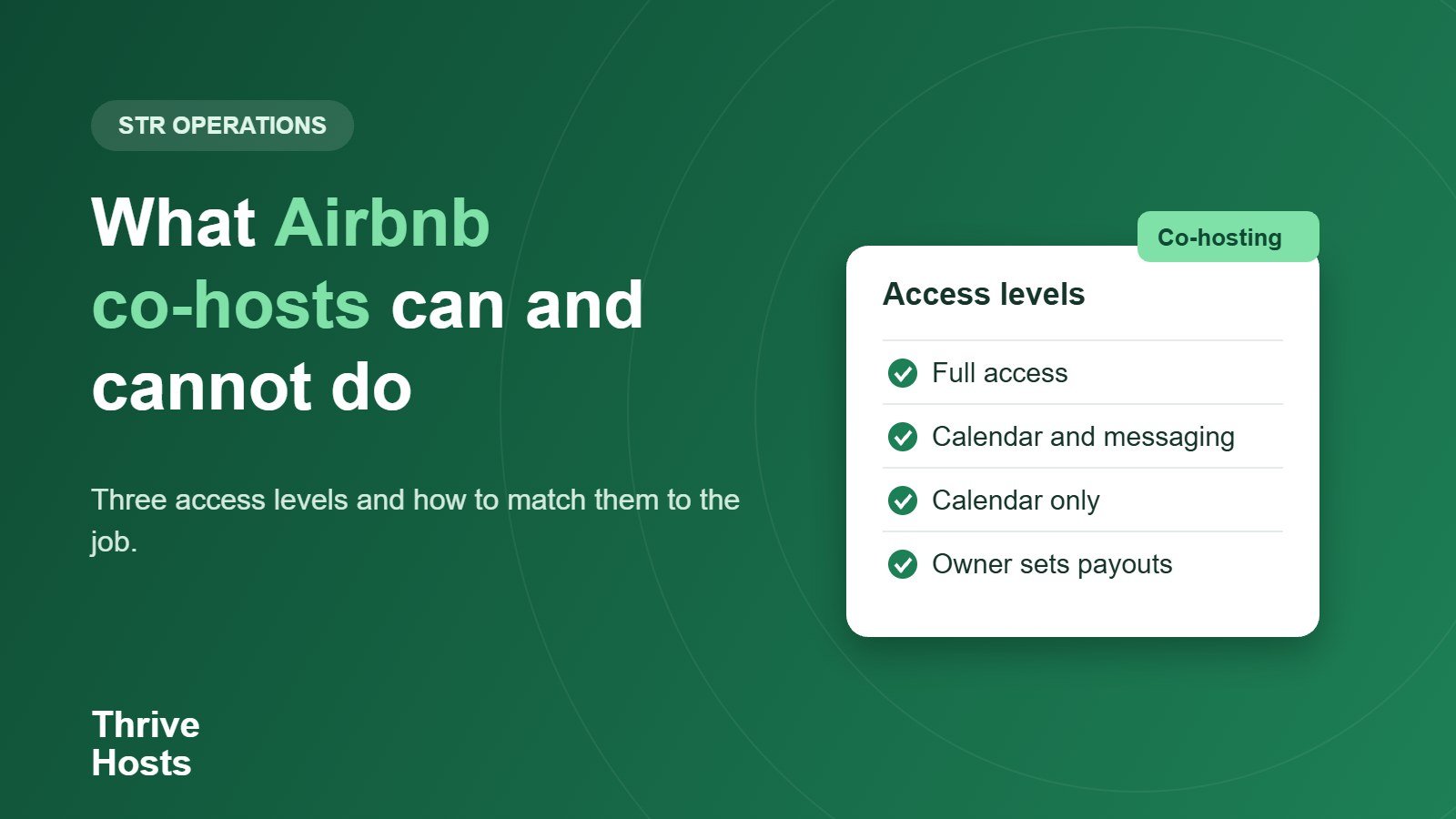
Airbnb offers full access, calendar and messaging, and calendar-only. They differ mainly in whether the co-host can edit anything and whether they can talk to guests.
- Full access: the co-host can message guests, update the calendar, manage the listing including pricing, accept or decline trip requests, handle cancellations and see the earnings dashboard and payouts. Depending on location, they can also manage damage and Resolution Center requests.
- Calendar and messaging: the co-host can message guests and view the calendar, but cannot edit it. They can also contact Airbnb support about reservation or guest issues.
- Calendar-only: the co-host can view the calendar but cannot edit it, message guests or get support for guest issues. This suits a cleaner or maintenance contact who only needs to see arrival and departure dates.
What co-hosts without full access cannot do
Anyone below full access cannot edit the calendar, pricing or listing details, cannot accept or decline trip requests, cannot handle trip change requests and cannot see the earnings dashboard. They cannot send or request money through the Resolution Center, cannot manage damage reimbursements, cannot write guest reviews and cannot set the primary host.
That list is useful when you are deciding who needs what. A co-host who answers guests but is not responsible for pricing can work at the calendar and messaging level. If they are expected to adjust rates around events, open gap nights or respond to booking requests, they need full access.
Matching access to the job
A simple way to decide is to list the tasks first and then pick the lowest level that covers them. Guest messaging only: calendar and messaging. Messaging plus calendar blocks, pricing and trip requests: full access. Cleaner who needs dates: calendar-only. If your co-host also coordinates cleaners and vendors, you may not need to give those people any Airbnb access at all, because the co-host can pass on the dates and instructions. Our article on what to outsource first on Airbnb covers how to divide those tasks.
Payouts and ownership stay with the owner
Airbnb states that only listing owners can set up or edit a co-host’s payouts. Co-hosts cannot see or change the owner’s payout method or tax information, or another co-host’s. Changing a co-host’s permissions does not change their payout. If you are still working out a fee, the co-host fee calculator shows how different structures affect what you keep.
Responsibility also stays with the owner. Airbnb says owners are responsible for all co-hosts on their listing, including those added by a full-access co-host. A full-access co-host can add, remove or change permissions for other co-hosts, though not add another full-access co-host, and can set the primary host. That is a lot of authority, which is another reason to put expectations in writing. We cover that in what to include in an Airbnb co-host agreement.
Review access regularly
Owners can change a co-host’s permissions or remove them at any time. Make that part of a routine: check the co-host list when an arrangement changes, when a cleaner or assistant leaves, and at least a couple of times a year. An old calendar-only invitation is low risk. An old full-access co-host is not.
Regional rules can also change what a co-host can do. Airbnb’s article notes location-specific limits on damage and Resolution Center requests, so check the current wording for your country before you rely on a co-host for those tasks.
A short access checklist
- List the tasks you are delegating.
- Choose the lowest access level that covers them.
- Confirm who sets and manages payouts, which is always the owner.
- Decide whether cleaners and vendors need access, or only the co-host does.
- Review the co-host list whenever people or responsibilities change.
Related reading: Airbnb co-host refund changes from December 2026.
Need a co-host without handing over the keys?
Thrive Hosts works remotely on guest messaging, calendar and pricing support, cleaner coordination and owner reporting, using the access level the task actually requires. See how Airbnb co-hosting with Thrive Hosts works before you decide how much to delegate.
See how co-hosting works
Bruce J is the CEO of Thrive Hosts and leads the short-term rental team. He works on the operations and performance side of STR: guest communication, pricing and calendar discipline, turnovers, issue tracking and owner reporting across Airbnb, Vrbo and Booking.com. On the blog he writes practical, no-fluff guides for owners and operators who want their rentals to run more consistently.