Smart locks make remote hosting practical, but only if codes are handled with care. Cleaners and vendors need access, and a code that outlives its purpose is a security gap.
Give each person their own code
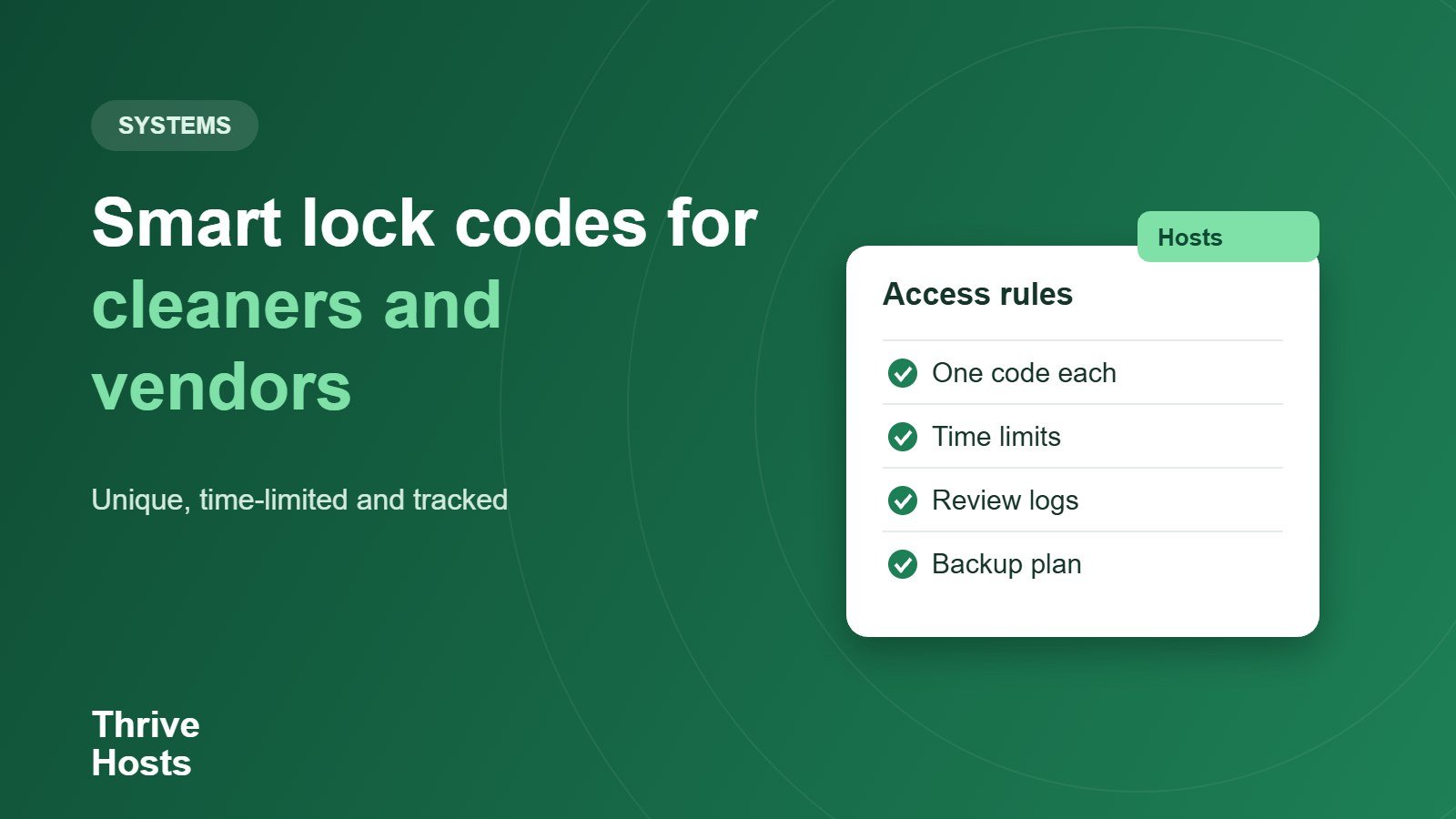
Where your lock supports multiple codes, assign one to each cleaner or vendor rather than sharing a single code. If a person leaves or a code is shared by mistake, you remove just that code without disturbing everyone else. Check how many codes your lock supports and how it handles scheduling.
Limit access to when it is needed
- Use time-limited codes for one-off visits, if your lock allows it.
- Set recurring windows for regular cleaners, such as turnover days.
- Remove codes as soon as a job is finished or a person stops working with you.
- Keep a record of who holds which code.
Review the logs
Many smart locks record when a code is used. Review it occasionally to confirm that visits match expected jobs. It also helps settle questions about when a cleaner arrived. Check what your lock records and whether you can access the history remotely.
Have a backup plan
- Know how to change or disable a code remotely.
- Keep a secure physical backup in case batteries or connectivity fail.
- Replace batteries on a schedule.
- Test codes after any app or firmware update.
Keep guest codes separate
Guest codes should be unique per stay and expire at checkout. See our guide on smart locks for remote Airbnb hosts for setup, and what to do if a guest is locked out. Combine this with a clear task tracking system so access matches scheduled work.
Want access managed without the guesswork?
We coordinate cleaner and vendor access remotely, keeping codes tied to scheduled jobs and removed when they are done.
Book an operations review
Bruce J is the CEO of Thrive Hosts and leads the short-term rental team. He works on the operations and performance side of STR: guest communication, pricing and calendar discipline, turnovers, issue tracking and owner reporting across Airbnb, Vrbo and Booking.com. On the blog he writes practical, no-fluff guides for owners and operators who want their rentals to run more consistently.