Airbnb’s host fee changed enough in recent years that older articles, forum answers and even some pricing tools describe a structure that no longer applies. If you are still working from memory of split fees, your payout maths may be off. The useful question is simple: of every booking total, how much do you actually keep, and how should that change the prices you set?
What Airbnb says the fee is now
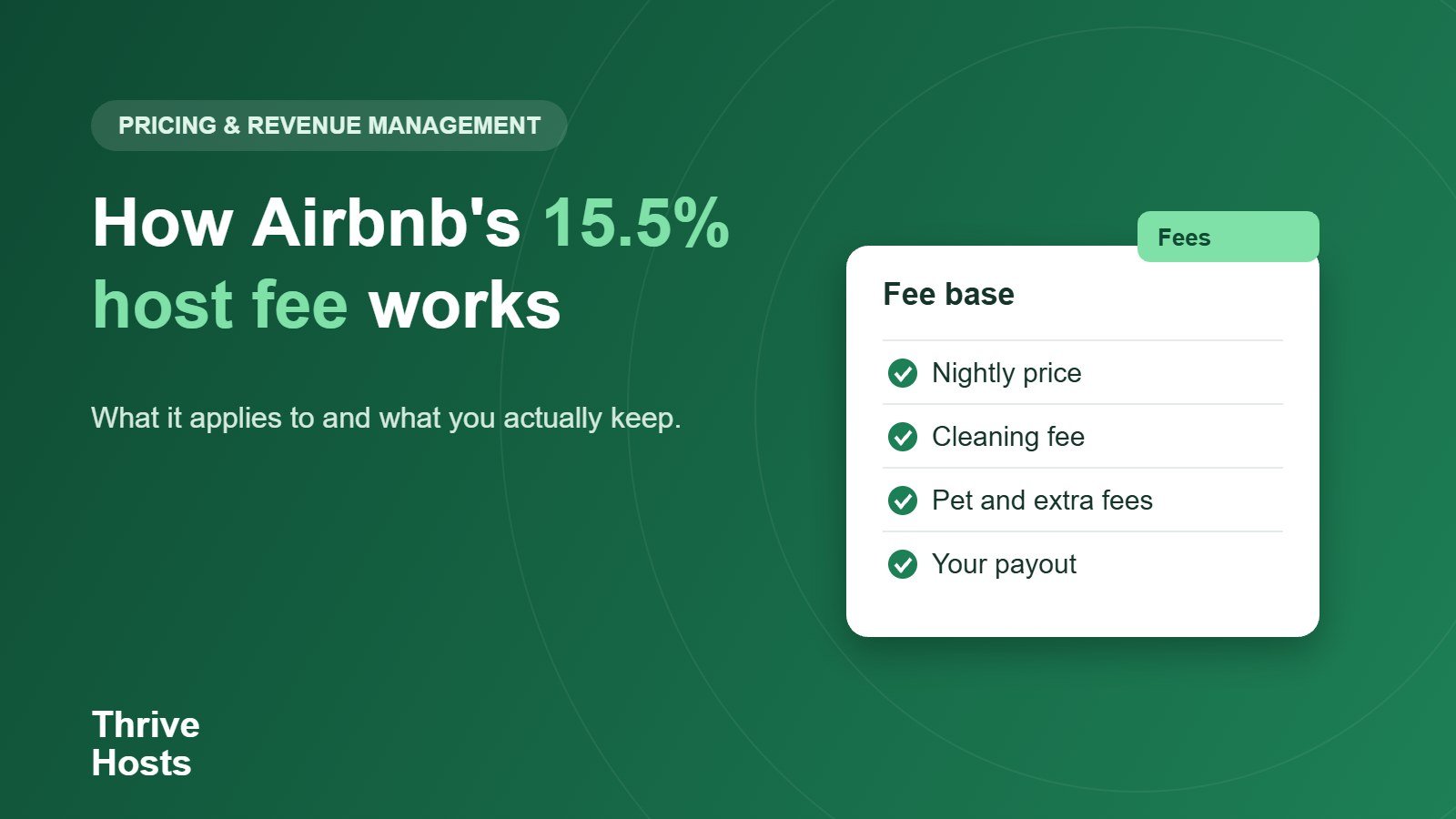
Airbnb’s Help Center says it moved to a single fee structure in 2026, with a host fee of 15.5% paid by hosts. Listings in Brazil and Mexico pay 16%, and Airbnb notes that other exceptions may apply, so check your own account. The fee is calculated on the nightly price plus any optional fees you add, such as cleaning or pet fees, and it is subtracted from your price to determine your payout. Airbnb charges a service fee on every booking, and you can see it as a separate line in the price breakdown for a booking in your calendar, or on the transaction in your earnings dashboard. Airbnb’s page says its information may have changed since publication, so check the current wording before making big decisions.
What it means for your payout
If the fee is 15.5% of the amount it applies to, you keep about 84.5% of it. On a 200 nightly rate with no extra fees, the fee is 31 and your payout is 169. Add a 90 cleaning fee and the base for the fee becomes 290, so the fee is about 45 and your payout is about 245. The cleaning fee is not free money for you, because Airbnb takes its share, and a higher cleaning fee increases the amount Airbnb deducts. Our guide to setting a cleaning fee shows how to account for that.
These figures are illustrations. Use the Airbnb host fee calculator to see what a specific rate and fee combination nets after the fee.
Why this matters for pricing
Because the fee comes out of your side of the booking, it is part of your cost of selling a night. Your floor price needs to cover costs after the fee, which is why we divide by one minus the fee when we build a cost-based minimum. Our article on setting a minimum nightly rate walks through that. If your numbers were built when the fee was lower, your margin may be thinner than you think.
Comparing channels fairly
When you compare Airbnb with Vrbo, Booking.com or direct bookings, compare payout per night, not the listed price. Each channel has its own fees and its own way of showing them, and they change over time. The OTA payout calculator lets you enter each platform’s current rate and compare what you keep. Our overview of Airbnb, Vrbo and Booking.com covers the non-fee differences.
Do not raise prices blindly
Some hosts respond to a fee change by raising every price by the fee percentage. That can work when demand is strong, but it ignores competitors and booking patterns. A better approach is to check your payout on typical stay lengths, see which nights fall below your floor, and adjust those. Use your competitor set to judge how much room you have.
Keep an eye on the paperwork
Fee details are the kind of thing that changes quietly. Check the price breakdown on a recent booking each quarter, update your spreadsheets and pricing tool settings, and record the fee percentage in the assumptions you use for monthly reporting. If you work with a co-host or manager, confirm their fee is calculated on the same base you expect.
Fee checklist
- Check the fee shown in a recent booking breakdown.
- Calculate payout for typical nightly rates and stay lengths.
- Remember that cleaning and pet fees are part of the base.
- Update your minimum price and pricing tool assumptions.
- Compare channels by payout, not by listed price.
- Recheck the fee wording each quarter.
Not sure what you actually keep from each booking?
Thrive Hosts builds fee and payout assumptions into pricing, calendar and reporting support, so owners see net numbers and not just booking totals. See how our Airbnb co-hosting service supports pricing and reporting.
Explore Airbnb co-hosting
Bruce J is the CEO of Thrive Hosts and leads the short-term rental team. He works on the operations and performance side of STR: guest communication, pricing and calendar discipline, turnovers, issue tracking and owner reporting across Airbnb, Vrbo and Booking.com. On the blog he writes practical, no-fluff guides for owners and operators who want their rentals to run more consistently.