Airbnb’s availability settings are easy to leave on their defaults, and many hosts only look at them when something goes wrong: a guest booking the same morning, back-to-back stays with no time to clean or a calendar that quietly stops accepting reservations beyond a few months. These settings control when and how guests can book, and small changes can affect both conversion and your workload.
Here is what each setting does, based on Airbnb’s Help Center, and how to use them together.
Trip length: minimum and maximum nights
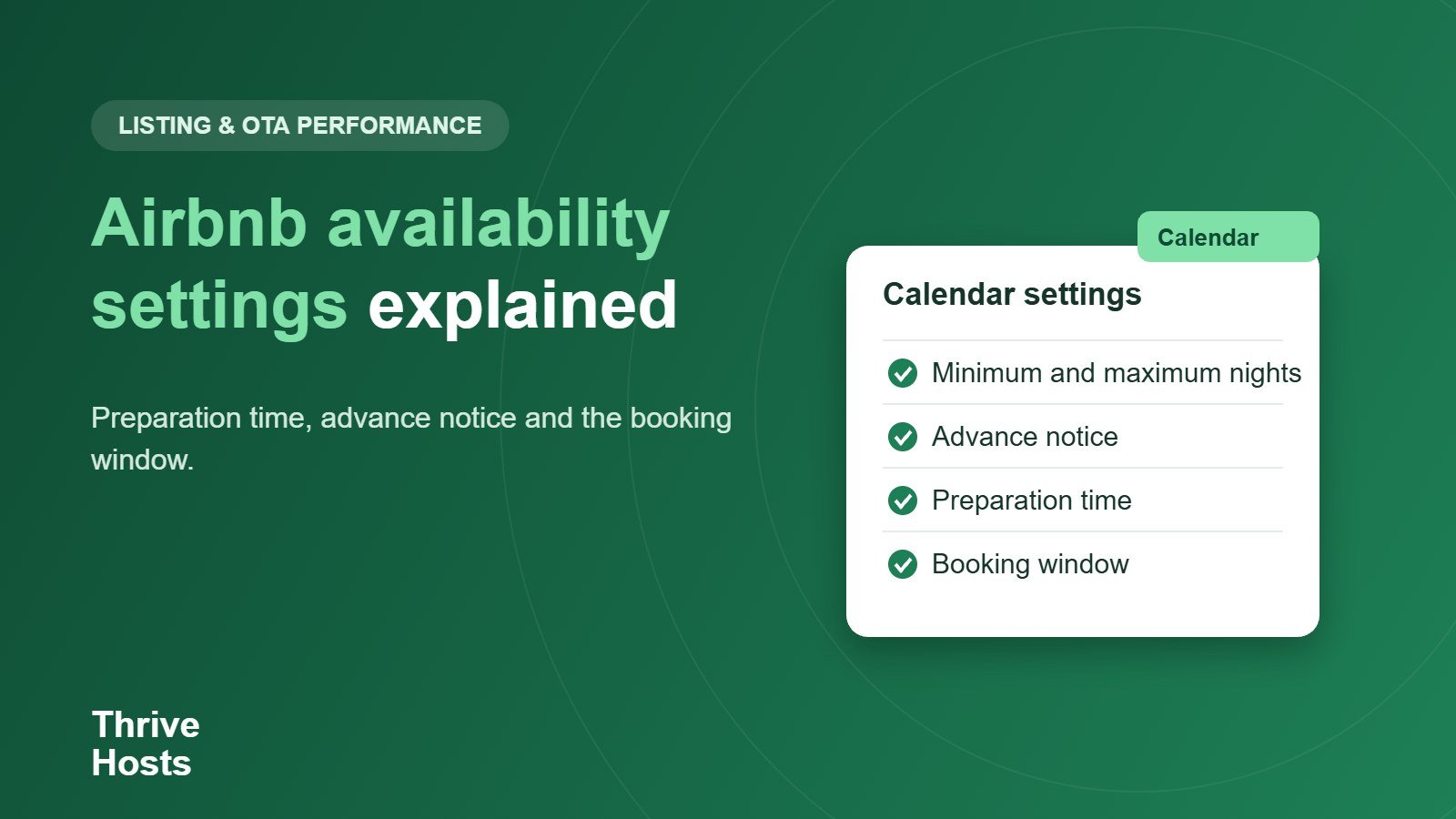
Minimum nights is the shortest stay you will accept. Lowering it can bring in short-stay guests and fill gaps, and Airbnb says it can vary by check-in day. Maximum nights is the longest stay, and raising it can attract longer bookings and reduce turnovers. You can also allow requests beyond the maximum that you review yourself. Custom trip length lets you set a shorter minimum for specific dates, which is useful for filling gaps between reservations. Our guides on minimum stay strategy and gap nights go into when each approach pays off.
Advance notice and same-day cutoff
Advance notice is the minimum time between a booking and arrival. Airbnb offers same day, one, two, three or seven days, and you can still approve requests made with less notice. If you allow same-day booking, the same-day cutoff sets the hour after which guests can no longer book, anywhere from 6 AM to midnight. Consider how long it really takes to prepare the property. If your cleaner needs a day’s warning, same-day bookings will create stress even when they are profitable.
Preparation time
Preparation time blocks nights before and after each reservation. You can choose none, one night on each side, or two nights on each side. It is the simplest way to guarantee a cleaning window between stays. The downside is lost revenue, because a blocked night is a night you cannot sell. A property with same-day turnovers handled well may not need it at all. A property with a long cleaning time, a remote location or a cleaner who works once a day may need at least one night. The trade-off is easier to judge with the gap night calculator.
Booking window
The booking window sets how far ahead guests can book: three, six, nine, 12 or 24 months. Airbnb notes that a longer window can increase search visibility. A longer window also means you will be taking reservations at old prices if you do not review rates regularly. If you keep pricing up to date, a longer window is usually worth it. If you adjust prices rarely, consider a shorter window for peak dates so you are not selling them too cheaply.
Restricted check-in and check-out days
You can prevent arrivals or departures on selected weekdays, up to six days per week. This is useful if your cleaner only works on certain days, if you have a long-stay property with a weekly rhythm or if you want to fit stays into a weekend pattern. Use it sparingly, because every restriction reduces the number of bookings that can fit.
How the settings interact
The settings are most effective when you think about them as a system. A short minimum stay with no preparation time and same-day booking maximises bookings but also maximises operational pressure. A longer minimum with a day of preparation time and two days’ notice is calmer but may leave nights unsold. The right balance depends on your cleaner’s availability, your location and how closely someone watches the calendar. Settings also work together with Instant Book or Request to Book and with calendars on other platforms. If channels are not synced, loose availability settings make double bookings more likely.
Review the settings quarterly
- Check minimum and maximum nights for each season.
- Match advance notice and same-day cutoff to your cleaner’s real schedule.
- Decide whether preparation time is worth the lost nights.
- Align the booking window with how often you update prices.
- Use restricted days only when operations require it.
- Check that settings are the same on all connected channels.
Calendar settings creating work for you?
Thrive Hosts manages calendar rules, pricing updates and cleaner coordination remotely so settings match how the property actually runs. Learn how our Airbnb co-hosting service handles the calendar side of hosting.
Explore Airbnb co-hosting
Bruce J is the CEO of Thrive Hosts and leads the short-term rental team. He works on the operations and performance side of STR: guest communication, pricing and calendar discipline, turnovers, issue tracking and owner reporting across Airbnb, Vrbo and Booking.com. On the blog he writes practical, no-fluff guides for owners and operators who want their rentals to run more consistently.