Instant Book and Request to Book solve the same problem in opposite ways. Instant Book removes friction for the guest, and Request to Book gives the host a chance to look before agreeing. Neither is right for every property, and the best choice often changes with the season, the type of guest you attract and how closely someone is watching the inbox.
How each one works
With Instant Book, the guest sees a “Confirm and pay” button and the reservation is made without host approval, according to Airbnb’s Help Center. The guest can still message you first, but you do not have to say yes before the booking exists. With Request to Book, the guest submits a request and the host decides whether to accept. Airbnb says hosts typically respond within 24 hours. If the host declines or does not respond in that time, the guest is not charged (outside India, where the rules differ).
Airbnb also notes a special case: when a booking is made within two days of check-in and the guest’s arrival time falls outside the host’s check-in window, it becomes a request rather than an instant booking, and the host does not have to accept it.
What you gain and lose with Instant Book
The main advantage is conversion. A guest comparing several listings does not want to wait a day to hear back, and Instant Book lets them finish the decision on the spot. It also reduces the pressure on response time, because the booking does not depend on you being awake. The costs are control and exposure. You accept the booking before you have seen who it is, and last-minute bookings can arrive when no one has prepared the property, which is a real risk if the cleaner or the lock needs advance notice.
What you gain and lose with Request to Book
Request to Book is useful when you want to screen, for example for a property with strict house rules, a large capacity or a history of problem bookings. You can read the guest’s message, check their profile and ask questions before accepting. The cost is speed. A request that sits for hours may be lost to a competitor, and a host who misses requests can also see their response metrics suffer, which matters for Superhost status, where hosts need to accept or decline new requests within 24 hours.
How to decide
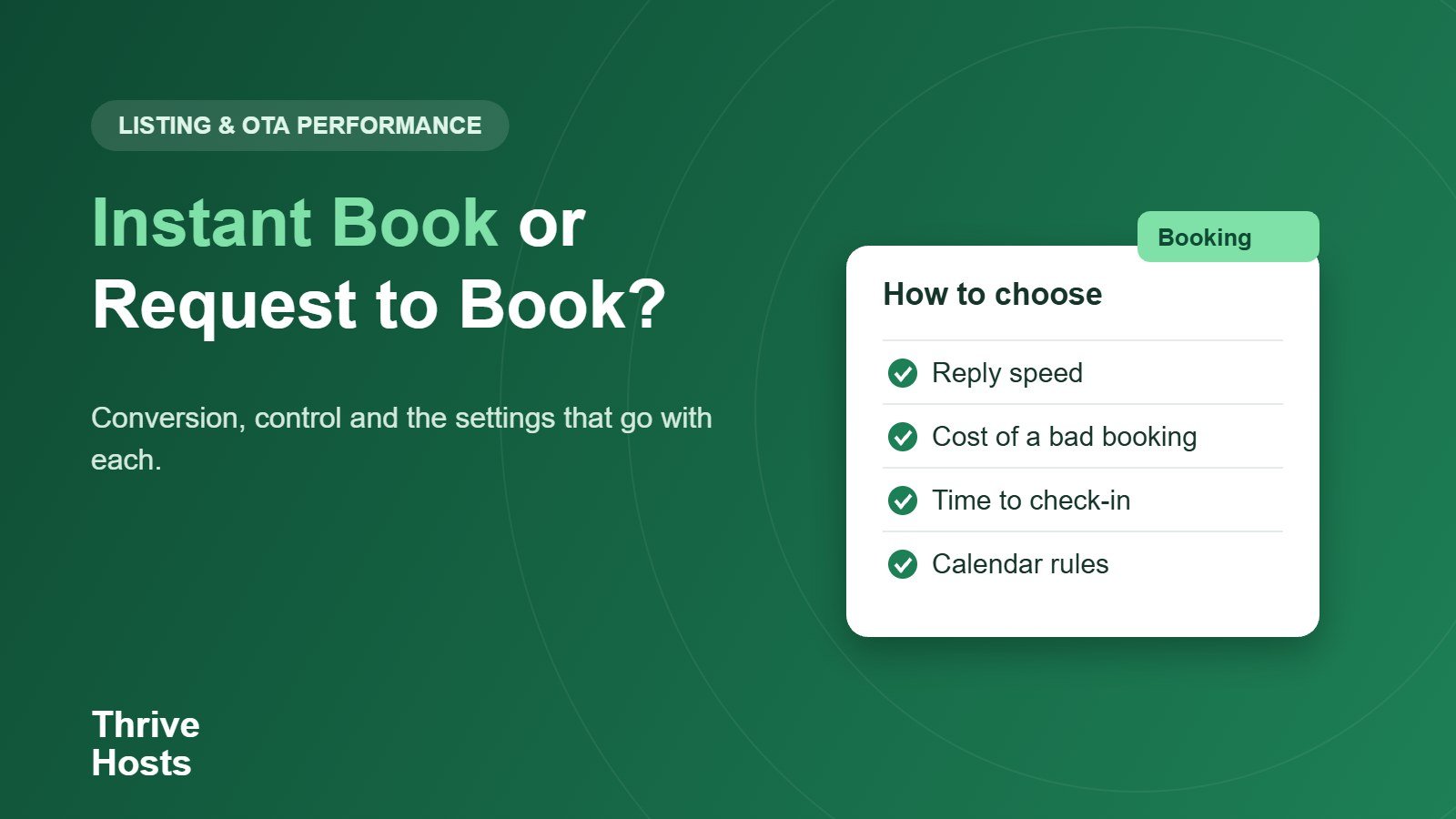
Think about three things: how fast you can respond, how much a bad booking costs you, and how close the booking is to check-in.
- If you or a co-host can reply reliably within an hour or two, Request to Book is manageable even in busy periods.
- If no one watches the inbox, Instant Book protects you from losing bookings through slow replies.
- If a bad guest would cost you a lot, for example in a large or high-value home, keep requests on or add stricter house rules and screening.
- If you have a lot of short-notice demand, check how quickly you can prepare the property before you allow same-day bookings.
Many hosts use a mix: Instant Book most of the year, with Request to Book switched on for peak events or for properties with a history of issues. Airbnb’s booking settings include options for who can book instantly, so check your calendar settings for the current choices.
Pair the setting with your calendar rules
Instant Book works best when the calendar settings protect you. Preparation time, advance notice and booking window determine when a guest can book, and a same-day cutoff stops late arrivals you cannot prepare for. We cover those in Airbnb availability settings. Keep your calendars synced across platforms too, because an instant booking on one site that conflicts with a booking on another is the classic setup for a cancellation, as our guide on avoiding double bookings explains.
Check the results after a month
Treat the setting as an experiment. Compare conversion and the quality of guests over a month or two, then adjust. If your response time is poor, improving it, as in our guide to host response time, may matter more than the setting itself.
Not sure anyone is watching the inbox?
Thrive Hosts monitors guest messages and booking requests remotely, answers quickly and flags anything that needs your decision, so you can choose settings for your business rather than your schedule. Learn how our guest messaging support works.
Explore guest messaging support
Bruce J is the CEO of Thrive Hosts and leads the short-term rental team. He works on the operations and performance side of STR: guest communication, pricing and calendar discipline, turnovers, issue tracking and owner reporting across Airbnb, Vrbo and Booking.com. On the blog he writes practical, no-fluff guides for owners and operators who want their rentals to run more consistently.