Cancellations and no-shows are part of selling rooms online. For a small hotel or motel, the question is not how to avoid them completely, but how to set policies that protect revenue without putting guests off, and how to handle each case quickly and consistently across Booking.com, Expedia and direct bookings.
Choose cancellation policies deliberately
Most OTAs let you offer more than one rate plan, typically a flexible rate with free cancellation up to a set point and a non-refundable rate at a lower price. Flexible rates tend to attract more bookings but more cancellations. Non-refundable rates bring certainty but can deter guests. Many small properties offer both and decide how far ahead free cancellation ends based on how easily they resell rooms. If a cancelled room two days out is rarely resold, a longer cancellation window protects you. If it usually sells again, a shorter window may win more bookings.
Whatever you choose, apply it consistently across channels and your website, and state it clearly. Inconsistent policies are one of the common Booking.com Extranet mistakes.
Handle cancellations promptly
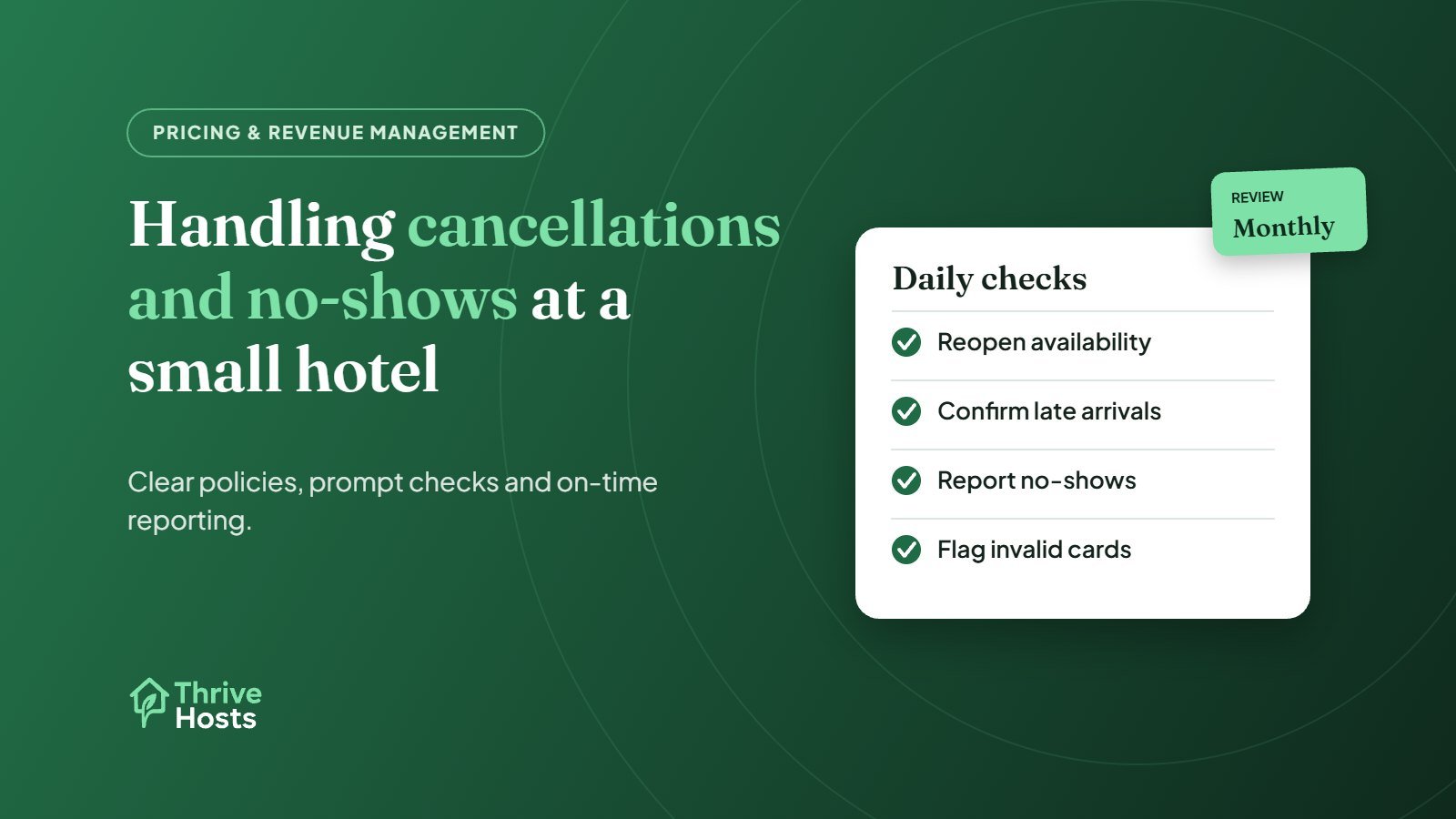
When a reservation is cancelled, check that availability has reopened on every channel. With a connected channel manager this should happen automatically, but it is worth checking for cancellations close to arrival, when the room has the best chance of selling again. If availability is managed manually, reopening the room quickly matters even more. See how small hotels can manage multiple OTAs for the wider setup.
Be clear on what you charge and when
For non-refundable bookings and late cancellations, decide in advance whether you will charge the full amount, part of it or waive it in certain situations, such as documented emergencies. Write that down so the desk does not make it up each time. On Booking.com, commission generally applies to amounts you charge guests for non-refundable bookings, late cancellations and no-shows, as set out in Booking.com’s partner help on commission. Factor that into decisions about waiving fees.
Confirm late arrivals before calling it a no-show
Many apparent no-shows are guests arriving late without telling you. Before the desk closes, check for messages on arriving reservations and send a short message to anyone who has not arrived: “We’re looking forward to seeing you tonight. Reception closes at 10pm, so please let us know your arrival time and we’ll send late check-in instructions.” This saves rooms from being marked no-show and guests from arriving to a locked door.
Report genuine no-shows in time
If a guest does not arrive, report the no-show through each platform’s own process. Booking.com lets partners mark a reservation as a no-show in the Extranet, within a limited window after the check-in date, and choose whether to waive the no-show fee. Expedia and other channels have their own processes and time limits. Missing these windows can mean commission is invoiced on a stay that never happened, so make no-show checks part of the morning routine after every arrival day, as covered in how to manage Booking.com reservations.
Handle invalid cards before arrival
A reservation with an invalid card is a likely no-show. Booking.com has a process in the Extranet for reporting invalid cards, which gives the guest a chance to update their payment details. Check payment status in your morning reservation review rather than discovering problems at check-in.
Look at the numbers monthly
Once a month, look at cancellations and no-shows by channel and rate plan. A channel with a high cancellation rate may need a shorter free-cancellation window. A rate plan that is rarely booked may not be worth keeping. These are pricing decisions that stay with the owner or revenue manager, but they are much easier with a clean summary in front of you. Our Booking.com commission calculator helps you see what each reservation actually leaves you.
The daily checks, messages and reporting around cancellations and no-shows are routine remote work. Our remote hotel operations support covers them for small hotels and motels, while pricing decisions stay with you.
Cancellations and no-shows slipping through?
Thrive Hosts helps small hotels and motels keep on top of late arrivals, no-show reporting, invalid cards and reopened availability across Booking.com, Expedia and direct bookings.
Explore hotel operations support
Bruce J is the CEO of Thrive Hosts and leads the short-term rental team. He works on the operations and performance side of STR: guest communication, pricing and calendar discipline, turnovers, issue tracking and owner reporting across Airbnb, Vrbo and Booking.com. On the blog he writes practical, no-fluff guides for owners and operators who want their rentals to run more consistently.