Managing Booking.com reservations at a small hotel is less about the booking itself and more about everything that happens between the confirmation email and checkout: special requests, date changes, payment issues, late arrivals, cancellations and the guest messages that come with them. When nobody owns that routine, small things fall through and turn into front-desk arguments.
This is a practical daily routine for independent hotels, motels and guesthouses that take a meaningful share of bookings through Booking.com.
Check where reservations actually live
If you use a PMS or channel manager connected to Booking.com, new reservations should appear there automatically, and that system should be your main working view. The Extranet and Pulse app are still important for things the connection may not cover fully, such as guest messages, some reservation actions and review replies. Write down which tasks your team does in the PMS and which in the Extranet, so nobody has to guess. If you do not use a PMS, see whether you need one in our guide to PMS and channel managers for small hotels.
A morning reservation check
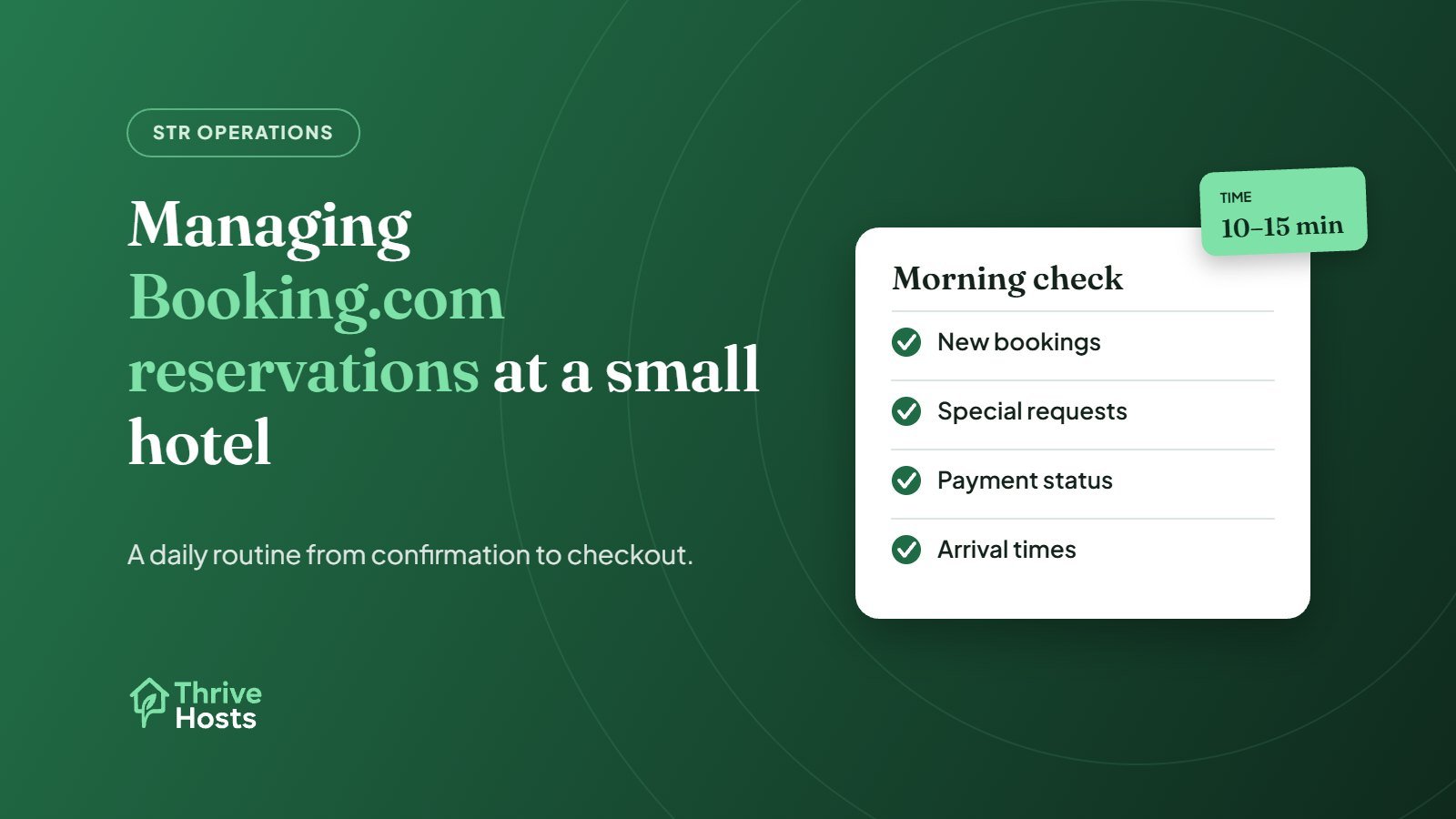
Start each day with a short review of the next few days of arrivals:
- New bookings since yesterday, and whether any need action, such as a request for twin beds or an accessible room
- Arrival times guests have shared, so housekeeping can prioritise rooms
- Special requests that need confirming or declining
- Payment status, including any card problems flagged on the reservation
- Group or multi-room bookings that should be allocated together
This takes 10 to 15 minutes for most small properties, and it prevents most of the problems that appear later at the desk.
Handle special requests honestly
Booking.com guests can add special requests when they book. They are requests, not guarantees, but guests often read them as confirmed if nobody replies. Reply to each one, even briefly: “We’ve noted your request for a ground-floor room and will do our best. We’ll confirm on arrival.” If you cannot accommodate something, say so early. Pass anything that affects room allocation or setup to whoever plans the rooms, and to housekeeping where needed, as covered in our housekeeping coordination guide.
Date changes and modifications
Guests regularly ask to change dates, add a night or change room type. Before agreeing, check availability across all channels, not just Booking.com, and check the rate for the new dates. Make the change in the system your team uses as the source of truth, then confirm it with the guest in writing through the Booking.com messaging system. Changes agreed over the phone and never recorded are a common cause of overbookings and payment disputes.
Payment problems and invalid cards
If a guest’s card fails or is invalid, Booking.com has a process in the Extranet for reporting it, which gives the guest a chance to update their details. Act on these quickly rather than discovering the problem at check-in. If you use Payments by Booking.com, payment handling works differently, so make sure your team understands which model applies to which reservations. Our free Booking.com commission calculator shows how commission and payment charges affect what you keep.
Late arrivals and no-shows
When a guest has not arrived by the time the desk closes, check the reservation for messages before assuming a no-show. A short message asking about their arrival time often solves it. If the guest genuinely does not arrive, report the no-show through the Extranet within the window Booking.com allows. We explain the full process in how small hotels should handle cancellations and no-shows.
Keep guest communication on the platform
Booking.com asks partners to keep communication with guests on its platforms, and guests contact properties through an alias email address so their personal email is not shared. Messages can be sent from the time of booking until seven days after checkout or cancellation. Keeping conversations there gives you a record if anything is disputed later. It also means whoever covers the OTA inbox can see the full history.
End-of-day handover
Before the desk closes, the person on duty should note any open items for the next shift or whoever covers messages overnight: guests still to arrive, requests awaiting a decision and any issues reported during the day. A handover of five lines in a shared note is enough.
Much of this routine is administrative and can be handled remotely, which is why many small properties hand it to an operations partner. Our remote support for independent hotels and motels covers reservation checks, guest messages and follow-up while your desk team focuses on guests in front of them.
Reservation admin eating into the day?
Thrive Hosts helps small hotels and motels keep Booking.com and other OTA reservations, requests and guest messages under control, working inside your systems with the access you choose.
Explore hotel operations support
Bruce J is the CEO of Thrive Hosts and leads the short-term rental team. He works on the operations and performance side of STR: guest communication, pricing and calendar discipline, turnovers, issue tracking and owner reporting across Airbnb, Vrbo and Booking.com. On the blog he writes practical, no-fluff guides for owners and operators who want their rentals to run more consistently.