A hotel pre-arrival message is the email or OTA message sent a day or two before a guest arrives, with the practical details they need to get to the property and check in without calling: check-in time, reception hours, parking, directions, what to do if arriving late and how to reach someone. For small hotels and motels, it is one of the most useful messages you can send, because it answers the questions that otherwise arrive at the busiest times of day.
When to send it
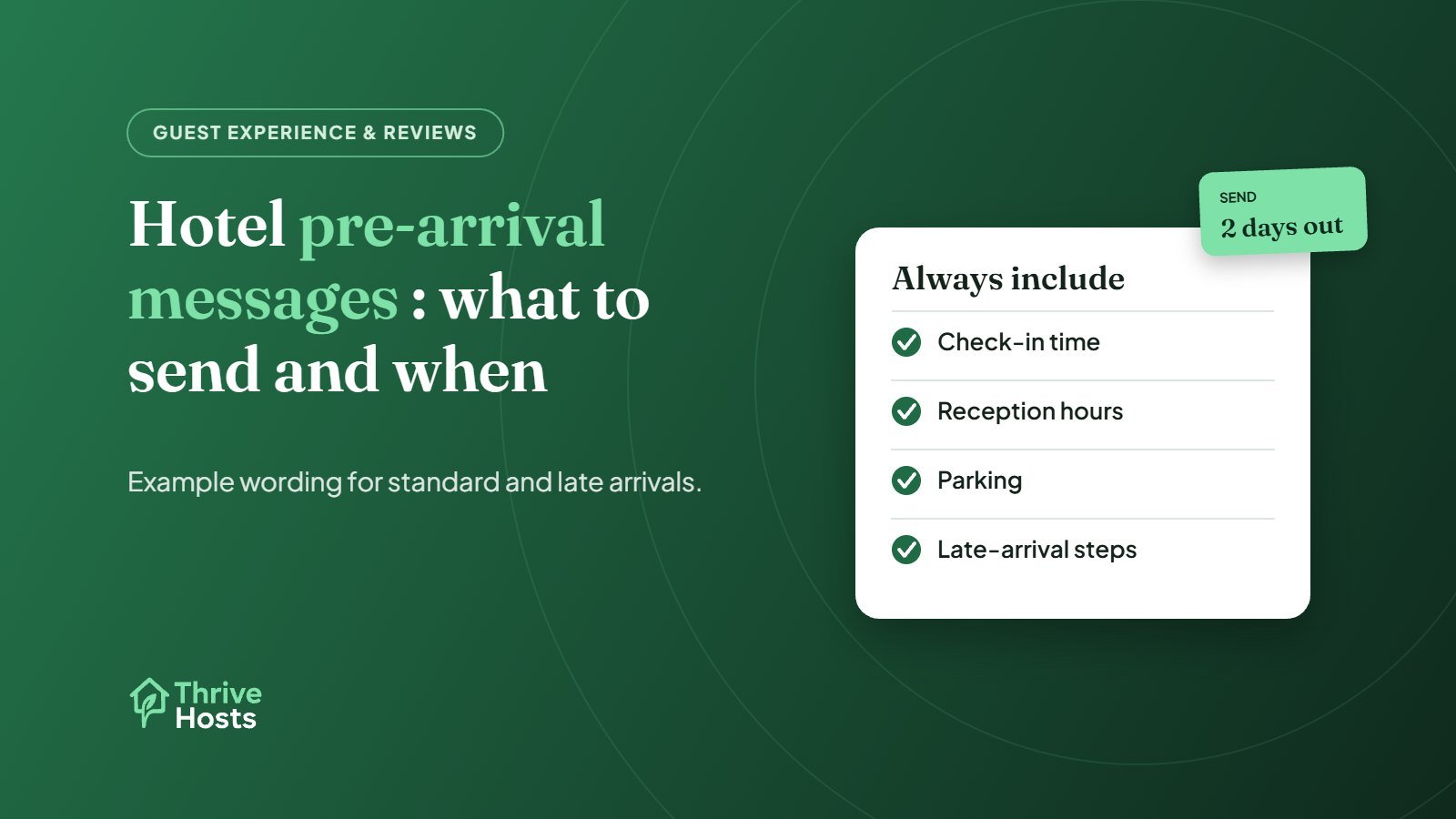
Two days before arrival works for most guests. It is close enough to be relevant and early enough for guests to plan. For guests booking last minute, send it with or straight after the confirmation. If your system allows, send a separate short message on the day of arrival to guests arriving after reception closes.
What to include
- Check-in and checkout times, and reception opening hours
- Address, the entrance to use and anything sat-navs get wrong
- Parking: where, whether it is free and any height or size limits
- What happens if the guest arrives after reception closes
- How to contact the property, with the channel you actually monitor
- Breakfast times or nearby food options if there is no restaurant
- Any fees or policies guests often miss, such as deposits, city tax or pet charges
Keep it short. Guests read these on their phone, often while travelling. Put the most important line, usually check-in and late-arrival information, near the top.
Example: standard pre-arrival message
Hi [Name], we’re looking forward to welcoming you on [date]. Check-in is from 3pm and reception is open until 10pm. We’re at [address]; the entrance and free parking are at the back of the building, off [street]. Breakfast is served from 7 to 10am. If your plans change or you’re arriving after 10pm, reply to this message and we’ll send late-arrival instructions. See you soon, [Property name]
Example: late-arrival message
Hi [Name], thanks for letting us know you’re arriving around 11:30pm. Reception will be closed, so please use the side entrance next to the car park. We’ll send your room number and key instructions on the morning of arrival. If you have any trouble getting in, call [on-call number]. We’ll see you at breakfast.
Send access details only to the confirmed guest, as close to arrival as practical, and avoid putting live codes into templates that go to every guest. Our guide to running without a 24-hour front desk covers late arrivals and on-call cover.
Send it through the right channel
For OTA bookings, send the message through the platform’s messaging system so the conversation stays in one place. Booking.com, for example, asks partners to keep guest communication on its platforms and gives guests an alias email address. Booking.com also lets partners save templates and schedule automatic answers, which suits pre-arrival messages well. If you send from your PMS, check that it actually delivers to OTA guests through the right route. Our article on automating hotel guest messaging covers the setup.
Keep it consistent with your listing
Everything in the message should match your OTA listings and website: check-in times, parking, fees and policies. If they disagree, guests will quote whichever version suits them. A quarterly check of the message against your Extranet content, as in our list of Booking.com Extranet mistakes, avoids this.
Measure it by the questions you stop getting
A good pre-arrival message reduces messages and calls. If guests still ask where to park or how to get in after hours, the message is unclear or arriving too late. Track the most common pre-arrival questions in your OTA inbox for a month and adjust the wording. For rental properties, our Airbnb pre-arrival message examples cover the short-term rental version.
Our guest messaging support writes and schedules these messages for small hotels and motels, and covers the replies they generate, as part of our wider hotel and motel operations work.
Want arrivals that run without phone calls?
Thrive Hosts writes and schedules pre-arrival and late-arrival messages for small hotels and motels, and answers the follow-up questions across your OTAs.
Explore guest messaging
Bruce J is the CEO of Thrive Hosts and leads the short-term rental team. He works on the operations and performance side of STR: guest communication, pricing and calendar discipline, turnovers, issue tracking and owner reporting across Airbnb, Vrbo and Booking.com. On the blog he writes practical, no-fluff guides for owners and operators who want their rentals to run more consistently.