Many small hotels, motels, inns and guesthouses do not staff the front desk around the clock, and for good reason: the cost rarely makes sense for a property with a handful of overnight arrivals. That works well as long as guests know what to do after hours and someone is responsible for responding when something goes wrong. Problems start when the desk closes and nobody is clearly on call.
Be clear about desk hours everywhere
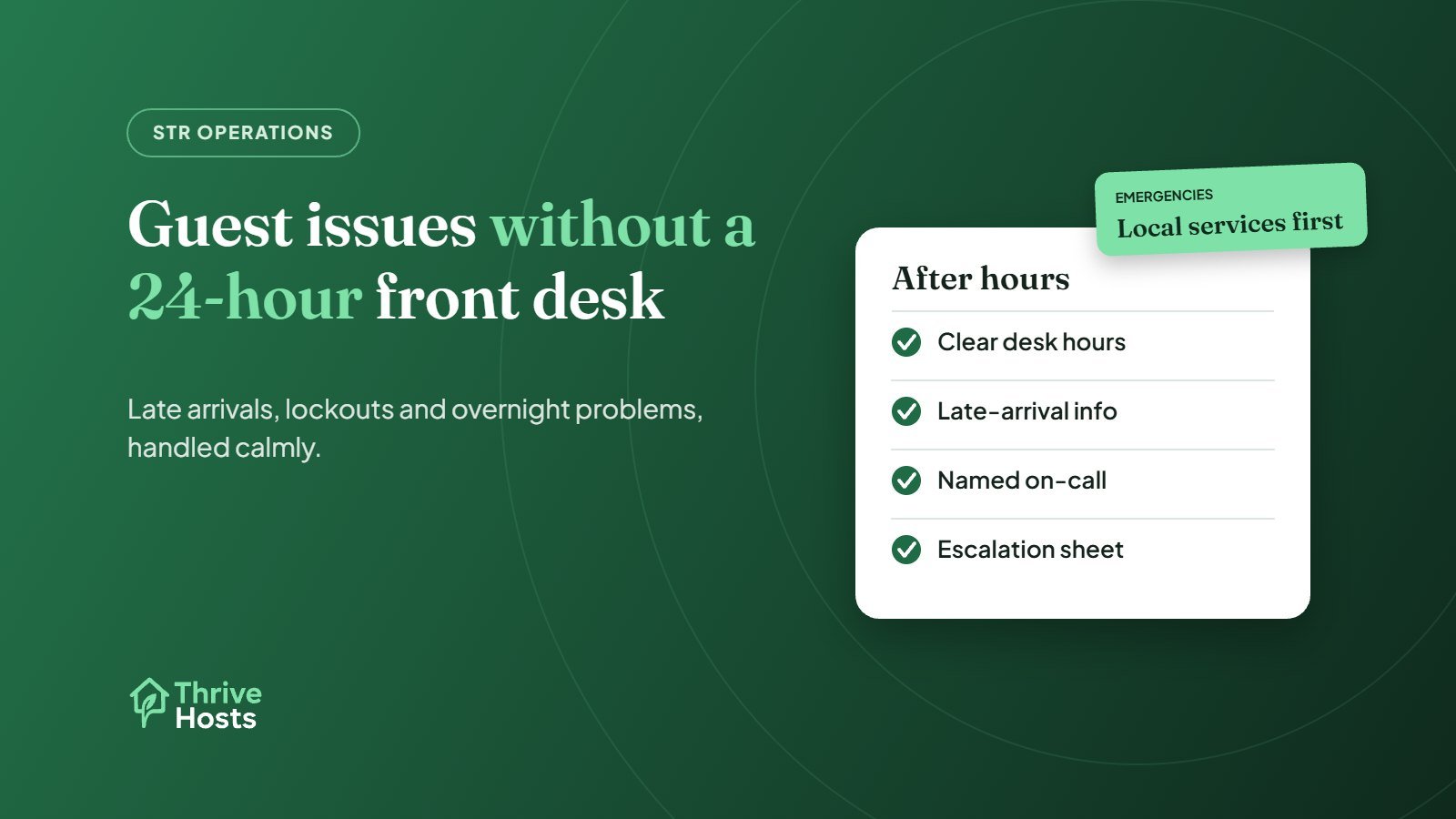
State reception hours on every booking channel, on your website and in the confirmation and pre-arrival messages. Guests booking late arrivals should know before they travel that the desk closes at, say, 10pm, and what happens after that. Surprises at midnight are what generate complaints.
Plan late arrivals in advance
For any guest likely to arrive after the desk closes, send arrival instructions the day before: where to park, how to collect the key or room access details, which door to use, and who to contact if anything goes wrong. Use placeholders in templates and send access details only to the confirmed guest, as close to arrival as practical. Our guide to hotel pre-arrival messages includes a late-arrival example.
Know who is on call
Every night, one named person should be responsible for urgent issues. That might be the owner, a manager living on site or nearby, or a rota of staff. Write down who it is, how guests reach them and how quickly they will respond. A phone number in the room that rings out is worse than no number.
Here is how that looks in practice. A guest at a 15-room inn messages through Expedia at 11:40pm: the key code they were sent is not opening the side door. Whoever covers messages replies within minutes, checks the reservation, confirms the code that was sent and asks the guest to try the main entrance. When that fails, they call the on-call manager, who lives ten minutes away and lets the guest in. The incident is logged, and in the morning the desk checks the side-door lock. Nobody panicked, because everyone knew their part.
Separate messages from emergencies
Guests contact properties overnight for very different reasons. Most are not emergencies: a question about breakfast, a request for an extra pillow, a Wi-Fi password. Some are urgent but not dangerous: a lockout, no hot water, a noisy neighbour. A few are emergencies: fire, a gas smell, flooding, a medical problem or a threat to safety.
- Routine messages can be answered by whoever covers the guest inbox, including a remote team, and actioned in the morning.
- Urgent issues go to the on-call person, who decides whether someone needs to attend.
- Emergencies go to local emergency services first. Guests should be told this clearly, and the on-call person informed straight away.
Write this down as an escalation sheet with names, numbers and examples. It removes guesswork at 2am.
Keep the guest inbox covered overnight
Guests increasingly message through Booking.com, Expedia or Airbnb rather than phoning, even at night. If nobody reads those messages until morning, a simple question about where to park can turn into a frustrated arrival. Make sure someone covers OTA messages during the hours the desk is closed. Our OTA inbox management workflow explains how to assign that cover.
Give guests what they need in the room
Much overnight contact can be avoided with clear information in the room: Wi-Fi details, heating and air-conditioning instructions, checkout time, where to find extra towels and blankets, and the on-call number for urgent problems. A one-page card works well.
Log everything that happens overnight
Whatever happens after hours should be written down for the morning shift: who called, what the issue was, what was done and what still needs action. That way housekeeping knows a guest moved rooms, maintenance knows about the dripping tap, and the desk can follow up with the guest. Our guide to what to do when a guest reports a problem during their stay covers follow-up in more detail.
Where remote support fits
A remote team cannot unlock a door or fix a boiler. What it can do is answer messages around the clock, calm the situation, follow your escalation sheet, contact the on-call person or your approved vendor, and make sure everything is logged for the morning. Physical response stays with your on-site team. Our hotel and motel operations support works this way, and our free guest issue response builder can help you draft first replies.
No desk overnight, but guests still need answers?
Thrive Hosts covers guest messages 24/7 for small hotels and motels, follows your escalation rules, and contacts your on-site team or vendors when something needs a person on site.
Explore hotel operations support
Bruce J is the CEO of Thrive Hosts and leads the short-term rental team. He works on the operations and performance side of STR: guest communication, pricing and calendar discipline, turnovers, issue tracking and owner reporting across Airbnb, Vrbo and Booking.com. On the blog he writes practical, no-fluff guides for owners and operators who want their rentals to run more consistently.