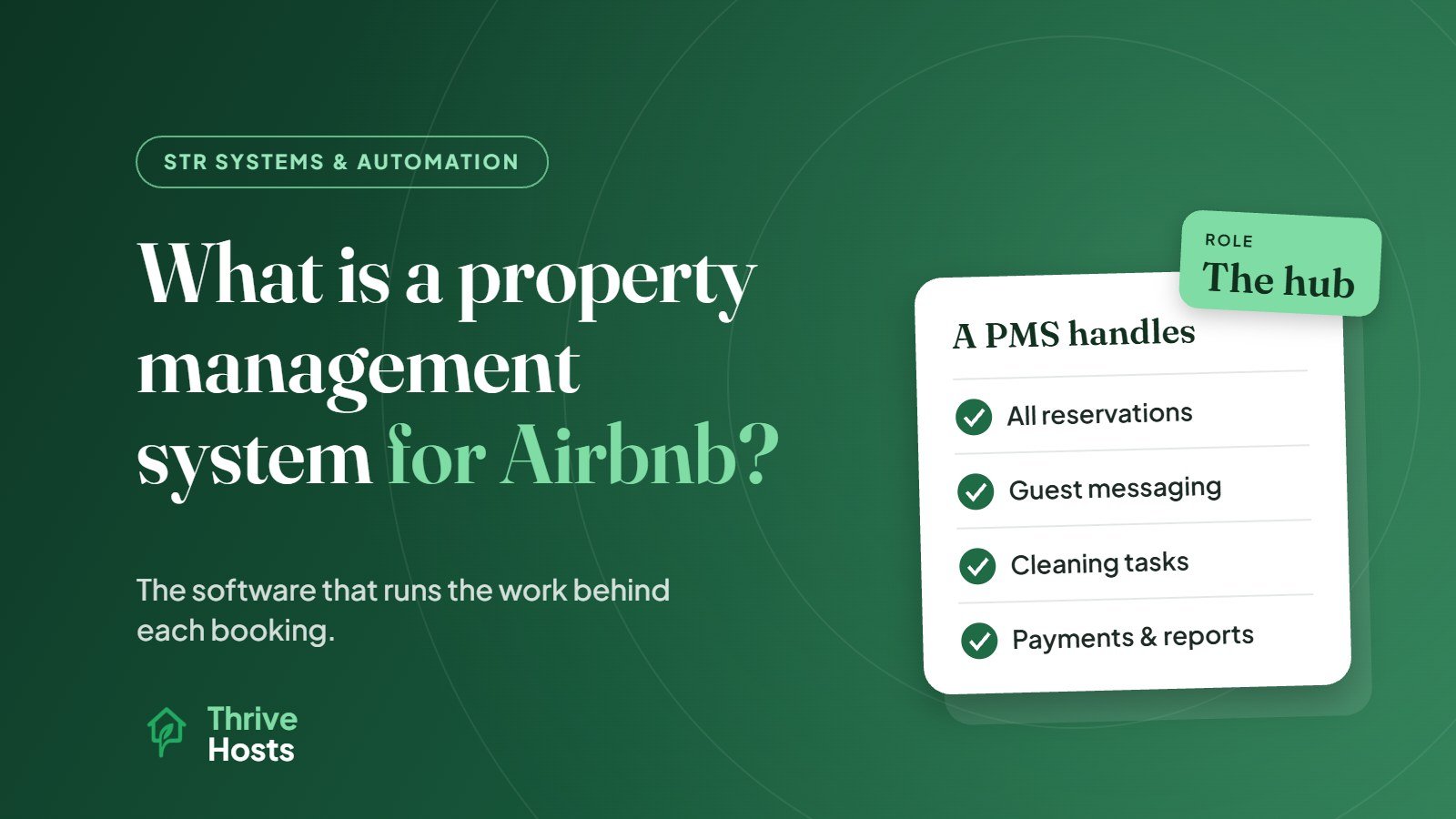
A property management system, or PMS, for Airbnb is software that runs the operational side of your short-term rental from one place. It connects to your Airbnb account, and usually to Vrbo, Booking.com and a direct booking site, then pulls every reservation into a single system. From there it handles the work each booking creates: guest messages, cleaning tasks, access codes, payments and reports.
In short, Airbnb is where guests find and book you. A PMS is where you run the business behind those bookings.
What a PMS Actually Does
Features vary by provider, but most short-term rental PMS platforms cover the same core areas.
A single reservation record
Every booking from every channel appears in one calendar and one list, with guest details, dates, amounts and status. You no longer need to check several apps to see who is arriving this week.
Guest communication
A unified inbox brings messages from different platforms into one place. Templates and scheduled messages send confirmations, check-in details and checkout reminders automatically, with personalised details such as the guest’s name, dates and door code. Our guide on how to automate Airbnb guest messaging explains how this works in practice.
Channel management
Most STR PMS platforms include channel management, keeping availability, rates and rules in sync across platforms. The difference between the two functions is covered in PMS vs channel manager.
Tasks and turnovers
Each reservation can automatically create a cleaning task with the right date and time window, assigned to your cleaner. Maintenance tasks can be logged, assigned and tracked to completion.
Integrations
A PMS connects to other tools: dynamic pricing, smart locks, noise monitors, guest verification, accounting software and cleaning apps. This is what makes it the hub of your short-term rental tech stack.
Payments, statements and reporting
Payouts, fees, deposits and expenses can be tracked per property. Many PMS platforms generate owner statements and performance reports showing occupancy, average daily rate and revenue.
Where a PMS Fits in Day-to-Day Operations
Consider what happens when a booking arrives. Without a PMS, the host blocks the dates on other platforms, messages the cleaner, schedules the check-in instructions, sets a door code and later records the revenue in a spreadsheet. Each step is manual and easy to forget.
With a PMS, the booking arrives and the system blocks the dates elsewhere, creates the cleaning task, schedules the guest messages, generates the lock code through an integration and records the revenue. The host’s job shifts from doing each step to checking that the system did them correctly and handling the exceptions.
Who Needs a PMS
A PMS makes the most sense if any of these apply:
- You list on more than one platform and need reliable calendar sync and a single inbox.
- You manage more than one property, or plan to.
- You work with cleaners or a team who need tasks and schedules without constant messages.
- You manage remotely and depend on automation and integrations to keep things running.
- You report to owners or partners and need statements and performance data.
Who Might Not Need One Yet
If you have a single property, list only on Airbnb, live nearby and handle everything yourself comfortably, Airbnb’s own tools may be enough for now. Airbnb includes scheduled messages, quick replies, pricing settings and, in some countries, smart lock integration. Adding a PMS at this stage adds cost and setup without solving a problem you actually have.
The moment usually comes when you add a second channel or property, or when coordinating cleaners and messages starts taking more time than you can give.
How PMS Pricing Typically Works
PMS pricing models vary. Some charge a monthly fee per listing, some charge a percentage of booking revenue, and some combine a base fee with add-ons for features like advanced reporting or direct booking websites. Onboarding fees and contract lengths also differ. Compare the total cost at your expected portfolio size, not just the starting price, and check which integrations cost extra.
How to Choose a PMS
- Channel connections: which platforms are connected through an API, and what syncs on each.
- Your tools: whether it integrates with your pricing tool, smart lock brand and accounting software.
- Ease of use: for you and for your cleaners, who may use it daily on their phones.
- Automation depth: how flexible messages, tasks and rules are.
- Reporting: whether it produces the numbers you and any owners need.
- Support and onboarding: how much help you get during setup.
Setup Matters as Much as the Software
A PMS is only as good as its configuration. Listings need mapping correctly, messages need writing and testing, tasks need the right rules, and integrations need checking. Many problems blamed on software are really setup problems: a message sent at the wrong time, a cleaning task missing for same-day bookings, or a channel that stopped syncing.
Getting a PMS Set Up and Run Properly
Thrive Hosts helps owners choose, configure and operate PMS platforms as part of remote short-term rental operations support: channel connections, messaging, cleaning workflows with your approved local team, integrations and ongoing checks.
You keep ownership of your PMS account and subscription. We make sure it is set up correctly and actually doing the work it should.
Explore STR systems support
We will look at whether a PMS would help your operation, what to look for, and how it would fit with the tools you already use.
Explore STR Operations Support
Bruce J is the CEO of Thrive Hosts and leads the short-term rental team. He works on the operations and performance side of STR: guest communication, pricing and calendar discipline, turnovers, issue tracking and owner reporting across Airbnb, Vrbo and Booking.com. On the blog he writes practical, no-fluff guides for owners and operators who want their rentals to run more consistently.