Smart locks help remote Airbnb hosts by removing the physical key from the check-in process. Each guest can get a unique code that works only during their stay, cleaners and vendors can have their own codes, and you can see when the door is used without being anywhere near the property. For an owner who lives far away, that replaces key handovers, lockboxes with codes that never change, and the late-night phone calls when a guest cannot get in.
They do not solve everything. A smart lock still needs a reliable connection, batteries, a backup entry method and someone local who can respond if it fails. But for most remote hosts, they are one of the most practical upgrades available.
What a Smart Lock Changes for Remote Hosts
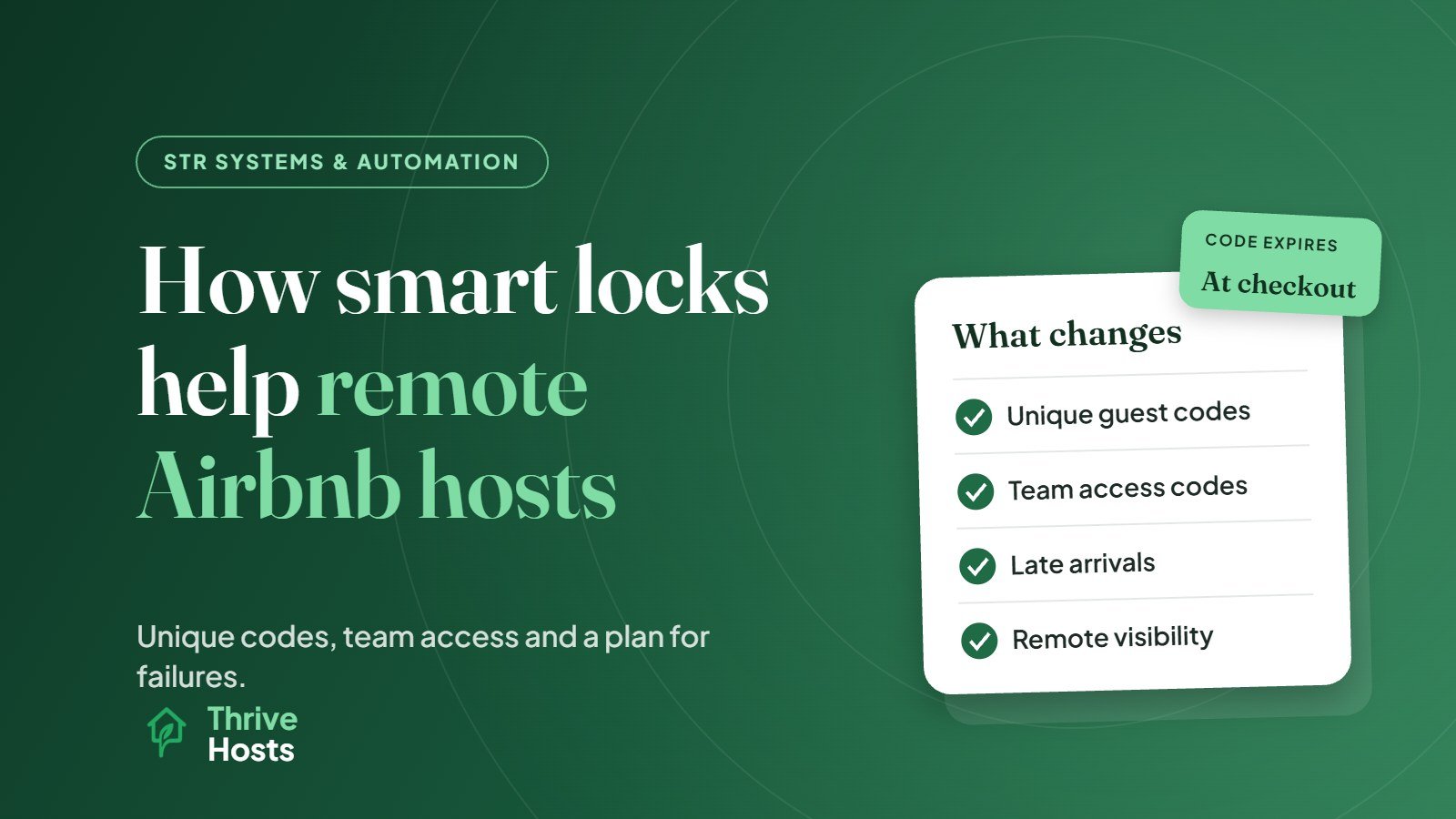
Unique codes for every stay
With a basic keypad or lockbox, the same code is often reused for months, shared with previous guests, cleaners and whoever else has stayed. A connected smart lock can generate a fresh code for each reservation, active from check-in and expiring after checkout. Former guests cannot get back in, and you do not need to remember to change the code.
Separate codes for your team
Cleaners, maintenance vendors and co-hosts can each have their own code. That gives you a simple record of who entered and when, which helps when you need to confirm that a turnover happened or that a vendor actually visited.
Flexible check-ins
Guests arriving late at night or on delayed flights can let themselves in without anyone waiting for them. If you approve an early check-in or late checkout, the code window can be adjusted rather than arranging a key handover.
Visibility without being there
Most connected locks show activity and send alerts, such as when a guest first enters or when a lock goes offline. You do not need to message the guest to ask whether they arrived.
Airbnb’s Own Smart Lock Integration
Airbnb offers a direct smart lock integration for listings in the US and Canada. According to Airbnb’s Resource Center, compatible Schlage, Yale and August locks can be connected to Airbnb so each guest gets a unique code that is activated at check-in and expires 30 minutes after checkout. Guests receive the code by email after booking, with a reminder before check-in, and changes to arrival or departure times adjust the code automatically. Hosts can also set separate codes for co-hosts and cleaners and get alerts about issues such as Wi-Fi interruptions.
There are requirements to note. The lock must connect to Wi-Fi and have a keypad or touchscreen; Bluetooth-only locks cannot be connected. Airbnb also asks hosts to include a backup entry method in the arrival guide.
Outside the US and Canada, or if you list on several platforms, the usual route is to connect your lock to a property management system that generates codes for bookings from every channel and inserts them into your automated messages. Our guide to the best ways to automate STR operations covers how access fits with the rest of your systems.
Choosing a Lock for a Rental
A few practical points matter more than features:
- Connectivity: Wi-Fi locks, or locks with a Wi-Fi bridge, allow remote code management. Bluetooth-only locks usually require someone nearby to make changes.
- Integrations: check that the lock works with Airbnb’s integration, if relevant, or with your PMS.
- Keypad entry: guests should not need to download an app to get in.
- Battery life and alerts: low-battery warnings are essential when nobody is on site.
- Door fit: check the lock suits your door thickness and existing deadbolt.
- Weather resistance: for exterior doors exposed to rain, heat or frost.
Plan for the Day It Fails
Every remote host with a smart lock should assume it will fail at some point, usually at the worst time. Batteries die, Wi-Fi drops, a code fails to sync or a guest enters it incorrectly too many times.
A sensible backup plan includes:
- A physical backup: a key in a secure lockbox with a separate code, or a trusted local person who can let a guest in.
- Battery routine: replace batteries on a schedule, not only when the alert arrives, and have your cleaner check the lock during turnovers.
- Clear instructions: a short, photo-supported explanation in the check-in message of how to use the keypad, including what to do if it does not work.
- Fast response: someone available to answer when a guest is standing outside the door. Our guide on how fast Airbnb hosts should respond covers why this matters so much during a stay.
Do Not Forget the Rules on Devices
If you add other smart devices alongside the lock, such as cameras or noise monitors, check the platform rules first. Airbnb does not allow indoor security cameras and requires exterior cameras and noise monitors to be disclosed. A smart lock itself is not a recording device, but the rest of your setup should be checked against Airbnb’s device rules.
Smart Locks Are Part of a Remote System
A smart lock is most useful as part of a wider remote operation: automated messages that deliver the code, cleaning schedules linked to the same bookings, and a person who responds when something goes wrong. Our guide to managing a short-term rental remotely covers the full setup.
Thrive Hosts supports remote owners with access management as part of short-term rental operations support: connecting locks to your systems, managing codes for guests, cleaners and vendors, monitoring alerts, and coordinating with your approved local contact if someone needs to be on site.
You keep ownership of your property, accounts and devices. We make sure guests get in smoothly and problems are handled quickly.
Related reading: Managing smart lock codes for cleaners and vendors and What to do when a guest is locked out.
Explore STR operations support
We will review how guests and your team currently access the property and where a smart lock setup could reduce risk and late-night problems.
Explore STR Operations Support
Bruce J is the CEO of Thrive Hosts and leads the short-term rental team. He works on the operations and performance side of STR: guest communication, pricing and calendar discipline, turnovers, issue tracking and owner reporting across Airbnb, Vrbo and Booking.com. On the blog he writes practical, no-fluff guides for owners and operators who want their rentals to run more consistently.