To automate Airbnb guest messaging, map the messages every guest needs during a stay, turn each one into a template with personalised details, and schedule them to send at fixed points such as booking, a few days before check-in, the morning of arrival and the evening before checkout. You can do this inside Airbnb with scheduled messages, or across several platforms with a property management system. Done well, automation handles the predictable messages so you can spend your attention on the ones that need a person.
Step 1: Map the Guest Message Journey
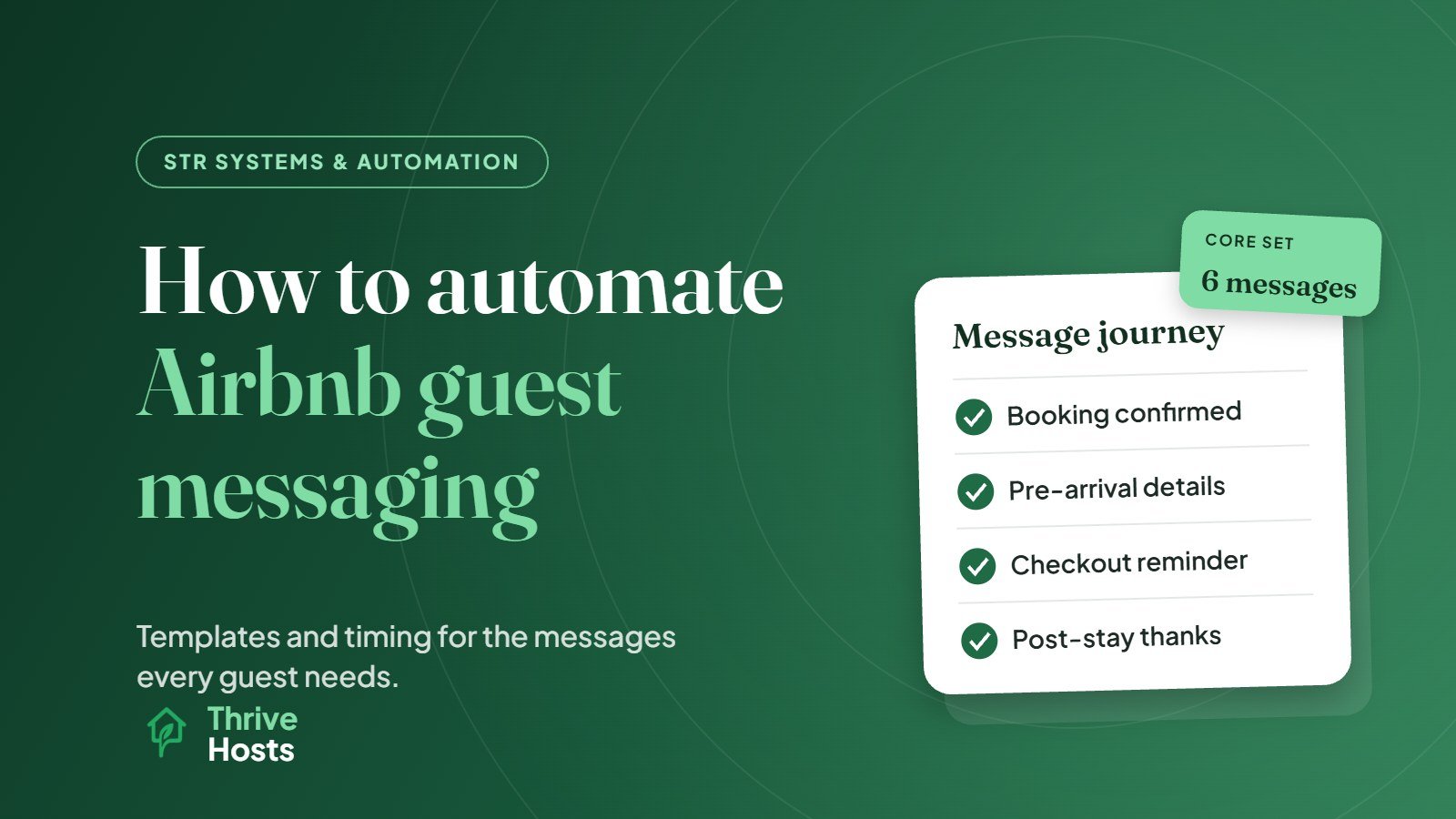
Start by listing the messages you send on almost every booking. For most properties, the core set looks like this:
To map out which messages to send and when, use the free guest message schedule builder, which gives you a timeline and editable templates.
- Booking confirmation: thanks, a short welcome and what happens next.
- Pre-arrival details: sent two to three days before check-in, with the address, parking, check-in time and how to get in.
- Arrival day: a short message on the morning of check-in with access details and Wi-Fi.
- First morning check-in: a quick message asking whether everything is working.
- Checkout reminder: sent the evening before departure with checkout time and a short list of what to do.
- Post-stay thank you: a friendly message after checkout.
Look through your recent message threads too. Any question that keeps coming up, such as early check-in, luggage storage, parking permits or bins, may deserve its own saved reply or a line in an existing message.
Step 2: Write Templates That Read Like a Person
Templates should sound like you on a good day: clear, warm and specific. Keep each message focused on what the guest needs at that point in the trip. A pre-arrival message does not need the full house manual. It needs the address, parking, check-in time and access steps, ideally with a link to fuller instructions.
Airbnb lets you insert details into templates that fill automatically for each reservation. According to Airbnb’s help center, these include the guest’s first name, check-in and checkout dates and times, the address, directions, Wi-Fi name and password, house rules and the confirmation code. Using them means each message is accurate for that booking without you editing it by hand. Check that the matching information is filled in on your listing, otherwise the detail will show as unavailable.
Step 3: Schedule Messages in Airbnb
Airbnb’s scheduled messages send templates automatically based on triggers such as a new reservation, check-in or checkout. You choose the timing for each template relative to the event, for example two days before check-in or the morning before checkout. Messages send in the listing’s time zone.
A few settings are easy to miss:
- Last-minute bookings and short stays: some scheduled messages are skipped by default when the booking is too close to the trigger. Airbnb offers a setting to send them anyway, and it notifies you when messages are skipped or sent off schedule. Most hosts should turn this on so same-day guests still get check-in details.
- Per-reservation control: you can skip, edit or send any upcoming message early for a particular guest. Use this for guests with special arrangements.
- Co-hosts: templates are not shared between hosts and co-hosts in the same way, so agree who owns the templates if more than one person manages the listing.
Step 4: Extend It Across Platforms if You Need To
Airbnb’s tools only cover Airbnb. If you also take bookings on Vrbo, Booking.com or a direct booking site, a PMS can send the same message sequence across every channel from one set of templates, usually with more conditions and placeholders, such as door codes generated for each booking. If you are deciding whether you need that kind of software, see PMS vs channel manager.
Step 5: Test Before It Goes Live
Before switching anything on, read every message as if you were the guest. Check the timing, especially for late bookings and one-night stays. Make sure placeholders fill correctly, links work, and the instructions match the current setup at the property. Send yourself a test where your software allows it.
Then watch the first few real bookings closely. The most common problems are messages sent at awkward times, outdated door codes or Wi-Fi passwords, and two messages saying slightly different things.
Step 6: Keep Templates Maintained
Automated messages go out of date quietly. A new lock, a changed bin day, a different parking arrangement or a new Wi-Fi password can make a perfect template wrong overnight, and the guest receives incorrect instructions with full confidence. Review your templates whenever something changes at the property, and at least every few months even if nothing obvious has.
It also helps to read your inbox for clues. If guests are still asking a question your automated message should answer, the message may be unclear, badly timed or too long.
What Automation Should Not Do
Automation is good at predictable information. It is poor at judgment. Complaints, maintenance problems, special requests, refunds and anything emotional should always reach a person quickly, and your automated messages should make it easy for guests to reply with a problem. Deciding where that line sits is a topic of its own, and response speed for the human replies still matters; our guide on how fast Airbnb hosts should respond covers realistic targets.
If you want people, not just templates, handling the inbox, our guest messaging and OTA inbox service covers enquiry to post-stay with agreed escalation rules.
Running a small hotel instead? See how to automate guest messaging for a small hotel.
Getting Messaging Set Up and Covered
Thrive Hosts sets up and runs guest messaging as part of remote Airbnb co-hosting: writing and scheduling templates across Airbnb, Vrbo and Booking.com, keeping them current, and handling the conversations that need a person, including late-night and urgent issues.
You keep your listing and accounts. We make sure guests get the right information at the right time, and a real reply when they need one.
See how guest messaging support works
We will review your current messages and automation, and show you which parts of the guest journey could be clearer, faster or more consistent.
See How Airbnb Co-Hosting Works
Bruce J is the CEO of Thrive Hosts and leads the short-term rental team. He works on the operations and performance side of STR: guest communication, pricing and calendar discipline, turnovers, issue tracking and owner reporting across Airbnb, Vrbo and Booking.com. On the blog he writes practical, no-fluff guides for owners and operators who want their rentals to run more consistently.