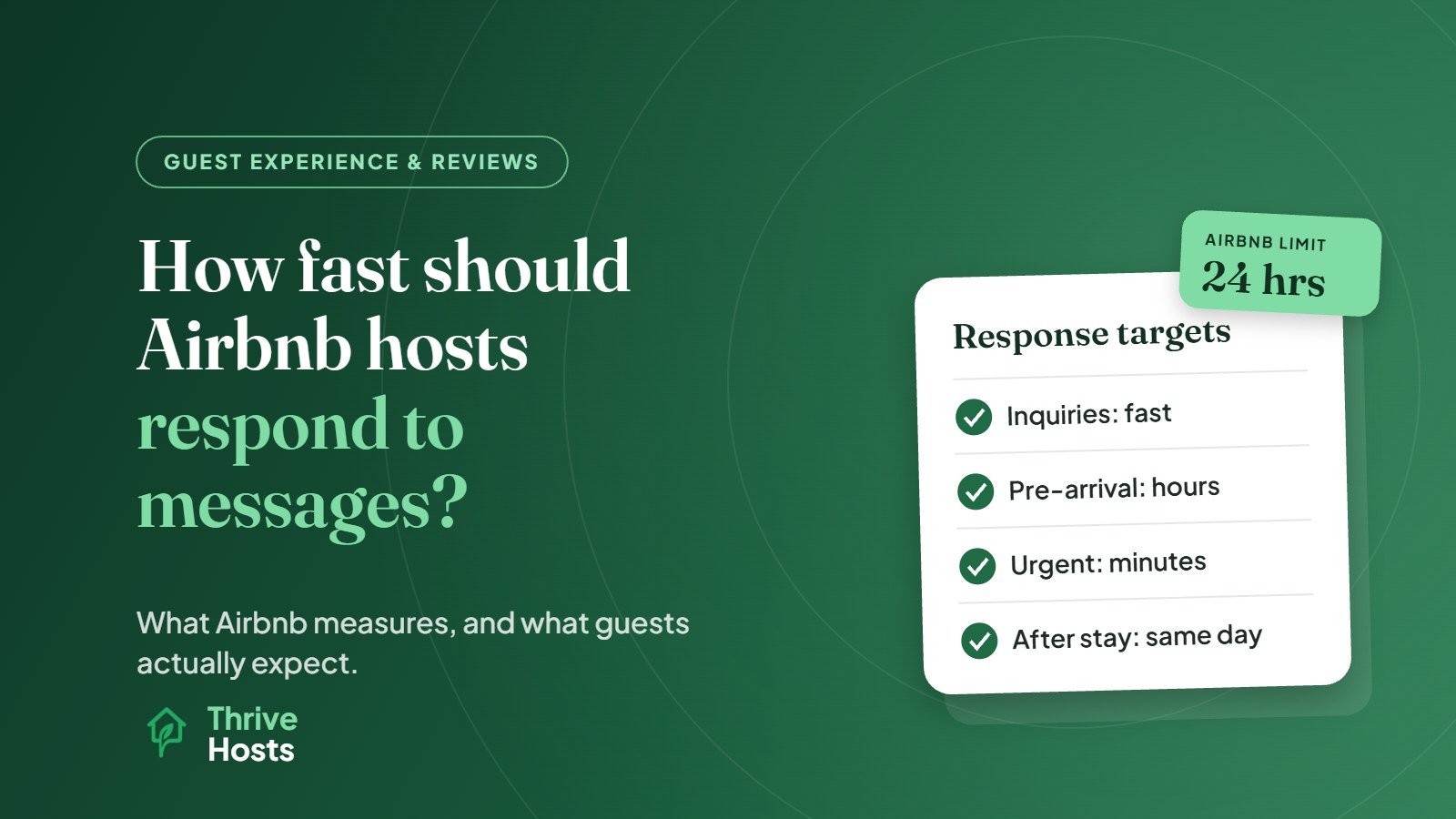
Airbnb counts any reply within 24 hours as on time, but guests expect much faster. As a working standard, aim to answer new inquiries and booking requests within an hour or so during the day, and urgent messages from guests who are staying with you within minutes. Non-urgent questions during a stay can usually wait a little longer, as long as the guest gets a clear acknowledgment.
The 24-hour rule is the minimum for your metrics, not a target. Treating it as the goal is one of the most common ways hosts lose bookings without noticing.
What Airbnb Actually Measures
Airbnb tracks two related numbers, explained in its help article on response rate and time. Your response rate is the percentage of new inquiries and reservation requests you responded to within 24 hours over the past 30 days. Your response time is the average time it took you to respond to new messages over the same period. Replies after 24 hours count as late, which lowers your response rate and pushes up your response time.
Both are shown to guests at the bottom of your listing page. A guest comparing two similar homes can see that one host typically responds within an hour and the other within a day.
Superhost status uses its own version of the measure. To qualify, hosts need to respond to 90% of new messages within 24 hours, assessed quarterly over the past 12 months, alongside rating, cancellation and stay requirements.
Declining a request counts as a response for these metrics. Letting a request expire does not.
What Guests Expect at Each Stage
Speed matters differently depending on where the guest is in their trip.
Before booking
This is where response time affects revenue most directly. A guest who sends an inquiry is usually close to booking and often messaging more than one host. If another host answers first with a clear, helpful reply, the booking may be gone before you see the message. Booking requests have the same urgency, because the guest is waiting on you to confirm their plans.
After booking, before arrival
Questions about parking, early check-in or what to bring are less time-sensitive, but a reply within a few hours keeps the guest confident. Slow replies at this stage make guests anxious about whether check-in will go smoothly.
During the stay
Separate urgent from non-urgent. A guest who cannot get in, has no hot water, sees a leak or has no heating in winter needs a response within minutes, followed by action. A question about restaurant recommendations can wait an hour. Either way, a quick “Thanks, I’m on it, I’ll update you by 3pm” is better than silence followed by a perfect answer later.
After checkout
Messages about lost items or a final question can be handled within the day. Responses here still shape how the guest remembers the stay and what they write in their review.
Why Speed Matters Beyond the Metric
Fast replies affect more than a number on your listing. Guests who get quick, clear answers feel looked after, and that shows up in communication ratings and review comments. Slow replies during a problem turn a fixable issue into a frustrating experience. And for hosts who use booking requests rather than Instant Book, slow responses can mean losing the reservation entirely.
How to Respond Fast Without Living on Your Phone
Fast response does not have to mean one person checking the app every ten minutes. Most consistent hosts rely on a combination of preparation and coverage:
- Saved replies: keep ready answers for common questions such as parking, check-in, Wi-Fi, early arrival and local recommendations. Airbnb’s quick replies feature or a PMS can store these.
- Scheduled messages: send check-in instructions, house rules and checkout reminders automatically at the right moments so guests ask fewer questions.
- A complete listing: every question your listing answers is one you will not have to answer in the inbox.
- Clear urgency rules: decide which messages need immediate action and who is responsible for them.
- Coverage for nights, weekends and travel: if you cannot respond during certain hours, someone else needs to, whether that is a co-host, a team member or an operations partner.
The short-term rental operations checklist covers where guest messaging fits into the wider weekly routine.
Speed Without Sacrificing Quality
A fast reply that does not answer the question just creates another message. The best responses are quick and complete: they answer what was asked, anticipate the next question, and give a clear next step if something needs doing. If you need time to check something, acknowledge the message first and say when you will follow up.
Keep the tone friendly and specific. Guests notice when a reply reads like a template pasted without reading their message.
Hotels and motels face similar expectations across Booking.com and Expedia. Our guide to how fast hotels should reply to guest messages sets out realistic targets for a small team.
When to Get Help
If you regularly see late replies, missed inquiries, or guests chasing you during their stay, response coverage is the gap to fix. Our article on when to hire a co-host covers the signs in more detail.
Thrive Hosts handles guest communication as part of remote Airbnb co-hosting, including pre-booking inquiries, check-in support, issues during the stay and post-stay follow-up, with urgent problems escalated to your approved local team or to you.
You keep your listing and accounts. We keep response times consistent, including outside your working hours.
See how guest messaging support works
Find out how we would cover your guest inbox, what we handle directly, and when we escalate to you or your local team.
See How Airbnb Co-Hosting Works
Bruce J is the CEO of Thrive Hosts and leads the short-term rental team. He works on the operations and performance side of STR: guest communication, pricing and calendar discipline, turnovers, issue tracking and owner reporting across Airbnb, Vrbo and Booking.com. On the blog he writes practical, no-fluff guides for owners and operators who want their rentals to run more consistently.