Weekly and monthly discounts are among the easiest settings to switch on and among the easiest to get wrong. The idea is sensible: longer stays mean fewer turnovers, less cleaning and fewer empty nights, so a lower nightly price can still produce better income. But a discount applied to every long stay without checking the numbers can turn a good booking into a poor one.
How the discounts work on Airbnb
According to Airbnb’s Help Center, a weekly discount applies to stays of seven or more nights and a monthly discount to stays of 28 or more nights. You set them in the calendar under Discounts, where you can choose Weekly, Monthly or Trip length and enter a percentage. Discounts of 10% or more appear in search results, and every discount is shown next to the original price in the price breakdown. After the discount, the minimum daily price must be at least 10 dollars.
Airbnb also says that for some stays of 28 nights or more it automatically adds a monthly stay saving, which can be used alongside a host discount or promotion and is funded by Airbnb, so it does not come out of your payout. Check your guest price breakdown to see exactly how your discount affects what you earn.
When a discount helps
Longer stays tend to help when turnover costs are high or when you have trouble filling midweek nights. A seven-night stay with one cleaning fee and one check-in is much less work than seven one-night stays. Airbnb’s own guidance points to higher occupancy with less turnover, fewer guest messages and steadier income. Properties in off-season or business-travel areas often use monthly discounts to keep the calendar full.
When it hurts
The risk is giving up peak-season income. If a week in July would sell at full price to three other guests, a 15% weekly discount costs you real money. Discounts apply to the whole stay, so a long booking that touches a high-demand weekend becomes a cheaper booking for the entire period. If your price changes sharply across the year, a flat percentage is a blunt tool.
A worked example
As an illustration, suppose your nightly rate is 150 and a turnover costs you 80 beyond the cleaning fee paid by the guest. A single-night stay earns 150 minus 80, or 70, per booking. A seven-night stay at a 10% weekly discount earns 135 per night, or 945 in total, minus the same 80, or 865. Per night that is about 124 against 70 for the one-night stay, even after the discount. The discount is not the problem here. The real question is whether those seven nights would otherwise have been sold at a higher price, and the weekly and monthly discount calculator helps compare both cases.
Set the percentage from your costs
Instead of picking a round number, start with your minimum rate. Our guide to setting a minimum nightly rate shows how to find the lowest price that still works. Make sure the discounted rate stays above that floor. For monthly stays, Airbnb suggests starting from your fixed costs, such as the mortgage or rent, and checking that the discounted total still covers them. A long stay at a deep discount can be a good fit for a property that would otherwise sit empty, but a poor one for a property that is rarely empty.
Combine with other settings
Discounts work together with minimum stay, cancellation policy and availability. A monthly guest should be matched with a long-term cancellation policy that protects you, which we discuss in which cancellation policy to choose. Last-minute and early-bird discounts add another layer, and our article on last-minute discounts explains how they stack. Check the combined effect before you rely on three discounts at once.
Review it each season
A weekly discount that makes sense in January may not in August. Many hosts keep a modest weekly discount all year, add a deeper monthly discount in slow months and remove or reduce both for peak weeks. Look at the average length of stay and revenue per available night rather than occupancy alone.
Discount checklist
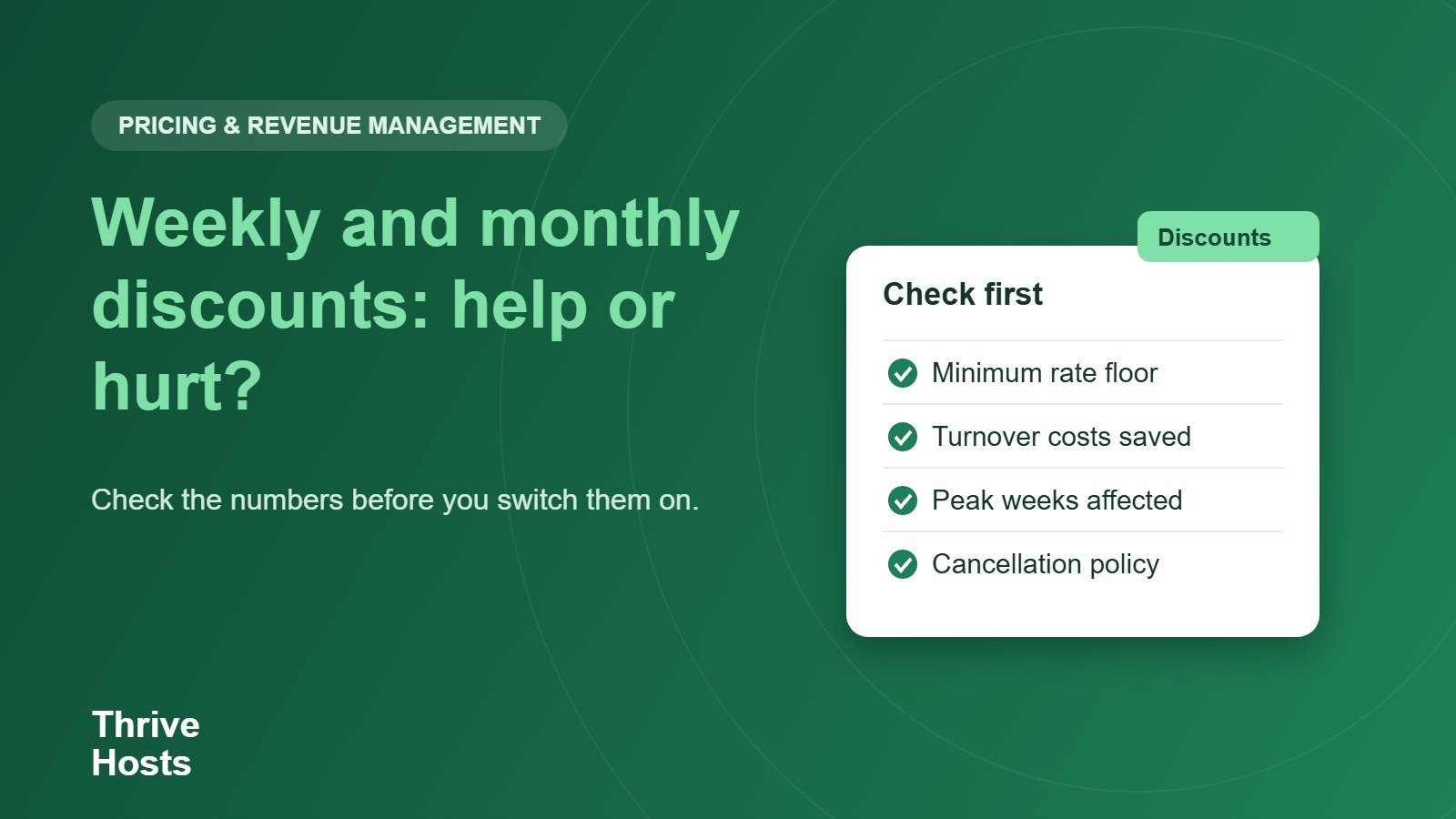
- Know your minimum rate and keep discounted prices above it.
- Compare income per night for short and long stays after turnover costs.
- Check that discounts do not touch peak weeks you could sell at full price.
- Match long stays with a suitable cancellation policy.
- Review the percentages each season.
Not sure which discounts are earning their keep?
Thrive Hosts reviews pricing rules, discounts and calendar settings and recommends adjustments for each season. See how our Airbnb co-hosting service supports owners with pricing and calendar management.
Explore Airbnb co-hosting
Bruce J is the CEO of Thrive Hosts and leads the short-term rental team. He works on the operations and performance side of STR: guest communication, pricing and calendar discipline, turnovers, issue tracking and owner reporting across Airbnb, Vrbo and Booking.com. On the blog he writes practical, no-fluff guides for owners and operators who want their rentals to run more consistently.