If you cannot walk through the property after every clean, you are trusting a process rather than your own eyes. That is fine, but only if the process produces evidence. Owners who rely on a cleaner saying “all done” usually find out about problems from a guest review, which is the most expensive way to discover them.
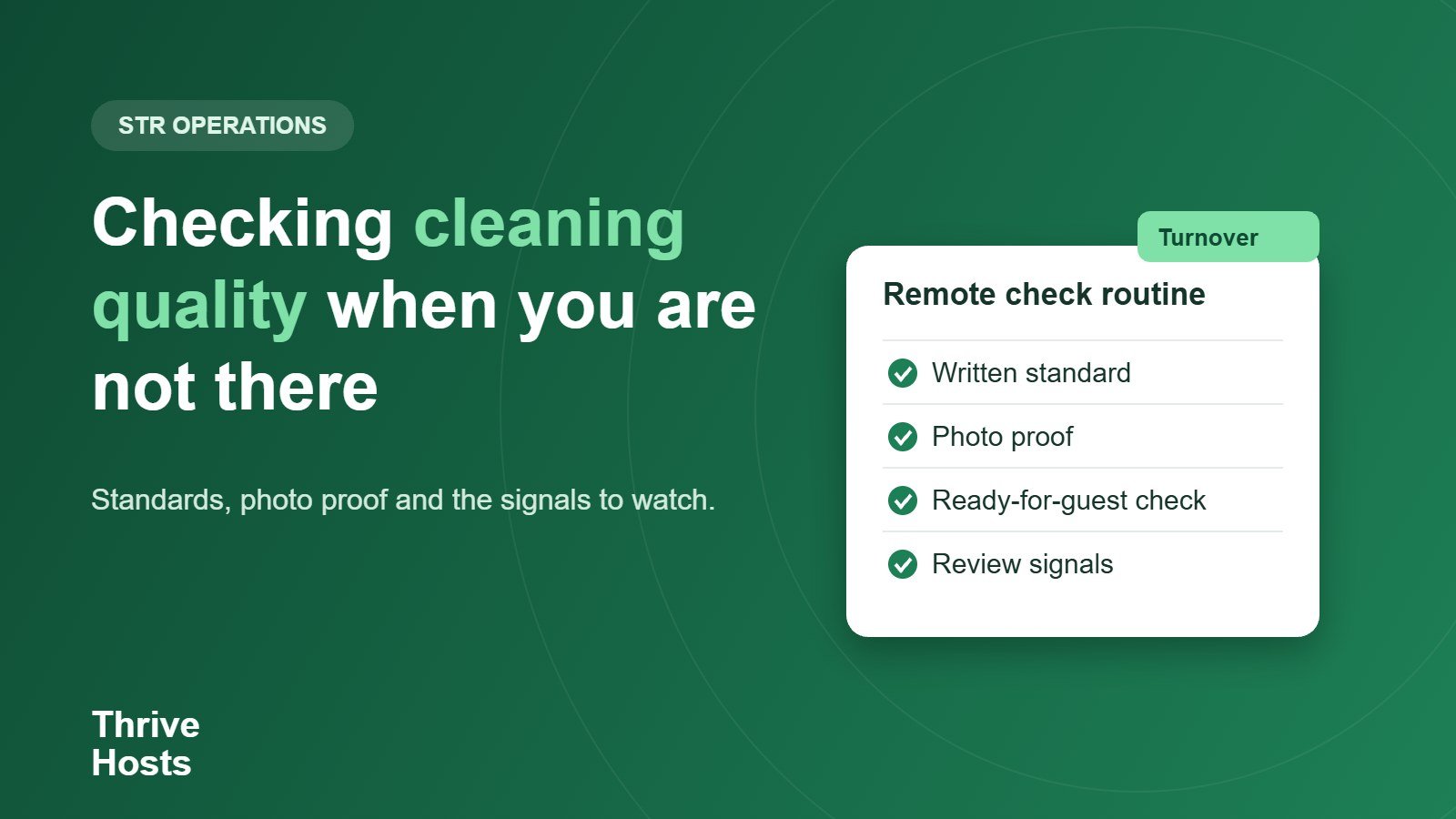
Checking cleaning quality remotely comes down to three things: a clear standard, proof that it was met, and a few signals that tell you when something is slipping.
Write the standard down first
A cleaner cannot meet a standard that lives in your head. Turn it into a room-by-room checklist that includes the details guests notice: bathroom surfaces and drains, under-bed areas, fridge and oven, bins emptied and relined, towels and linens folded the same way, supplies restocked and lights, heating and locks left in the right state. A reusable turnover checklist is a faster starting point than a blank page, and you can adjust it for each property.
Keep the checklist short enough to use. Twelve clear items that are checked every time are worth more than forty that are skimmed.
Ask for photo or video proof
The most reliable remote check is a set of time-stamped photos taken at the end of the clean. Decide on a fixed list, for example the bed, bathroom, kitchen counter, entry and any problem areas, and ask for the same shots every time. A short video walkthrough works for larger properties. Some teams use a shared album or a simple form, and others use a task tool where each clean has its own checklist and photos attached.
Photos do two things. They show whether the property looks ready, and they create a record. If a guest later complains that the bathroom was dirty, you have an image from two hours before arrival. That record also helps if you need to raise a damage or missing-item issue with the cleaner.
Add a ready-for-guest confirmation
A clean and a guest-ready property are not quite the same thing. After the cleaner leaves, someone should confirm that supplies are stocked, the heating or air conditioning is set, the key or lock code works and nothing was left behind. If you are away, this can be the cleaner’s final step with a short checklist and photo, or a co-host reviewing the photos before the guest checks in. Our guide to coordinating cleaners between back-to-back bookings explains how to build this step into the schedule so it is not skipped on busy days.
Watch for signals in guest feedback
Photos show one moment. Guest feedback shows the pattern. Read reviews and messages for the words that point to cleaning: hair, dust, smell, sticky, stained, bin, towels. A single mention may be a one-off, but the same comment two or three times means the standard is slipping or the checklist is missing something. Check the cleanliness rating separately from the overall rating, since a good overall score can hide a falling cleanliness score.
Use occasional independent checks
Every few months, it helps to have someone who is not the regular cleaner look at the property. That might be a trusted local contact, a neighbour you pay for the job, or a maintenance person who is already visiting. They do not need to clean, only to compare the property against the checklist and tell you what they see. Remote operations support works best when it is combined with a local person who can do that physical check, because a remote co-host can review evidence but cannot inspect the property in person.
Handle problems without damaging the relationship
When a photo shows a miss, send it with a specific, polite request: “the shower drain still had hair in it in photo three, can you re-check that area next time?” Specific feedback is easy to act on. General complaints are not. If a problem repeats after two or three reminders, review the rate and the workload, and be ready to replace the cleaner. Having a backup lined up, as in our guide on what to do when a cleaner cancels, keeps that decision from being forced on you.
A simple remote-check routine
- Keep a written room-by-room standard for each property.
- Ask for the same set of photos after every clean.
- Add a ready-for-guest step before check-in.
- Review cleanliness comments in reviews monthly.
- Arrange a periodic independent check by a local person.
- Give feedback with photos and specifics, not general complaints.
Related reading: Documenting damage for a claim.
Cannot check every clean yourself?
Thrive Hosts coordinates your approved cleaners remotely, collects photo confirmations, follows up on readiness before check-in and flags repeating problems in owner reports. Learn how STR operations support handles turnovers when you are not on site.
Explore STR operations support
Bruce J is the CEO of Thrive Hosts and leads the short-term rental team. He works on the operations and performance side of STR: guest communication, pricing and calendar discipline, turnovers, issue tracking and owner reporting across Airbnb, Vrbo and Booking.com. On the blog he writes practical, no-fluff guides for owners and operators who want their rentals to run more consistently.