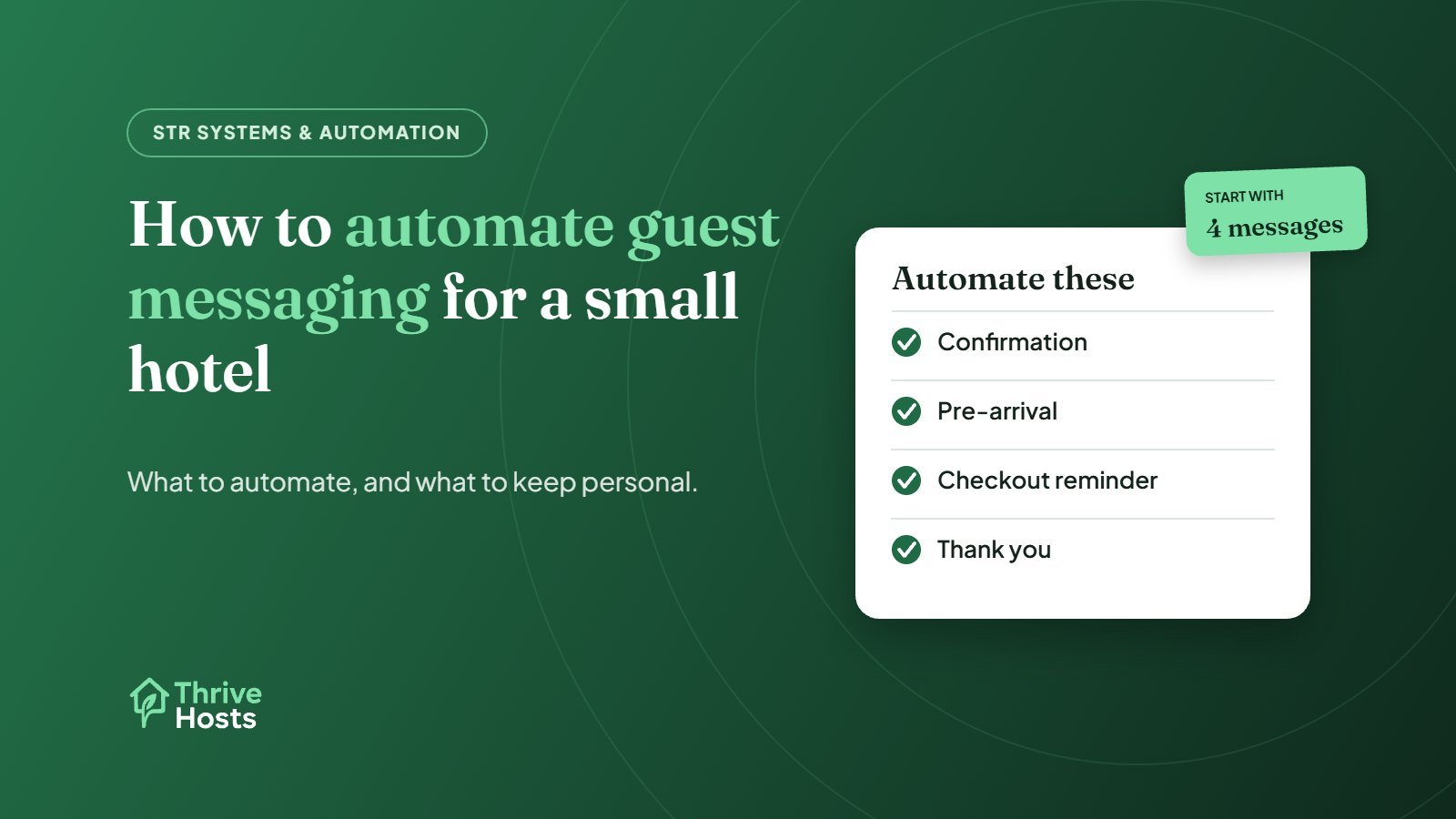
Automating guest messaging at a small hotel means sending the predictable messages, such as booking confirmations, pre-arrival information and checkout reminders, automatically, while keeping a person on the messages that need judgement. Done well, it cuts the number of questions guests ask and frees the team for the conversations that matter. Done badly, it produces generic messages guests ignore and replies that do not answer the question.
What to automate
- Booking confirmation: a short, friendly confirmation with key details and how to contact you.
- Pre-arrival message: sent a day or two before arrival with check-in times, parking, directions and late-arrival instructions.
- Arrival-day message: where relevant, a reminder with reception hours and who to contact.
- During-stay check: optional, a brief message the morning after arrival asking if everything is fine.
- Checkout reminder: checkout time and how to return keys.
- Post-stay thank you: a short thank-you, sent after checkout.
These messages are the same for most guests, which is what makes them safe to automate. Our guide to hotel pre-arrival messages includes wording you can adapt.
What to keep personal
Anything that depends on the guest’s situation needs a person: special requests, date changes, complaints, payment questions, early check-in and late checkout, and anything involving a problem in the room. Automated replies to these frustrate guests, because they answer a question the guest did not ask. The goal of automation is to give the team time for these messages, not to replace them.
Where to set it up
There are usually two options. The first is the OTAs’ own tools. Booking.com, for example, lets partners save message templates, set automatic replies and schedule answers to common questions before check-in or after booking. The second is your PMS or a guest messaging tool, which can send scheduled messages across channels from one place. If you sell on several OTAs, a central tool is usually easier to maintain, because you update a template once rather than on every platform. Our article on PMS and channel managers for small hotels covers what to look for.
A simple schedule to start with
For a 25-room independent hotel, a workable starting point is four automated messages: a confirmation as soon as the booking arrives, a pre-arrival message two days before arrival, a short checkout reminder the evening before departure, and a thank-you the day after checkout. Add a late-arrival message that goes only to guests whose arrival time is after reception closes. Leave everything else manual for the first month, then look at which questions guests still ask and decide whether another automated message would answer them. Starting small makes it easier to keep every template accurate.
Write templates that sound like your property
Keep templates short, specific and written in your normal voice. Include the details guests actually need, such as which entrance to use after 10pm, whether parking is free, and how to reach someone, rather than general welcome language. Use the guest’s name and dates where your tool supports it. Avoid sending access codes or sensitive details too early, and never paste them into templates that go to every guest.
Keep one master version
The most common automation problem is outdated templates. Policies change, breakfast hours move, the parking arrangement changes, and nobody updates the automated messages on Expedia. Keep a single master document of approved messages and update every channel and tool the same day something changes. This also keeps wording consistent across your OTAs.
Watch what guests still ask
After automating, track the questions guests still send. If several guests ask where to park after receiving the pre-arrival message, the message is not clear enough. Review this monthly and adjust. The volume of routine questions is a good measure of whether your automation is working.
Automation still needs an owner
Automated messages create replies. Someone needs to read them, answer them and act on them, including outside desk hours. Our OTA inbox management workflow covers that ownership. For short-term rentals, our guide to automating Airbnb guest messaging covers the same ideas in a rental setting.
If you would rather have this set up and run for you, our guest messaging service builds the templates and schedules, then covers replies around the clock. It is often part of wider hotel and motel operations support.
Want automated messages that still feel personal?
Thrive Hosts sets up guest message templates and schedules for small hotels and motels across your OTAs and PMS, and covers the replies that need a person.
Explore guest messaging
Bruce J is the CEO of Thrive Hosts and leads the short-term rental team. He works on the operations and performance side of STR: guest communication, pricing and calendar discipline, turnovers, issue tracking and owner reporting across Airbnb, Vrbo and Booking.com. On the blog he writes practical, no-fluff guides for owners and operators who want their rentals to run more consistently.