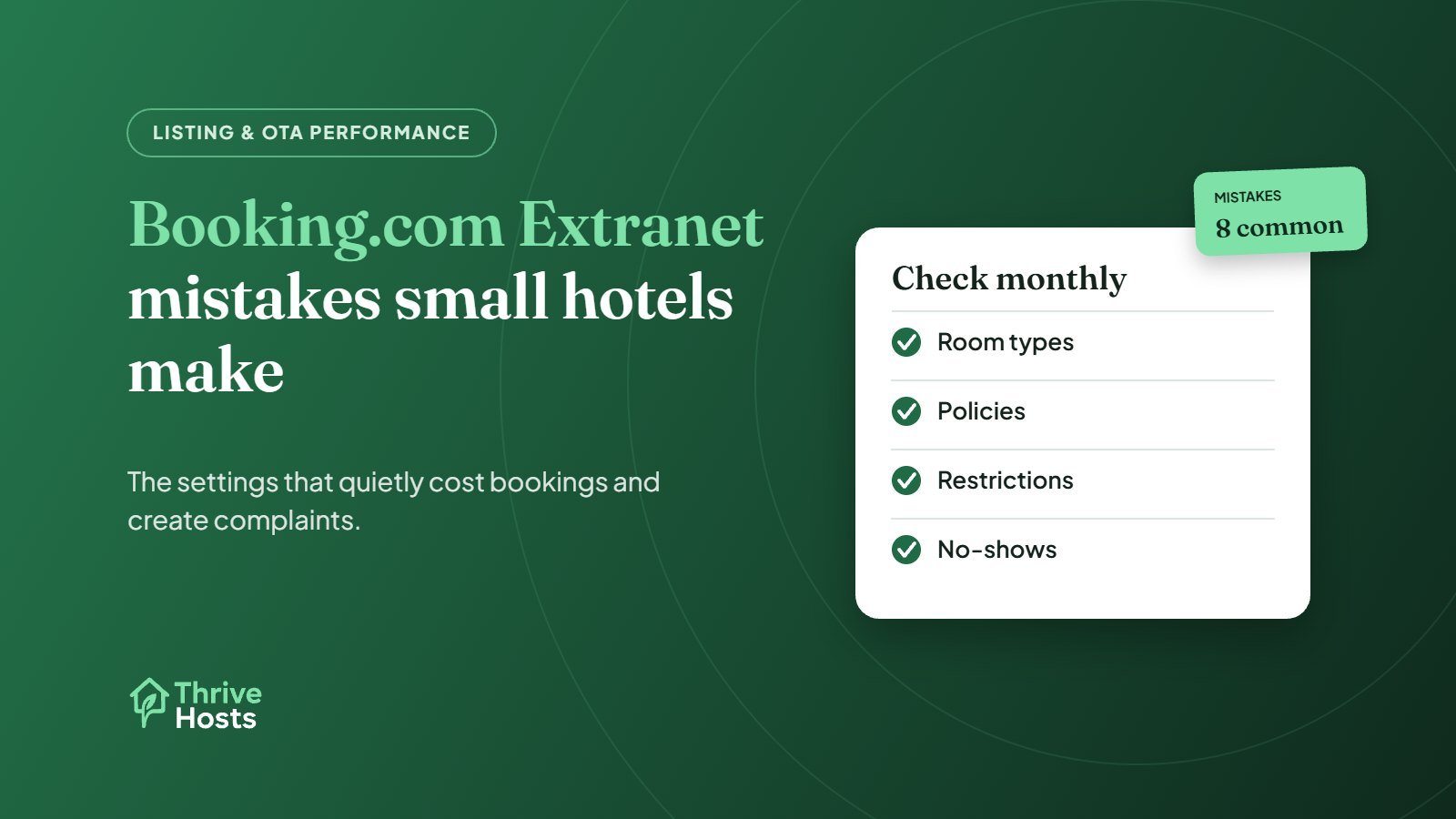
Most problems small hotels have on Booking.com do not come from the platform. They come from settings in the Extranet that were filled in once, years ago, and never checked again. A wrong room description, a policy that contradicts the website or a forgotten restriction can cost bookings, create complaints and add hours of messages. These are the mistakes we see most often, and how to fix them.
1. Room types that do not match the real rooms
Independent properties often list room types that made sense when the property joined Booking.com but no longer match reality. A room renovated from twin to double, a family room that now sleeps three not four, or a “sea view” that is a partial view from two of the six rooms. Guests book what the page says, then complain at check-in.
Walk the property with the Extranet open. For each room type, check bed configuration, maximum occupancy, size, view, bathroom type and facilities. If only some rooms in a category have a feature, either split the room type or remove the feature from the description.
2. Policies that contradict the website and other OTAs
Cancellation terms, check-in times, pet rules, deposits and payment methods often differ between Booking.com, Expedia and the hotel’s own website. Guests notice, and the front desk ends up arguing about which version applies. Pick one set of policies, write it down, and update every channel on the same day. Our guide to keeping listings consistent across channels covers this in more detail.
3. Forgotten restrictions and closed dates
Minimum stays, closed-to-arrival settings and stop-sells are useful tools, but they are easy to forget. A two-night minimum added for a local event can stay in place for months, blocking single-night bookings on quiet weekdays. Set a monthly reminder to review restrictions on the calendar, and remove anything whose reason has passed. If you use a channel manager, check restrictions there as well, because changes made directly in the Extranet can be overwritten by the next sync.
4. Making changes in two places
When a property uses a channel manager, rates and availability should normally be changed in one system only. A common source of overbookings is a staff member closing a room directly in the Extranet while the channel manager keeps sending the old availability, or the other way round. Agree where each type of change is made and write it into the team routine.
5. Treating the Extranet inbox as optional
Booking.com guests are encouraged to message properties through the platform, and those messages appear in the Extranet inbox and the Pulse app. Guests reply to the property using an alias email ending in @guest.booking.com, so the conversation stays on the platform. Booking.com also gives partners a Reply Score based on how quickly they respond, and a 14-day limit to reply to a guest message.
If nobody is assigned to that inbox, guests resend questions, phone the desk or arrive frustrated. Our OTA inbox management workflow explains how to give the inbox a clear owner.
6. Weak photos and a misleading main image
The first photo does a lot of work in search results. Many small hotels lead with an exterior shot taken on a grey day, or a lobby guests barely use. Lead with the photo that best represents what most guests are buying, which is usually a well-lit room, and make sure every room type has its own accurate photos. It is also worth acting on any prompts in the Extranet about missing property information. Our guide to Booking.com listing optimization covers photos and descriptions in more depth.
7. Not marking no-shows and invalid cards in time
When a guest does not arrive, or a card on a reservation is invalid, Booking.com has processes in the Extranet for reporting it, and they only work within limited windows after the check-in date. If a no-show is not reported in time, Booking.com may still invoice commission on that reservation. Make no-show and invalid-card checks part of the morning routine after each arrival day. We cover the wider process in how small hotels should handle cancellations and no-shows.
8. Ignoring review replies
Booking.com lets properties reply to guest reviews through the Extranet or the Pulse app. Replies are checked by Booking.com before they are published, must follow its content guidelines, and need to be written in the language of the review or in English. Existing replies can only be edited or removed in the Extranet. A short, specific reply to recent reviews, especially critical ones, shows future guests that someone is paying attention. See how motels should respond to guest reviews for examples.
A simple monthly Extranet check
- Room types, occupancy and facilities match the real rooms
- Policies match the website and other OTAs
- Restrictions and closed dates still have a reason
- Photos are current and the main image is strong
- Inbox has an owner and no unanswered messages
- No-shows and invalid cards have been handled
- Recent reviews have replies where useful
None of this needs someone in the building. It needs someone with time and a routine. If your team does not have either, our hotel and motel operations support covers extranet upkeep alongside the OTA inbox and reporting. You can also estimate what Booking.com costs you per reservation with our free calculator.
Want your Booking.com Extranet kept accurate?
Thrive Hosts supports independent hotels and motels with extranet content, restriction checks, the OTA inbox and review replies, working inside your accounts with the permissions you set.
See hotel & motel operations
Bruce J is the CEO of Thrive Hosts and leads the short-term rental team. He works on the operations and performance side of STR: guest communication, pricing and calendar discipline, turnovers, issue tracking and owner reporting across Airbnb, Vrbo and Booking.com. On the blog he writes practical, no-fluff guides for owners and operators who want their rentals to run more consistently.