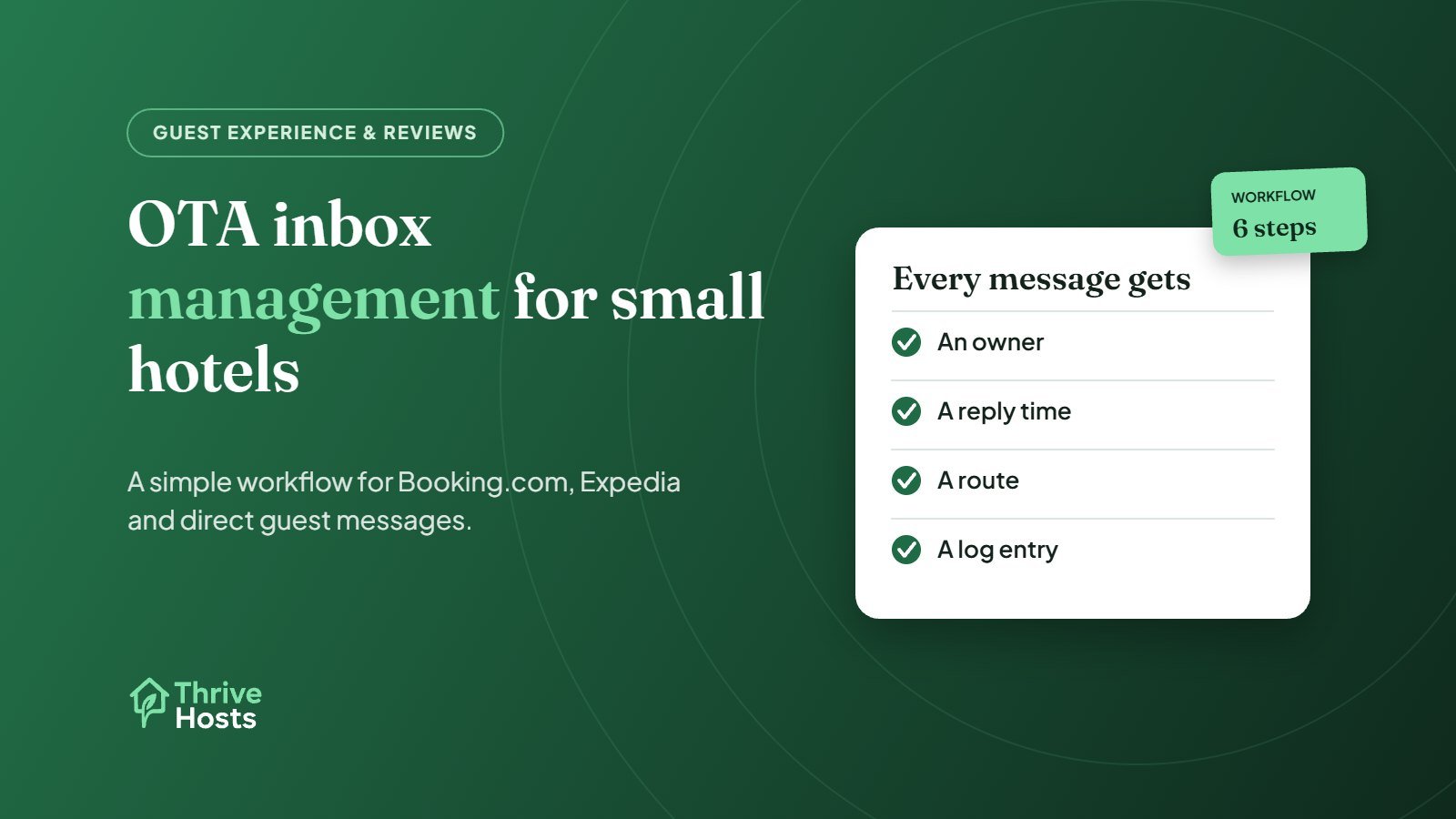
OTA inbox management is the routine of reading, answering, routing and closing every guest message that arrives through your booking channels, so no reservation conversation is missed and every reply matches what the property actually offers. For a small hotel or motel, that usually means Booking.com, Expedia, possibly Airbnb, and direct emails or website enquiries, each with its own inbox, notifications and rules.
The problem is rarely the volume of messages. It is that nobody clearly owns them. The front desk answers what it sees, the owner checks Booking.com in the evening, and Expedia messages sit unread until a guest calls. This guide sets out a workflow that works with a small team.
Why OTA messages slip at small properties
Most independent hotels and motels were set up around the phone and the front desk. OTA messaging was added later, one channel at a time. Booking.com messages live in the Extranet inbox or the Pulse app. Expedia messages sit in its partner tools. Airbnb has its own app. Direct enquiries land in a shared email address. Each one sends notifications to whoever set it up years ago.
The result is predictable. A guest arriving after 10pm asks about parking through Booking.com at 4pm. Nobody sees it, so they ask again, then phone, then arrive annoyed. None of that is a staffing problem. It is an ownership and visibility problem.
Step 1: List every inbox and who receives its notifications
Start with a simple inventory. For each channel, write down where messages appear, who gets the notification, and whether your PMS or channel manager pulls messages in. You may find that Booking.com notifications go to a former manager’s email, or that nobody has the Expedia app installed. Fix those first. It is the cheapest improvement you will make.
If your PMS or channel manager offers a unified inbox that supports your main channels, use it as the default place to work. Check which channels it actually supports for messaging, because some tools sync reservations from an OTA but not its messages.
Step 2: Give the inbox an owner for every hour
Decide who is responsible for the inbox at each point in the day, including evenings, weekends and the overnight gap when nobody is on the desk. Ownership does not mean one person answers everything. It means one person is accountable for making sure every message is answered or routed. Write the handover into the shift routine: the desk hands the inbox to the evening owner, and the morning shift starts by clearing anything that came in overnight.
Booking.com shows partners a Reply Score in the Extranet, based on how quickly you respond to guest messages, and gives you 14 days to reply to a guest message before the conversation times out. Treat those as minimums. A guest asking about late check-in needs an answer the same day, not within two weeks. Our guide on how fast hotels should reply to guest messages covers realistic targets.
Step 3: Sort messages into three buckets
Every message falls into one of three types, and each needs a different action:
- Answer now: questions you can resolve from the reservation and your standard information, such as parking, check-in times, breakfast or directions.
- Route: requests someone else must act on, such as an early check-in that depends on housekeeping, an extra bed or a refund request that needs the owner.
- Escalate: anything urgent or sensitive, such as a guest locked out after hours, a safety concern or a complaint about the room during the stay.
Routing is where most small properties lose track. If a guest asks for an early check-in, the person answering the inbox should send the request to housekeeping with the room number and arrival time, tell the guest it is being checked, and set a reminder to confirm. Without that loop, the guest hears nothing until they arrive.
Step 4: Build a short library of approved answers
Write approved answers for the 15 to 20 questions you get every week: parking, late arrival, luggage storage, pets, breakfast, check-in and checkout times, and what happens if the desk is closed. Booking.com lets you save message templates and set up automatic replies and scheduled answers. Use them, but keep the wording identical across channels so a guest booking through Expedia gets the same information as one booking direct.
Review the library when policies change. A common mistake is updating the extranet policy but leaving an old template that still promises free late checkout.
Step 5: Log anything that needs follow-up
A message thread is not a task list. When a guest reports a problem or asks for something that needs action, log it somewhere the team checks: a shared issue sheet, your PMS notes or a task tool. Record the room, the request, who owns it and when it was closed. This is also what lets you spot repeat problems, such as the same room being reported as noisy every week, which feeds straight into reducing common guest complaints.
Step 6: Review the inbox weekly
Once a week, look back at what came in. Which questions came up most? Which messages were answered late, and why? Which requests were routed but never confirmed? Ten minutes of review usually shows one or two fixes, such as adding parking details to the pre-arrival message or correcting a confusing extranet policy. Our article on Booking.com extranet mistakes covers the settings that most often generate avoidable questions.
When to bring in outside help
If your team is stretched, the inbox is often the first task worth handing over, because it is repetitive, time-sensitive and does not need anyone in the building. A remote team can monitor every channel, answer routine questions, route requests to your desk or housekeeping, and escalate urgent issues to the person on call. Physical issues still need your on-site staff. What changes is that nothing sits unanswered while they are busy.
If you want to see how that works in practice, read about our remote operations support for small hotels and motels.
Related reading: Direct bookings vs OTA commission.
Need the OTA inbox handled consistently?
Thrive Hosts helps independent hotels, motels and inns manage guest messages across Booking.com, Expedia, Airbnb and direct bookings, with escalation to your on-site team when something needs a person in the building.
Explore hotel operations support
Bruce J is the CEO of Thrive Hosts and leads the short-term rental team. He works on the operations and performance side of STR: guest communication, pricing and calendar discipline, turnovers, issue tracking and owner reporting across Airbnb, Vrbo and Booking.com. On the blog he writes practical, no-fluff guides for owners and operators who want their rentals to run more consistently.